Dexcom G5 Mobile System User Guide
100Starting a Sensor Session: Inserting Sensor, Transmitter, and Starting Your Session
(Continued from previous page)
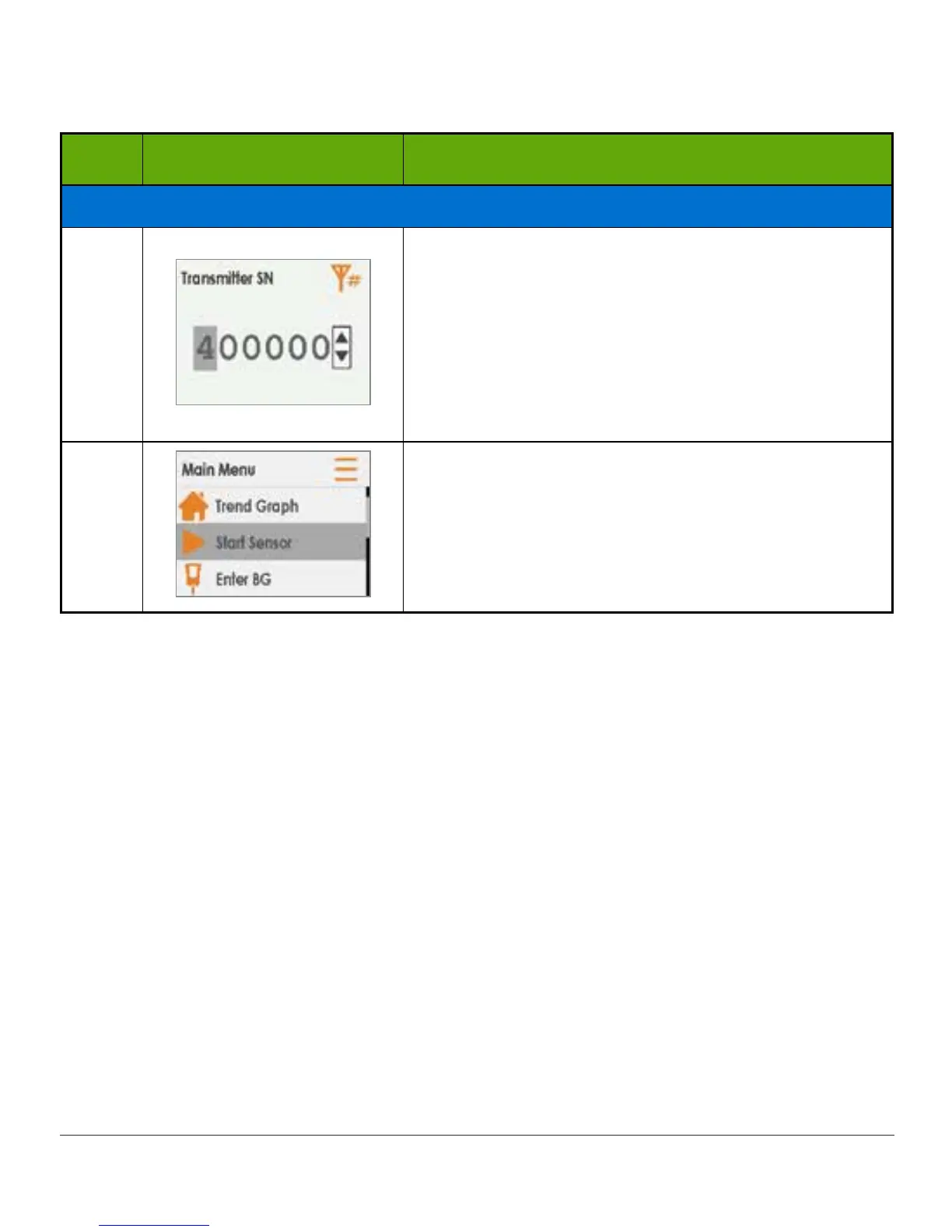
Step What you see What you do
If Wrong SN Entered
13
Enter correct SN using up/down arrows:
Press up/down arrows to select and enter
transmitter SN.
Press right arrow to move to next digit.
Press select button to save and close.
Press left arrow twice to return to Main Menu.
14
Start sensor session:
Press up/down arrows to highlight Start Sensor.
Press select button.
6.10 Sensor Session Warmup
The sensor takes about two hours to adjust to your body. While you are in the sensor warmup
period, you can customize your settings. Chapter 12, steps you through how to personalize
your Dexcom G5 display devices. Remember, during your warmup period, you will not get any
Alarm/Alerts or sensor readings. During this time, use your BG meter.
Once the sensor warmup is complete, you’re ready to enter your initial calibrations! The next
chapter shows you how.
Summary
Now You Can:
• Identify sensor applicator features
• Properly prepare for sensor insertion
• Choose the best location to insert your sensor
• Correctly insert your sensor



 To Next Page