Dexcom G5 Mobile System User Guide
279How to Take Care of Your Dexcom G5
15.4 Checking App and Receiver Information
CHECKING YOUR APP & RECEIVER SOFTWARE VERSION
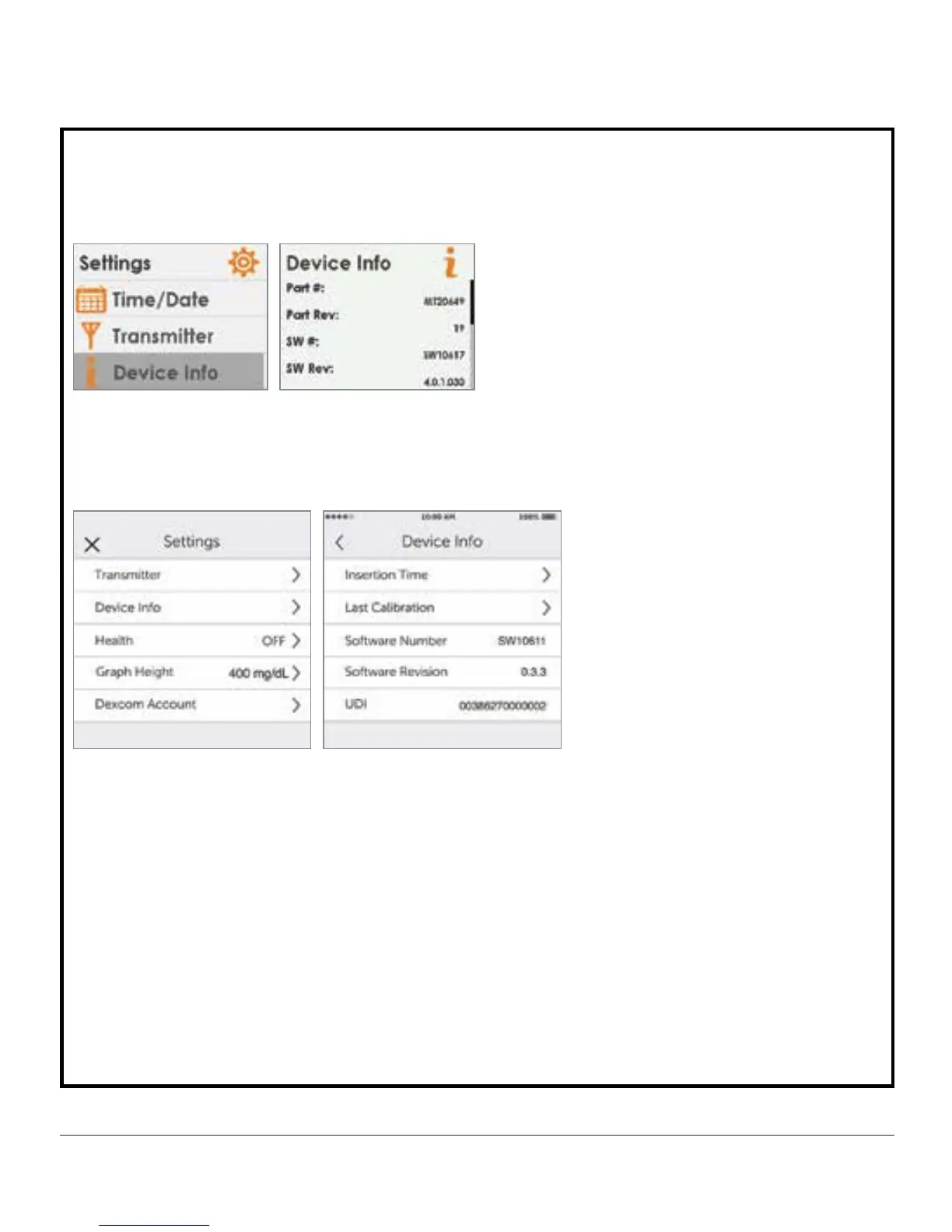
You can check your app or receiver for information about your CGM system at any time.
Receiver
1. From the Settings menu, press up/down arrows to scroll to Device Info.
2. Press select button to show information about your sensor session and system.
App
1. From Main Menu, tap
Settings.
2. Tap
Device
Info.
Available Information
• Insertion Time
• Last Calibration
• Transmitter Battery
• Transmitter SN
• Serial Number
• Part Number
• Part Revision
• Software Number



 To Next Page