Dexcom G5 Mobile System User Guide
200Daily Events Aect Your Glucose Trends and Patterns
(Continued from previous page)
Step What you see What you do
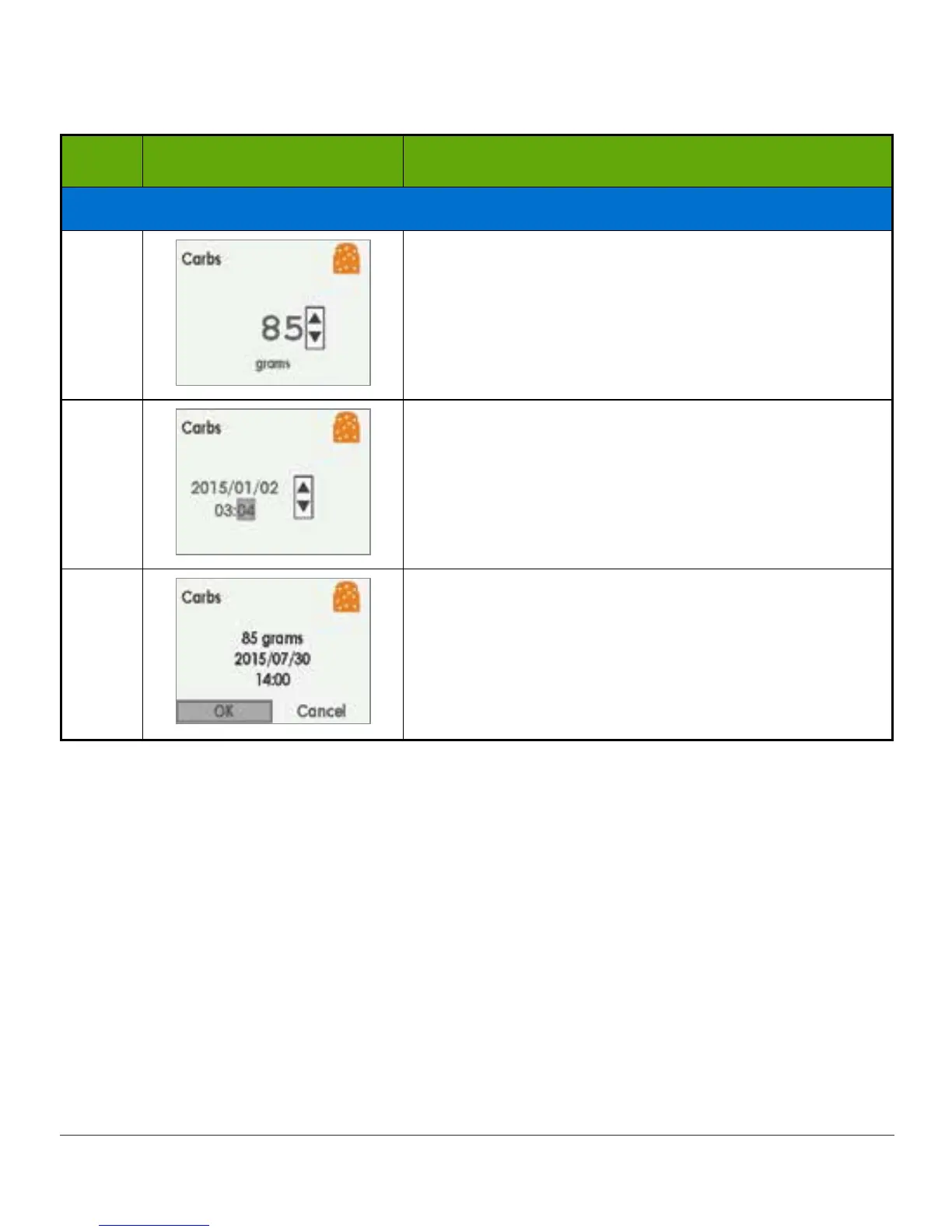
Enter Carbs Event
4
Add up all carb grams from lunch.
Press up arrow to “85.”
Press select button.
5
Press left/right arrows to change time and date.
• Left: Backward
• Right: Forward
Press select button.
6
Confirmation screen.
Press select button.
(Continued on next page)



 To Next Page