Dexcom G5 Mobile System User Guide
384Dexcom Share
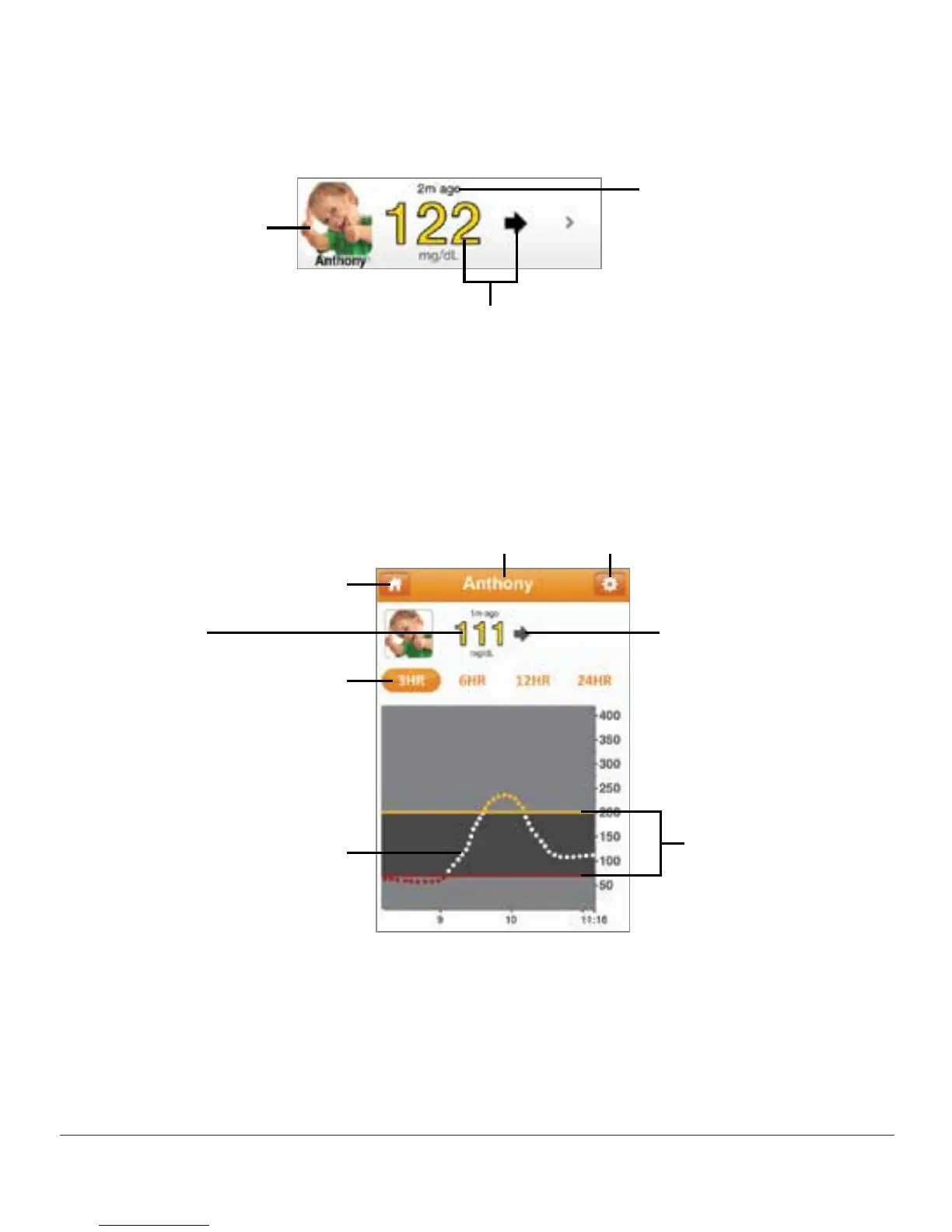
If you don’t allow your Followers to see your trend graph, they will only see your glucose
reading and trend arrow.
Sharer’s glucose reading
and trend arrow
Sharer’s picture
How long ago
the Sharer’s
glucose reading
and trend arrow
were last updated
Figure 12. Follower Information
If you choose to have your Followers see your trend graph, they see:
Sharer’s name Notification settings
Home icon
Time
duration
setting of
3, 6, 12 or
24 hours
Trend graph
Trend arrow
Sharer’s
glucose
reading
Glucose range
(between high
and low alerts)
Figure 13. Follower Information With Trend Graph



 To Next Page