Dexcom G5 Mobile System User Guide
128Ending Your Sensor Session and Transmitter Session
(Continued from previous page)
Device What you see What it means
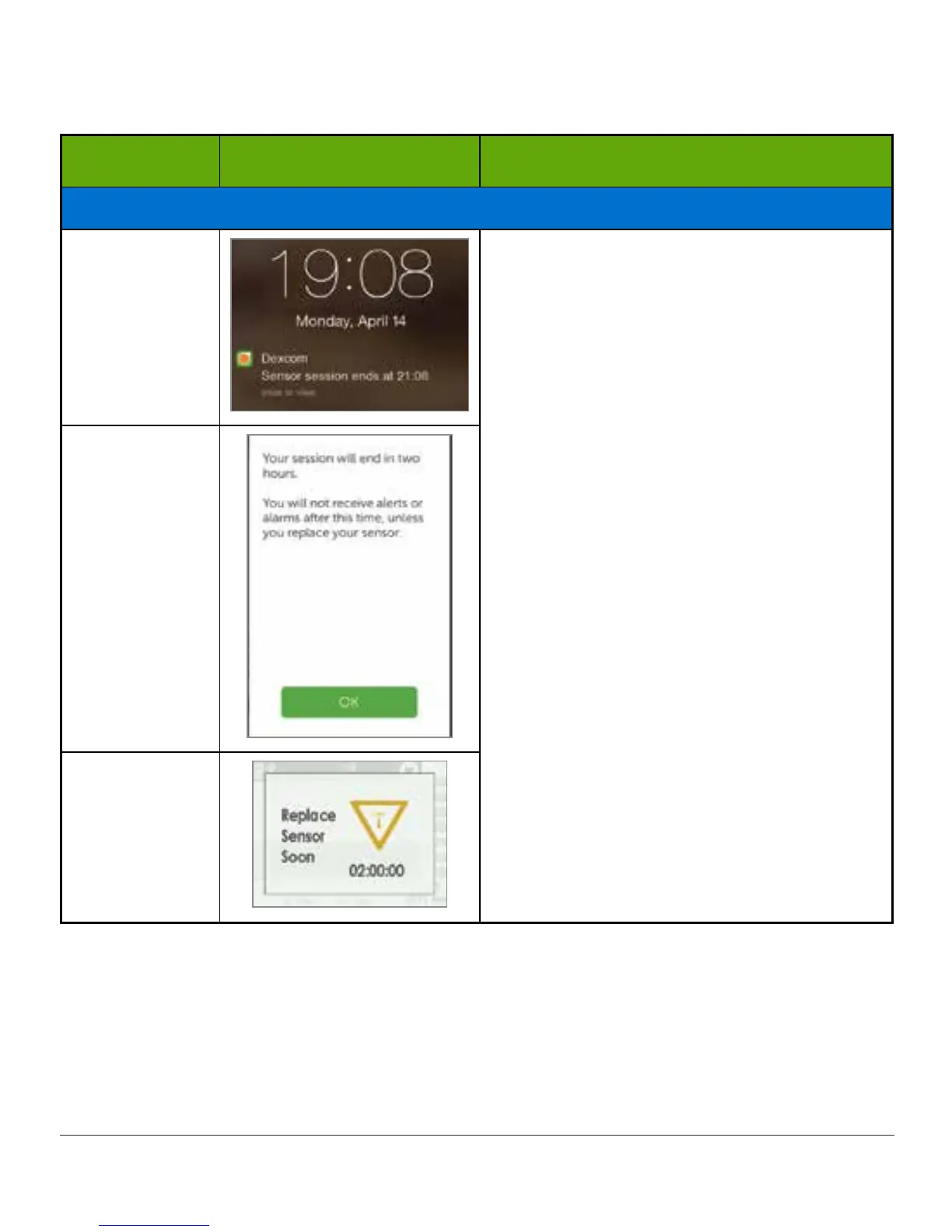
At Two Hours
Smart Device:
Lock Screen
Two hours remain on your current sensor
session.
Continue to get sensor glucose readings.
Smart Device:
In App
Receiver
(Continued on next page)



 To Next Page