Dexcom G5 Mobile System User Guide
131Ending Your Sensor Session and Transmitter Session
(Continued from previous page)
Device What you see What it means
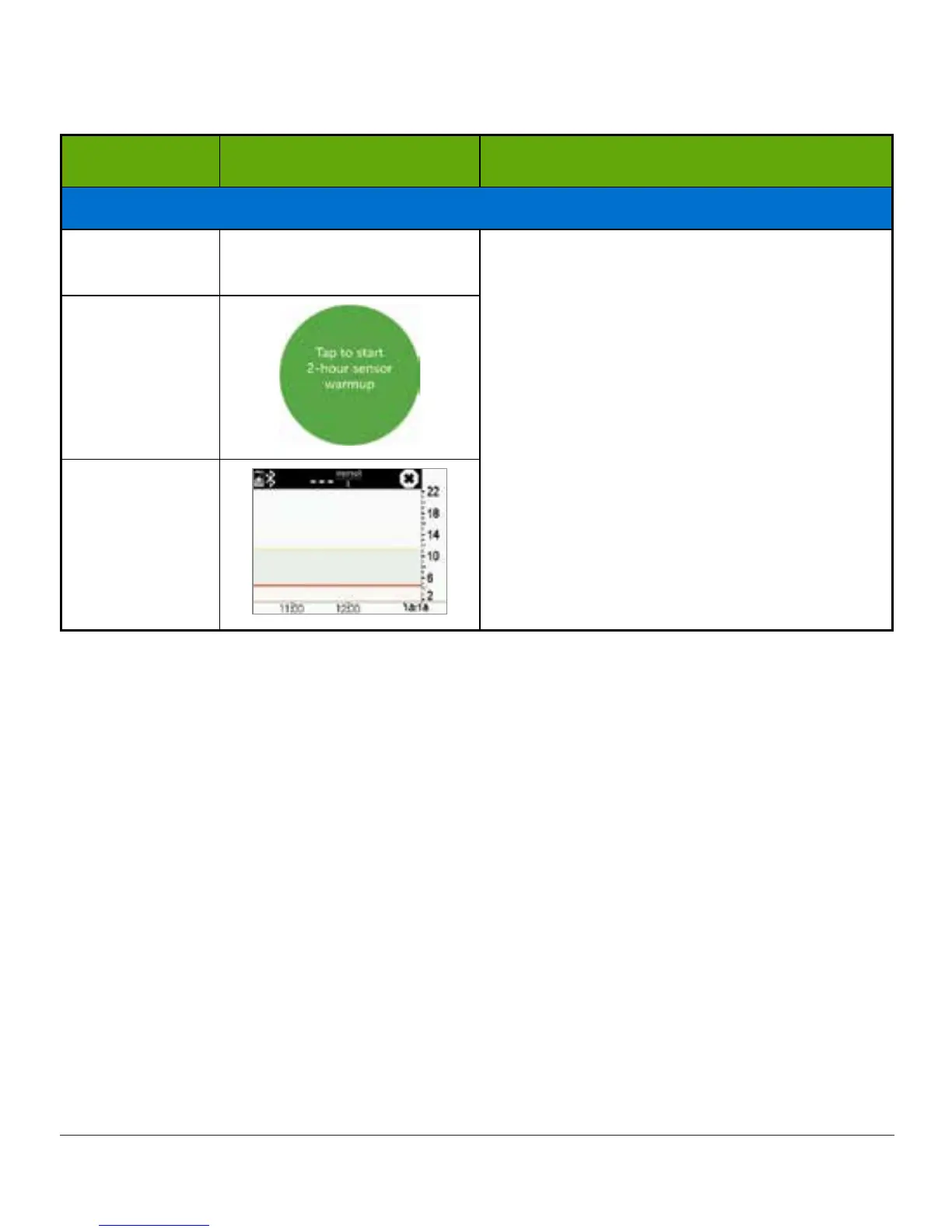
Session Stopped
Smart Device:
Lock Screen
N/A
Sensor session has stopped.
App:
• No sensor glucose readings
• Prompts for new session
Receiver:
• Straight line
• No sensor glucose readings
Smart Device:
In App
Receiver
Sound/Vibration Prompts
In case you can’t look at your screen, both the smart device and receiver provide sound/
vibration prompts to remind you your sensor session will end in 30 minutes, it has just
ended, or your sensor failed and you need to start a new session.
For more information on setting your sound/vibration prompts, please see Chapter 9.
Smart Device
Your smart device prompts you with a sound, and repeats every five minutes until confirmed.
Receiver
The receiver alerts you with an initial vibration prompts. If not confirmed, you receive a
sound/vibration twice, five minutes apart.
Once a sensor session has expired, you are ready to start your new session! If you’re not
sure what to do, the app will provide instructions, or you can refer to the Getting Started
Guide, view the online tutorials, or go to Chapter 6 in the user guide.



 To Next Page