Dexcom G5 Mobile System User Guide
144Ending Your Sensor Session and Transmitter Session
(Continued from previous page)
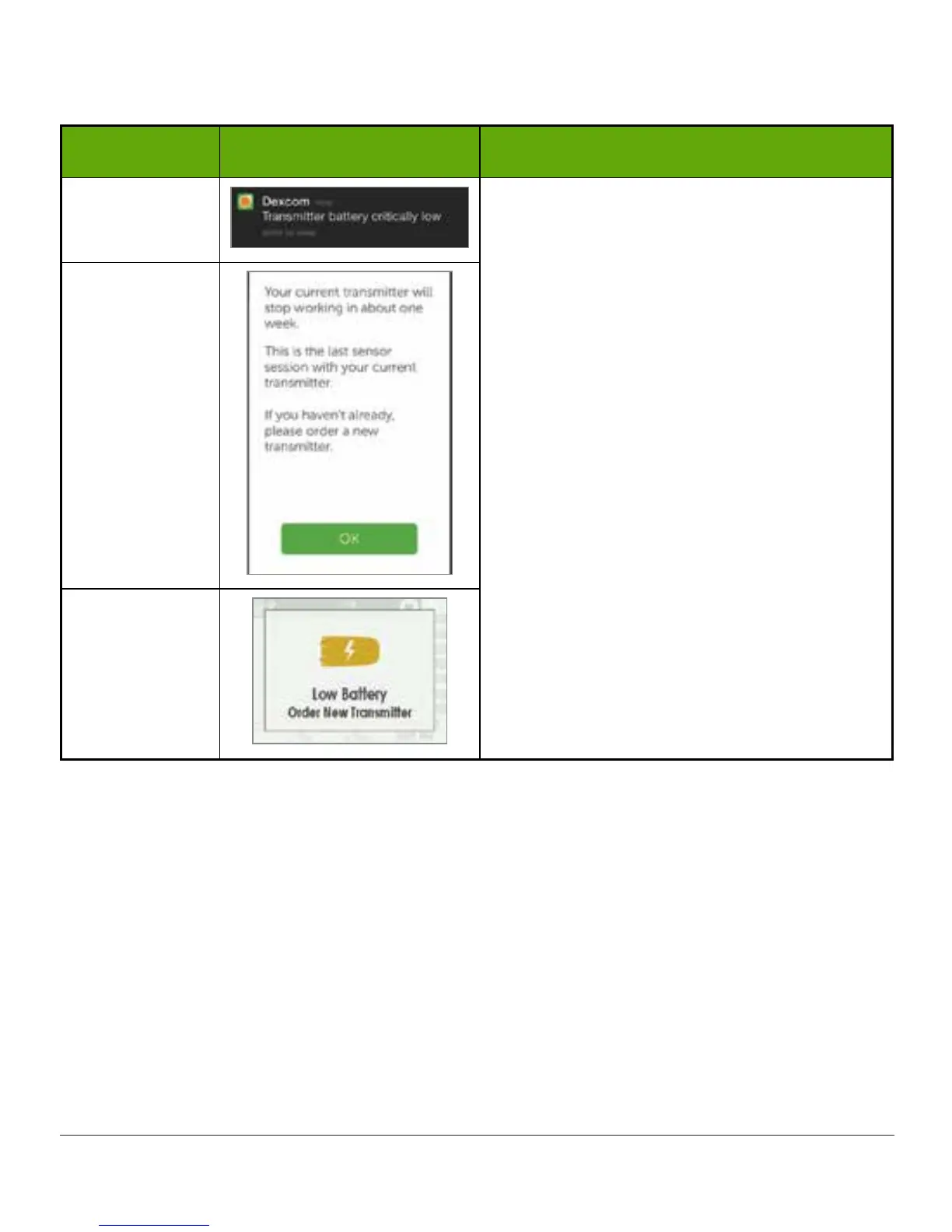
Device What you see What it means
Smart Device:
Lock Screen
Transmitter battery will expire in one week.
Order a new transmitter.
Smart Device:
In App
Receiver
To make sure you have a transmitter that’s ready for a new sensor session, you may want to
reorder a new one at storedexcom.com/order, by calling Customer Service (see Section 17.1),
or through the channels you used before, at your first low battery prompt.
8.6 Pair New Transmitter
Once the transmitter battery has died, before starting a new sensor session, you need to pair
your new transmitter with your display device(s). In Chapter 5 you learned how to pair your
transmitter using the setup wizard. But how do you pair a new transmitter once your display
device is already set up?
After inserting the sensor and putting the transmitter into the transmitter holder, pair the
transmitter before starting a new sensor session.



 To Next Page