Dexcom G5 Mobile System User Guide
158Home Screen, Rate of Change Arrows, and Errors
App Home Screen
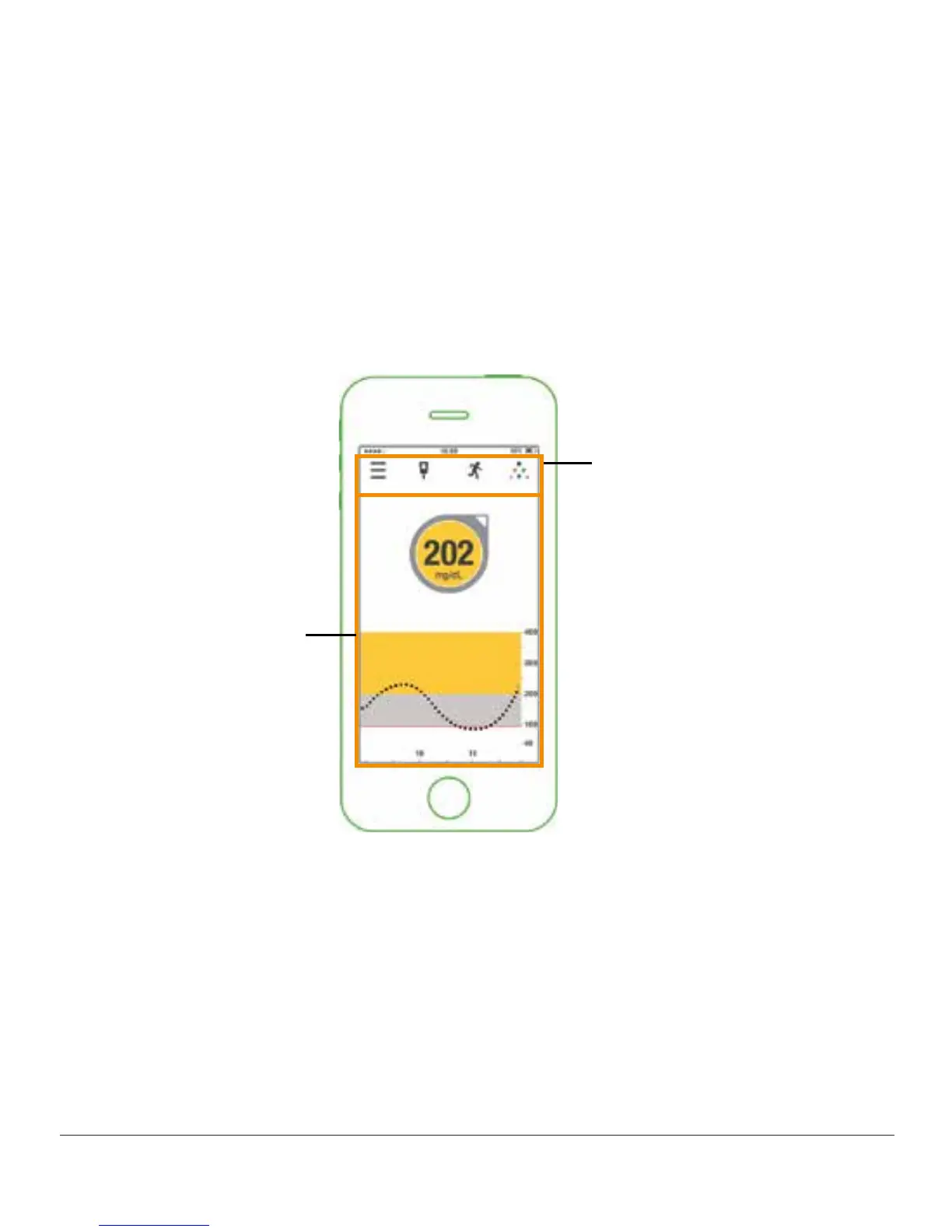
The app home screen has two main sections:
1. Task bar: Change settings, enter data, calibrate, and use Share.
2. Glucose information: Reflects glucose readings and trends.
Task Bar
Glucose Information
Figure 6. App Home Screen on Smart Device



 To Next Page