Dexcom G5 Mobile System User Guide
181Home Screen, Rate of Change Arrows, and Errors
(Continued from previous page)
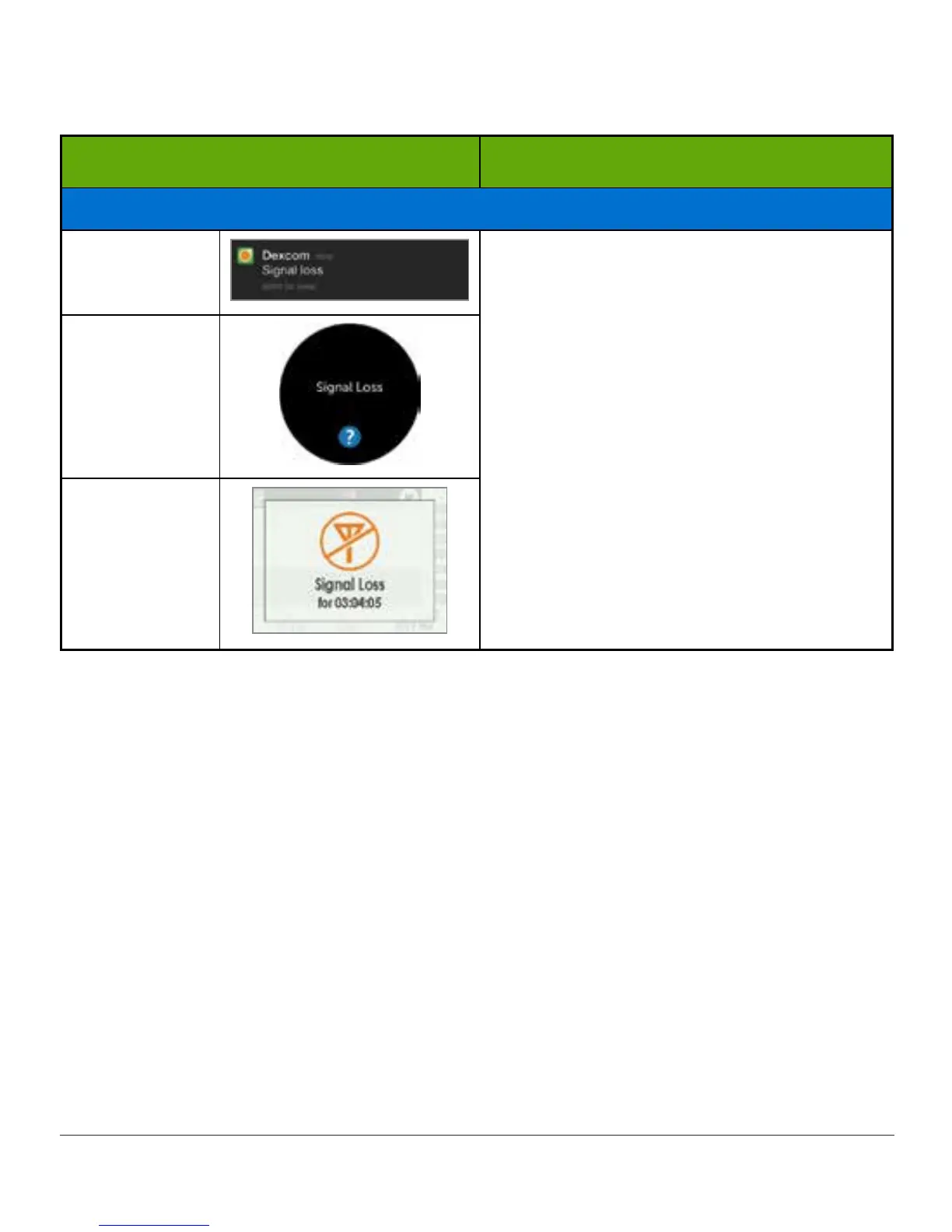
What you see What you do
Display Devices and Transmitter Not Communicating
Smart Device:
Lock Screen
Wait 10 minutes.
Move display device and transmitter within
20 feet of each other without obstruction
(walls or water).
Wait up to 30 minutes.
Smart device:
1. Restart smart device.
If error remains:
1. Open your device Bluetooth
settings.
2. Delete all Dexcom entries.
3. Pair your transmitter.
Smart Device:
In App
Receiver
If error messages don’t go away after you followed necessary steps and you aren’t getting
sensor glucose readings, contact Technical Support (see Section 17.1).
Now You Can:
• Recognize home screen icons
• Locate sensor glucose reading
• Explain glucose target range
• Recognize the importance of gray, yellow, and red colors
• Identify Low/High Glucose Alert levels on your trend graph
• Describe when you receive a high or low sensor glucose reading
• Change trend graph views
• Cite differences between rate of change arrows
• Recognize error messages



 To Next Page