Dexcom G5 Mobile System User Guide
189Daily Events Aect Your Glucose Trends and Patterns
(Continued from previous page)
Device What you see What it means What you do
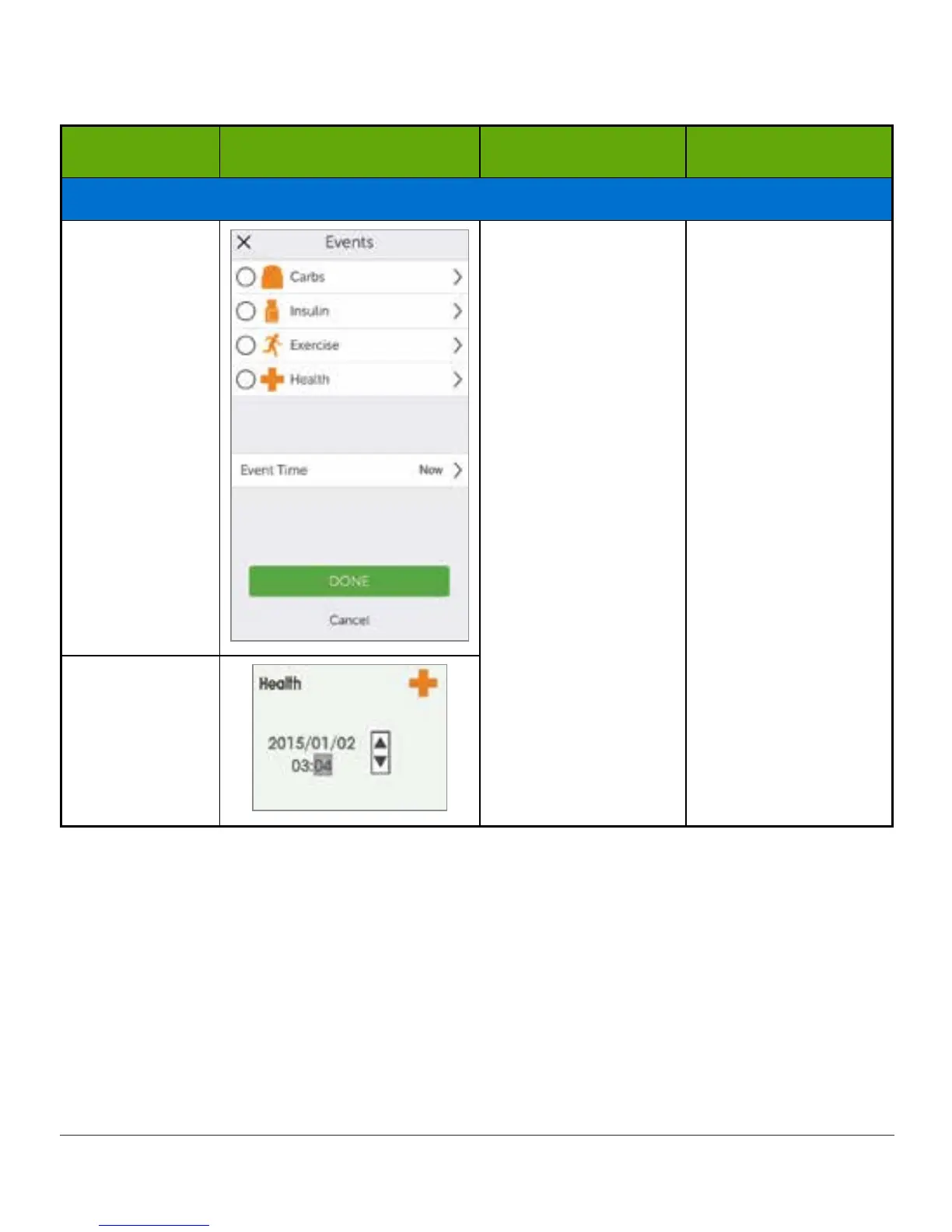
Event Time
Smart Device:
In App
Event time.
For each separate
Event, enter
date/time Event
began.
Receiver
As mentioned in the last table, the Health category has a series of Events. Tell the system
how you are feeling, if you had a drink, if you’re having low or high BG symptoms, etc. You
select the Event: no amounts are entered, just date and time.



 To Next Page