Dexcom G5 Mobile System User Guide
198Daily Events Aect Your Glucose Trends and Patterns
(Continued from previous page)
Step What you see What you do
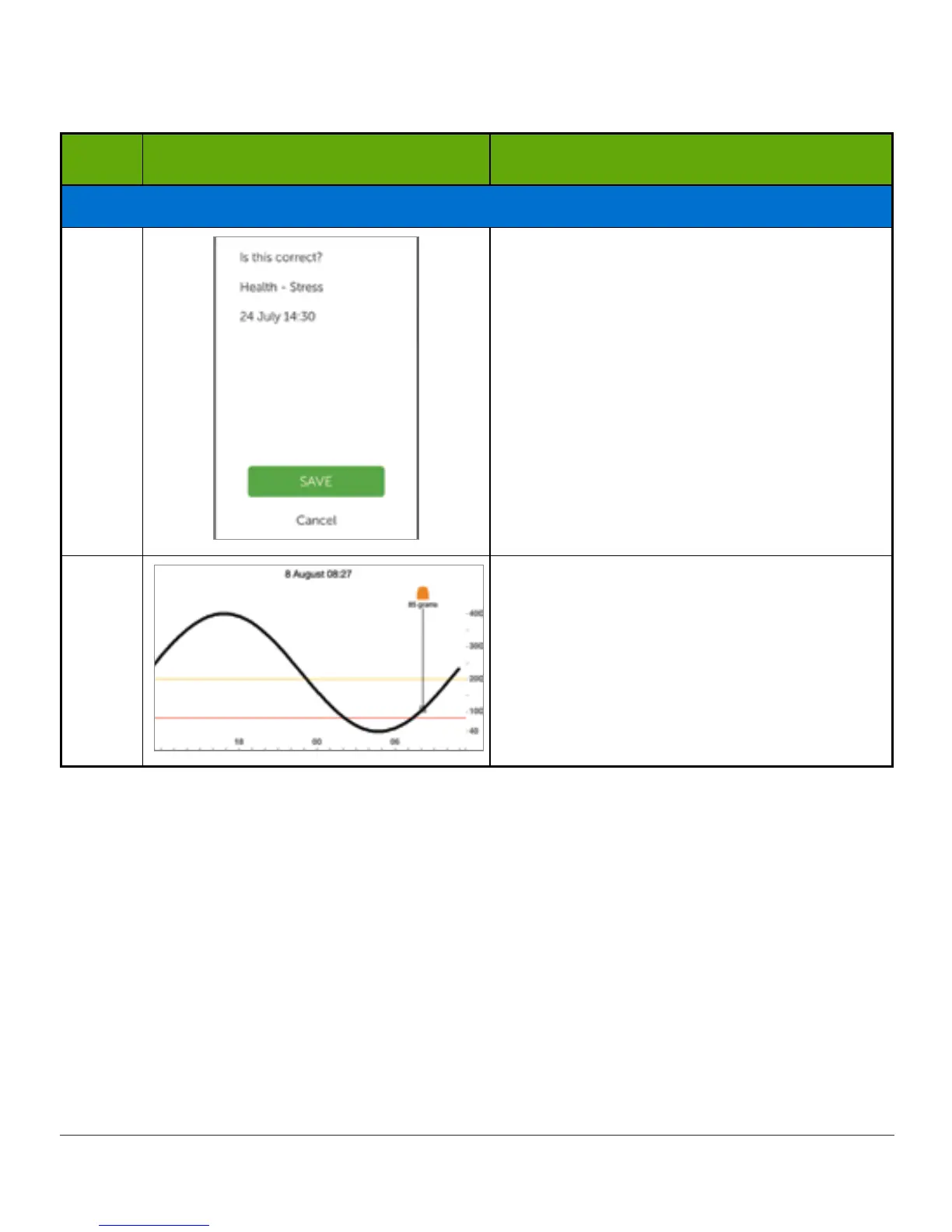
Enter Stress Event
12 Tap Save or Cancel.
13
Turn to landscape.
The receiver and app don’t talk to one another. If you enter an Event only into the receiver,
while the information will appear on Dexcom reports, you won’t get an Event marker on your
app’s Trend screen.
The app has Event markers on its screen, the receiver doesn’t.
There may be times when you want or need to enter Events on the Dexcom G5 receiver.



 To Next Page