Dexcom G5 Mobile System User Guide
213Sensor Glucose Alarm and Alerts
(Continued from previous page)
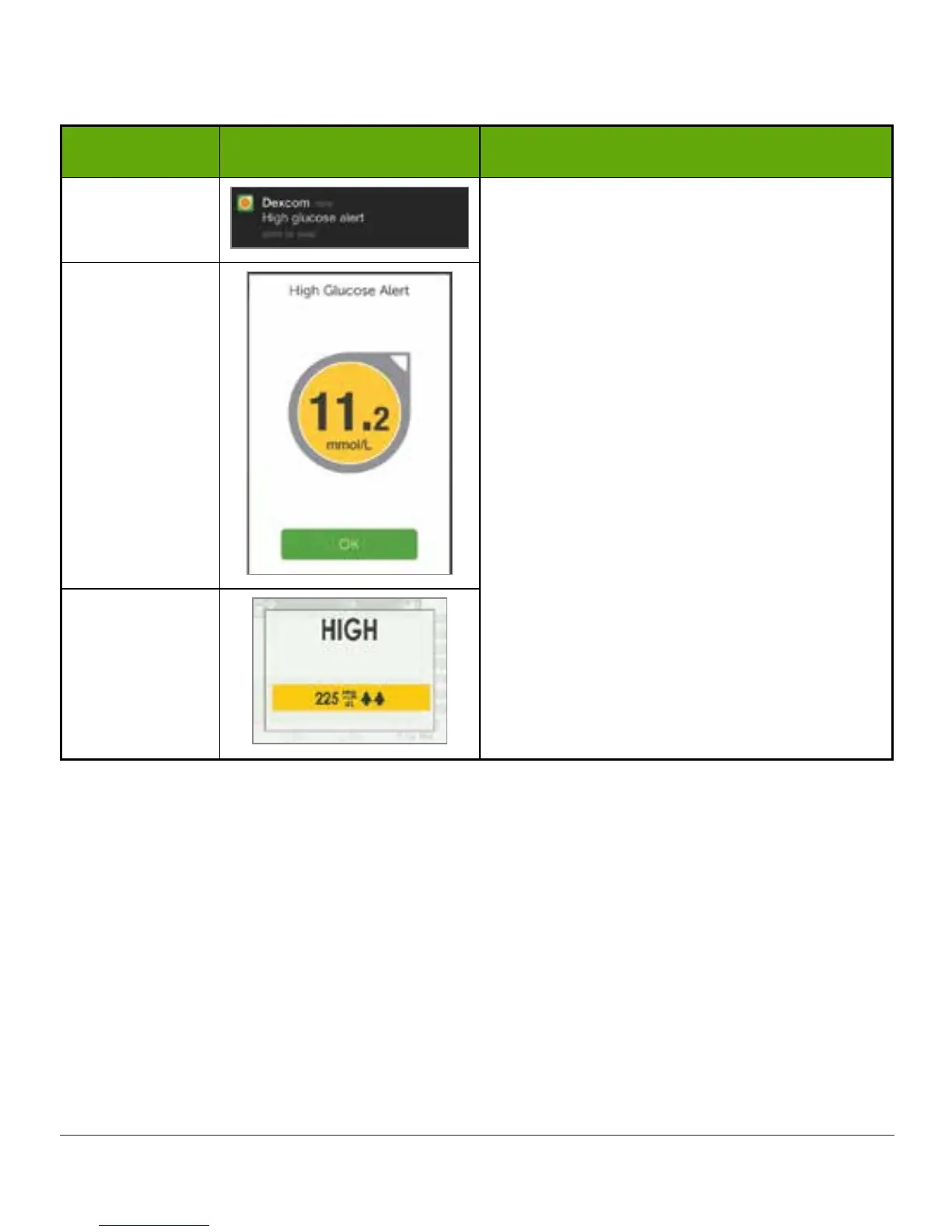
Device What you see What it means
Smart Device:
Lock Screen
Sensor glucose reading at or above your
High Glucose Alert level.
Shows most current sensor glucose
reading.
Arrows reflect rate of change.
Can be set to repeat between 15 minutes
to 4 hours.
Smart Device:
In App
Receiver



 To Next Page