Dexcom G5 Mobile System User Guide
227On the Go With G5: Customizing Your Alarm and Alerts
(Continued from previous page)
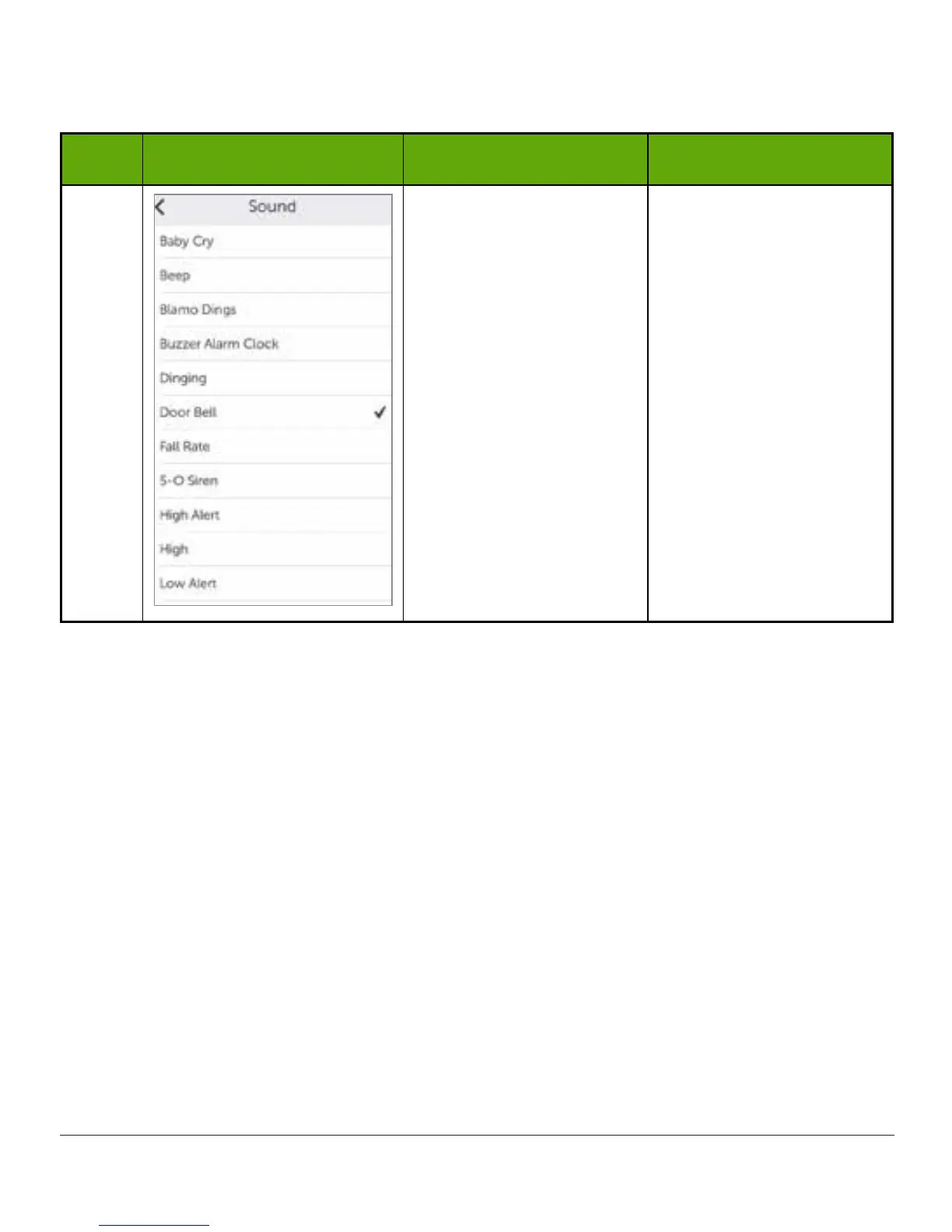
Step What you see What you do What it means
5
Urgent Low Glucose
Alarm:
• Preset at 55 mg/dL
and can’t be changed
• Repeat preset at 30
minutes and can’t be
changed
• Sound is the only
change option
Tap Sound to change
sound.
Steps to Customize App Alarm/Alerts
Although the results will vary depending on what Alarm or Alert you are customizing, the
steps to change your Alarm or Alerts are the same:
From app’s Main Menu:
1. Tap Alerts.
2. Tap the Alert you want.
a. Tap switch to turn Alert on/off.
3. Tap Notify me.
a. Change the Alert glucose level (mg/dL).
i. Scroll selection wheel to find your desired Alert level.
ii. Tap to highlight.



 To Next Page