EasyManua.ls Logo

Dexcom G5 Mobile - Page 245

Dexcom G5 Mobile
392 pages
Print Icon
To Next Page IconTo Next Page
To Previous Page IconTo Previous Page
Loading...
Dexcom G5 Mobile System User Guide
243On the Go With G5: Customizing Your Alarm and Alerts
(Continued from previous page)
Step What you see What it means What you do
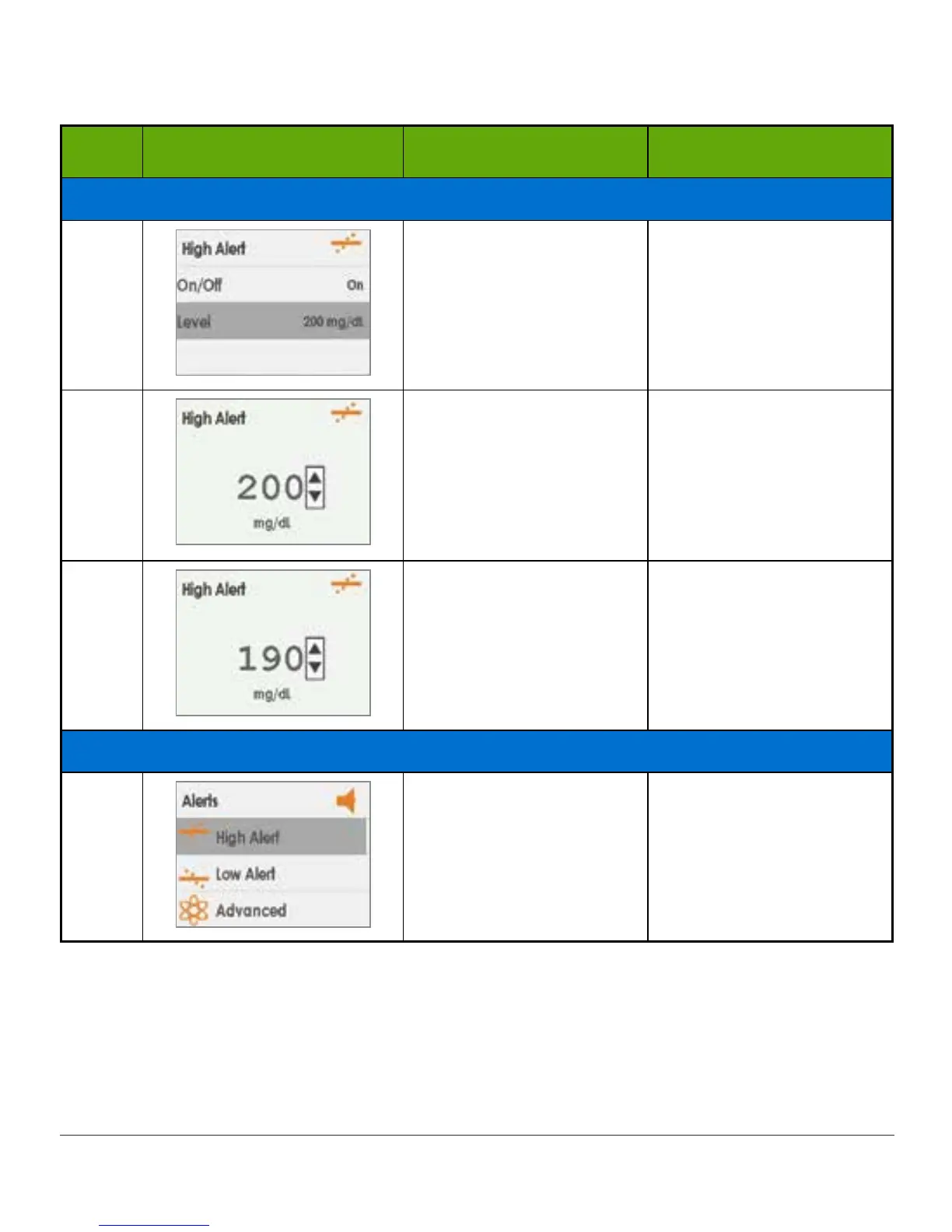
Change High Alert Level
5
Alerts current settings.
Change your current
High Alert level.
Press down arrow.
Stop at Level.
Press select button.
6
Current setting
Use Up/Down arrows to
change your High Alert
level (mg/dL).
Press down arrow.
Stop at 190 mg/dL.
7
Saves new High Alert
level.
Return to Alerts Menu.
Press select button.
To exit:
Press left arrow.
Turn on Repeat
8
Alerts Menu.
Choose Advanced to get
to Repeat Alert.
Press down arrow.
Stop at Advanced.
(Continued on next page)

Table of Contents

Other manuals for Dexcom G5 Mobile

Related product manuals