EasyManua.ls Logo

Dexcom G5 Mobile - Page 259

Dexcom G5 Mobile
392 pages
Print Icon
To Next Page IconTo Next Page
To Previous Page IconTo Previous Page
Loading...
Dexcom G5 Mobile System User Guide
257Using the Dexcom G5 Mobile CGM System for Treatment Decisions
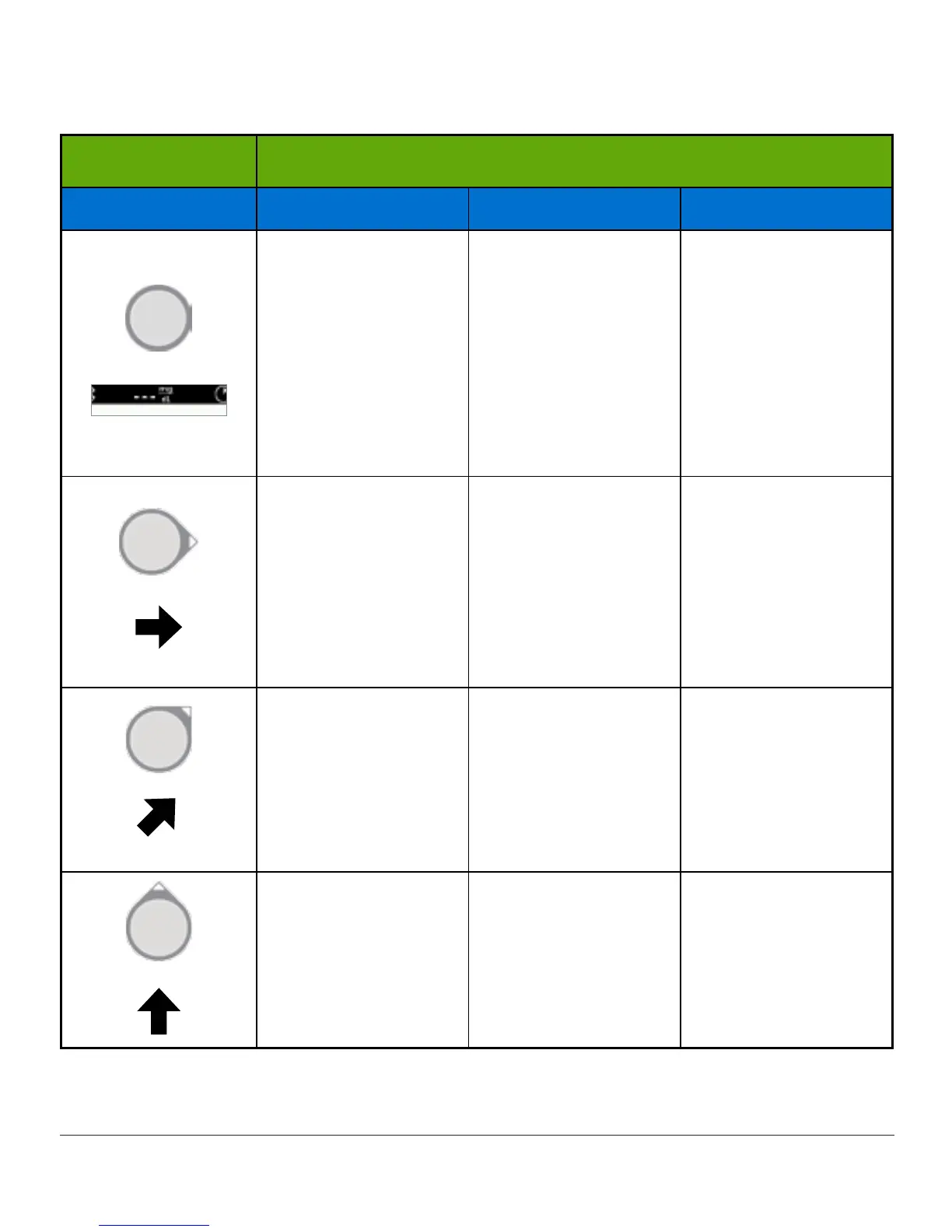
Trend Arrows
What you see Possible actions based on trend arrows
Arrows Low glucose High glucose Target glucose
No arrows/no
readings.
Don’t use your
Dexcom G5 for
treatment decisions!
Use you BG meter
for any treatment
decisions.
No arrows/no
readings.
Don’t use your
Dexcom G5 for
treatment decisions!
Use you BG meter
for any treatment
decisions.
No arrows/no
readings.
Don’t use your
Dexcom G5 for
treatment decisions!
Use you BG meter
for any treatment
decisions.
May need to eat a
snack or a fast-
acting carbohydrate.
May adjust insulin to
correct a high sensor
glucose reading to
reach target range.
Don’t stack insulin.
Based on last meal
or insulin dose, may
need to take insulin
or eat a snack to
stay within target.
range.
Don’t stack insulin.
Watch and wait.
May adjust insulin to
correct a high sensor
glucose reading to
reach target range.
Don’t stack insulin.
Based on last meal
or insulin dose, may
need to take insulin
to stay within target
range.
Don’t stack insulin.
Watch and wait.
Make sure you didnt
over-treat for a low.
May adjust insulin to
correct a high sensor
glucose reading to
reach target range.
Don’t stack insulin.
If you haven’t already
taken insulin with
a recent meal or
snack, you may take
insulin to stay within
target range.
(Continued on next page)

Table of Contents

Other manuals for Dexcom G5 Mobile

Related product manuals