Dexcom G5 Mobile System User Guide
61Set up Your Display Devices
(Continued from previous page)
Step What you see What you do
Setting up Your App Alarm/Alerts and Basic Settings
8a
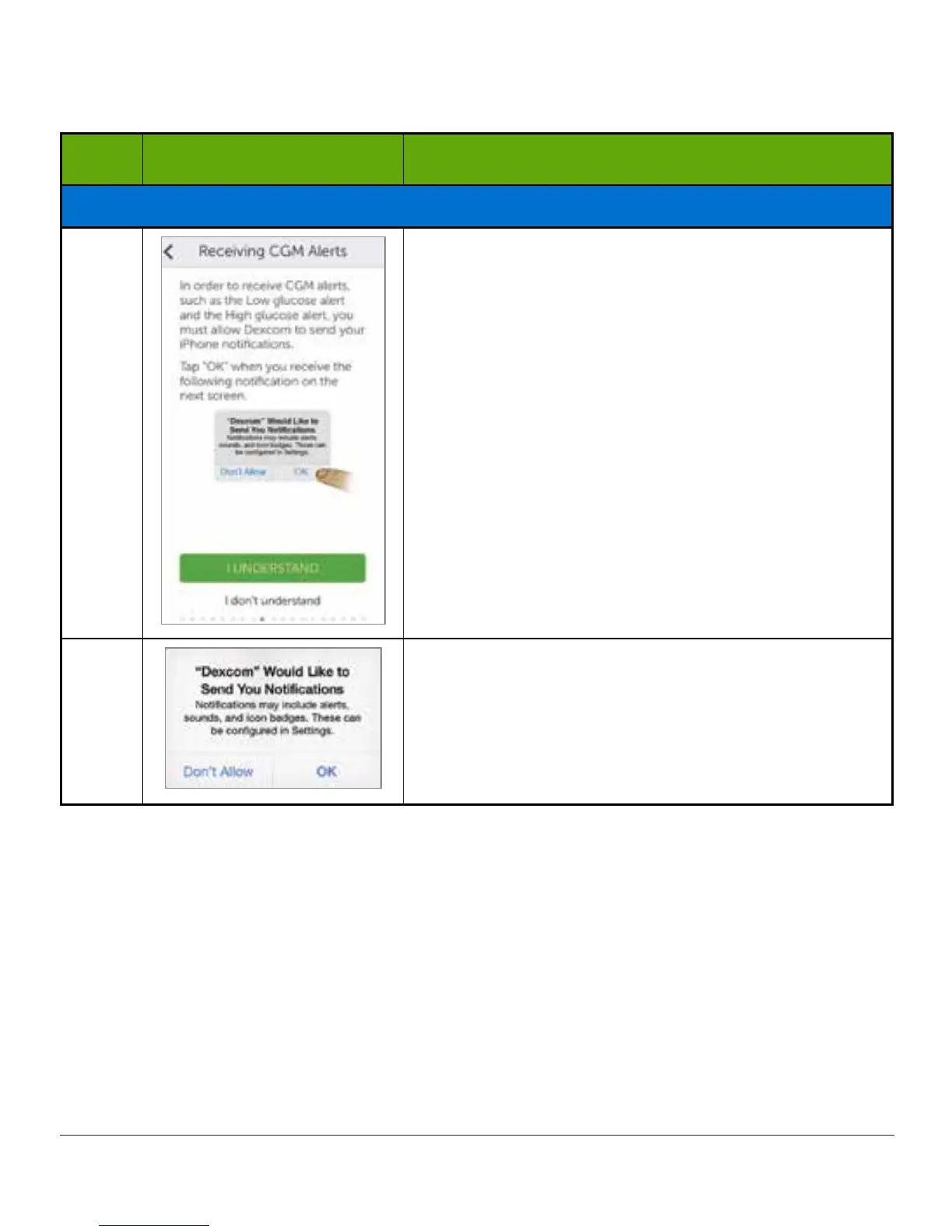
Make sure you get your Alarm/Alert notifications.
Tap the appropriate response to move forward and
set your notifications.
8b
Tap OK or Don’t Allow to receive Alarm/Alert
notifications.
(Continued on next page)



 To Next Page