Dexcom G5 Mobile System User Guide
67Set up Your Display Devices
(Continued from previous page)
Step What you see What you do
Connecting/Pairing Transmitter With App
16
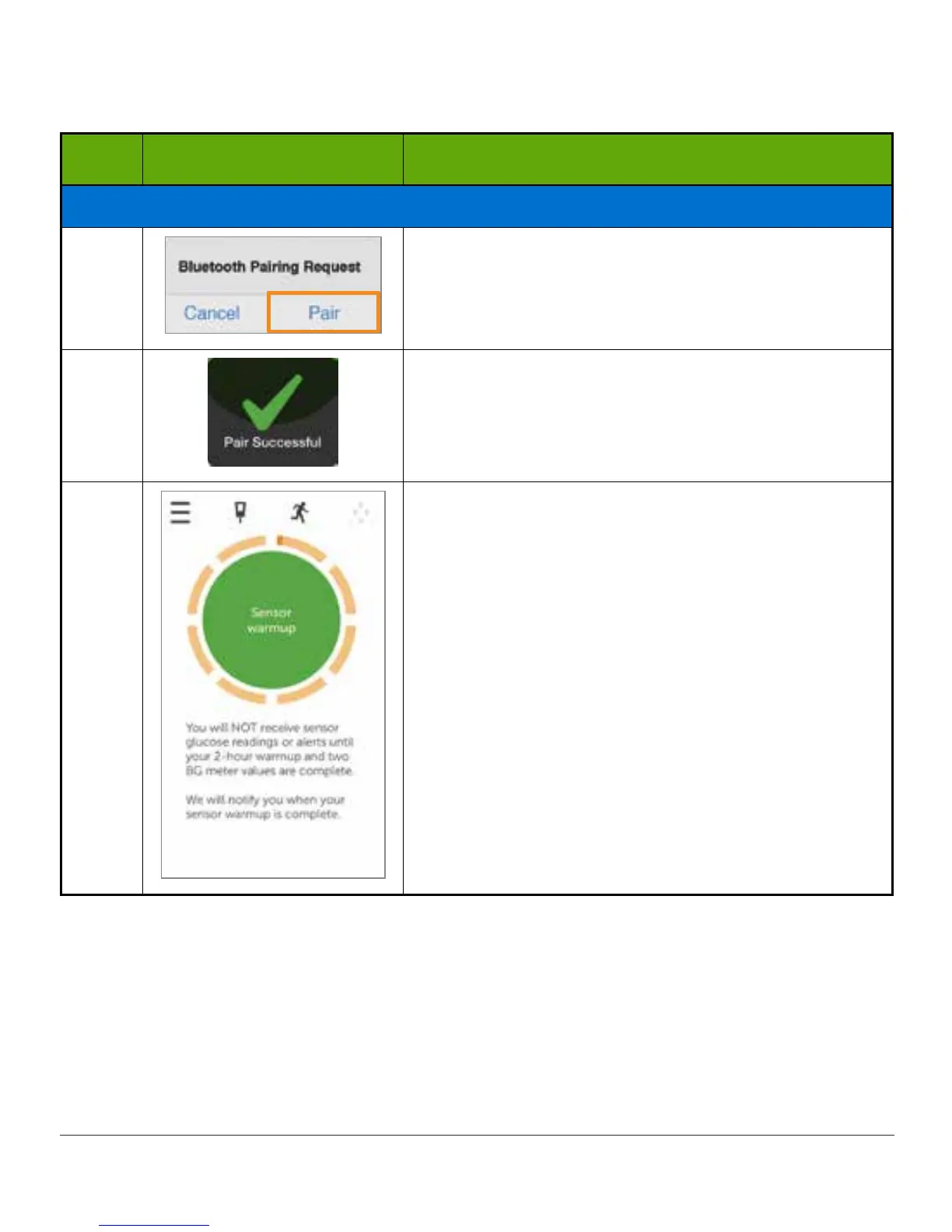
At prompt, tap Pair to pair app with smart device.
17
Make sure your transmitter and smart device have
paired before starting your sensor session.
18
Tap Sensor warmup circle to start your two-hour
sensor warmup.
Congratulations!
When you see the sensor warmup timer, your initial
setup is complete.



 To Next Page