29Chapter 4: Alarm and Alerts 29
Dexcom G6
®
System • Using Your G6
Customizing Alert Sounds
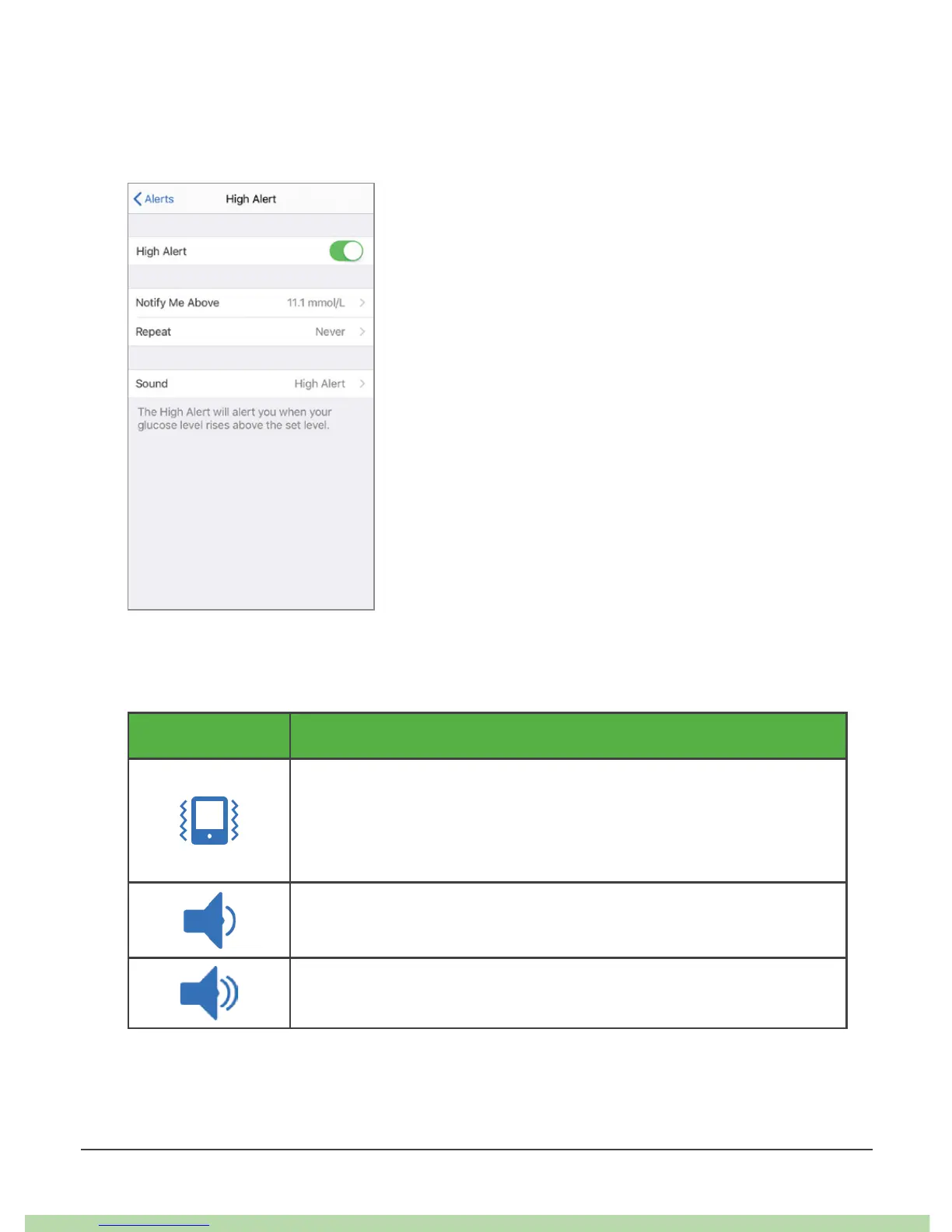
You can pick alert sounds that work best for you. In the app, tap Sound from the
alert to pick a different sound for that alert.
Unlike the app, you choose one sound for all of your alarm/alerts in the receiver’s
Sound menu. This list shows the different alarm/alert sounds available on the
receiver, starting with the quietest.
Icon Receiver Sound
Vibrate only
Exceptions: Urgent Low Glucose Alarm, Urgent Low Soon
Alert, Sensor Failure, and Transmitter Failure always beep and
vibrate.
Quiet
Medium



 To Next Page