30 Chapter 4: Alarm and Alerts
Dexcom G6
®
System • Using Your G6
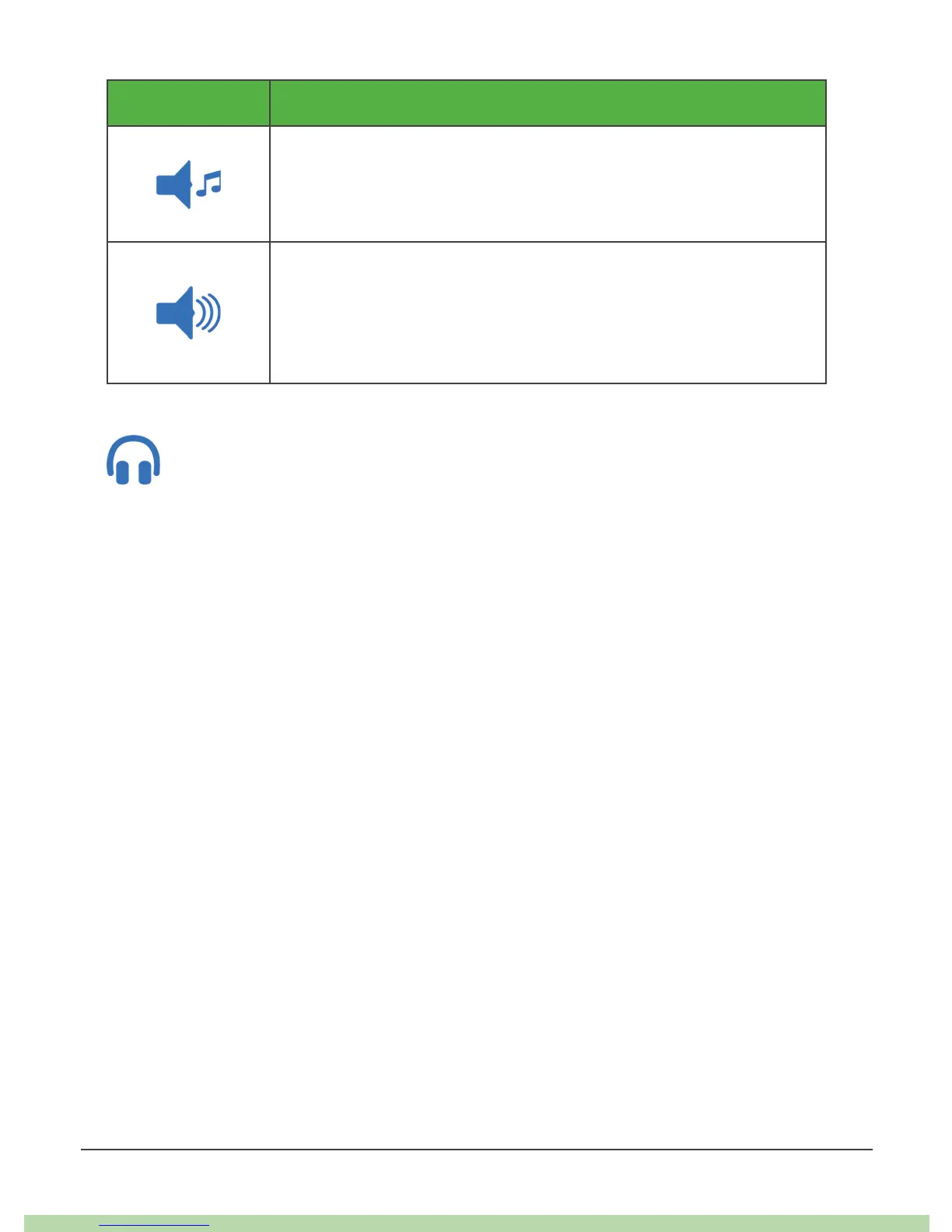
Icon Receiver Sound
Attentive
• Rising tune for High and Rising Alerts
• Falling turn for Low and Falling Alerts
Hypo Repeat
• Medium sound
• Repeats Urgent Low Alarm and Urgent Low Soon Alert
every 5 seconds
Tap Test Sound to sample the sound you picked. This does not select a
sound; it just lets you hear it.
Use Alerts to Achieve Goals
Work with your healthcare professional to customize your alerts to help you achieve
your goals. For example, are you worried about insulin stacking – taking doses too
close together?
To use your G6 as a tool for watching and waiting – and avoiding insulin stacking –
your healthcare professional may advise you to turn on the Repeat feature in your
High Alert setting. That way, when you get a High Alert and confirm it, you will be
re-alerted after the time you set in Repeat until your G6 readings go back in your
target range. That reminds you to check your G6 readings later to make sure you
come down.



 To Next Page