55Appendix A: Troubleshooting 55
Dexcom G6
®
System • Using Your G6
Issue Solution
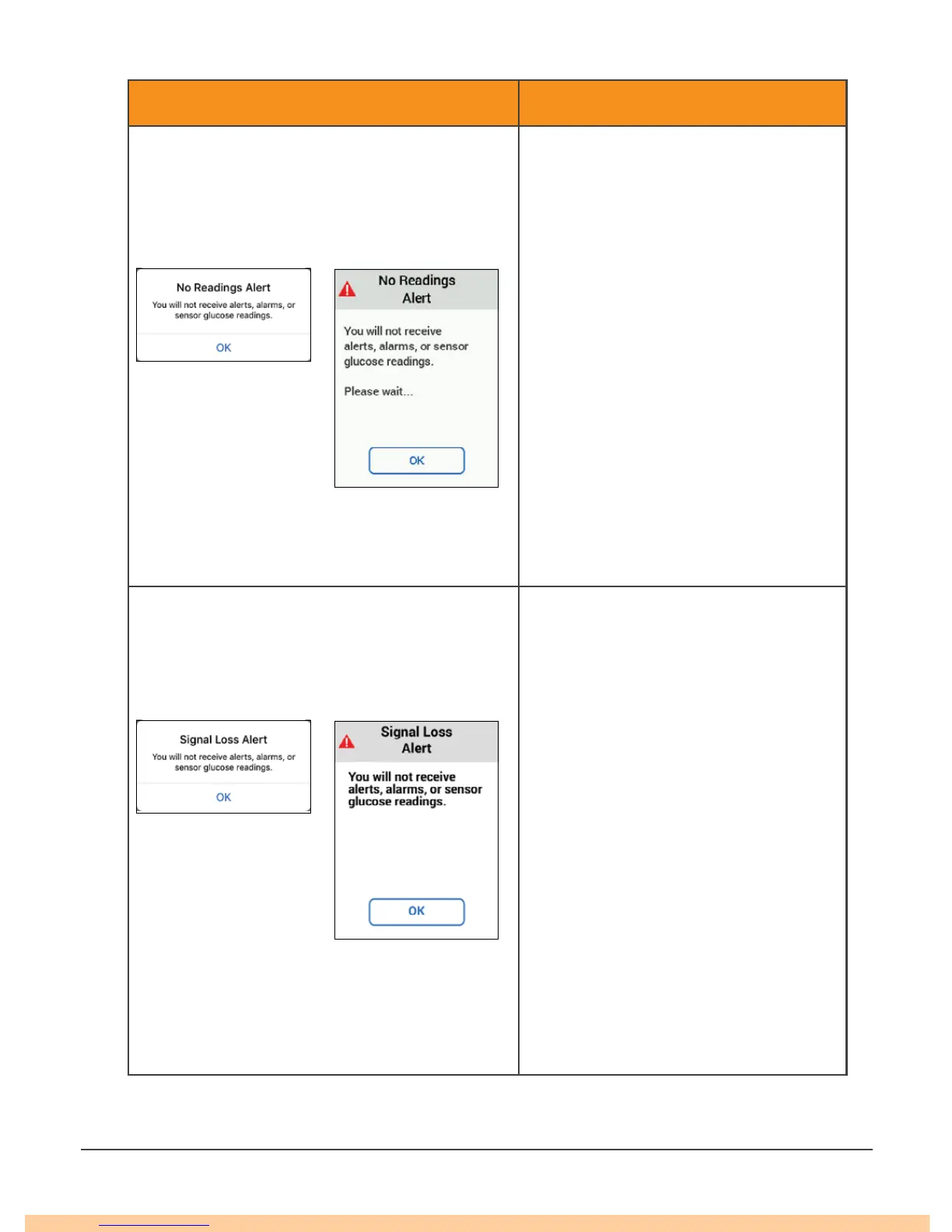
No Readings Alert
Sensor is temporarily unable to measure
glucose.
Do not calibrate.
1. Check transmitter; is it snapped
into transmitter holder?
2. Wait up to 3 hours while the G6
fixes itself.
3. If not corrected after 3 hours,
contact your local Dexcom
representative.
No alarm/alerts or G6 readings until
fixed. Use your meter for treatment
decisions.
App Only:
Tap OK to clear the alert, then tap
Help on the home screen for more
information.
App
Receiver
Signal Loss
Display device and transmitter are not
communicating.
Do not calibrate.
1. Verify display device and
transmitter are within 6
meters of each other without
obstructions. If you are in water,
move device closer than 6
meters.
2. Wait up to 30 minutes.
3. If not corrected, contact your
local Dexcom representative.
No alarm/alerts or G6 readings until
fixed. Use your meter for treatment
decisions.
App Only:
Turn Bluetooth off, then on.
App
Receiver



 To Next Page