88 Appendix H: Professional Use Instructions
Dexcom G6
®
System • Using Your G6
1 Prepare Receiver
a. Charge and Reset
• Charge: See Appendix A Troubleshooting
• Reset:
• Resetting the receiver removes the previous patient’s data. To ensure
patient privacy, reset the receiver after each use.
• Decide whether your patient needs to see their sensor information
(unblinded) or not (blinded) while they use G6.
b. Wipe
• To wipe off receiver, use a clean, dry cloth
• If necessary, remove and discard shield before wiping. Follow local
precautions for discarding potentially infectious material.
• Do not use abrasive cloths, towels, paper towels, or similar items
• Do not get moisture into any openings
• Do not use aerosol sprays, solvents, or abrasives
2 Put Shield on Receiver (shield used instead of disinfectant)
a. Prepare
• Wash hands and wear clean
gloves
• Use a new shield for each
patient to protect patients from
contamination
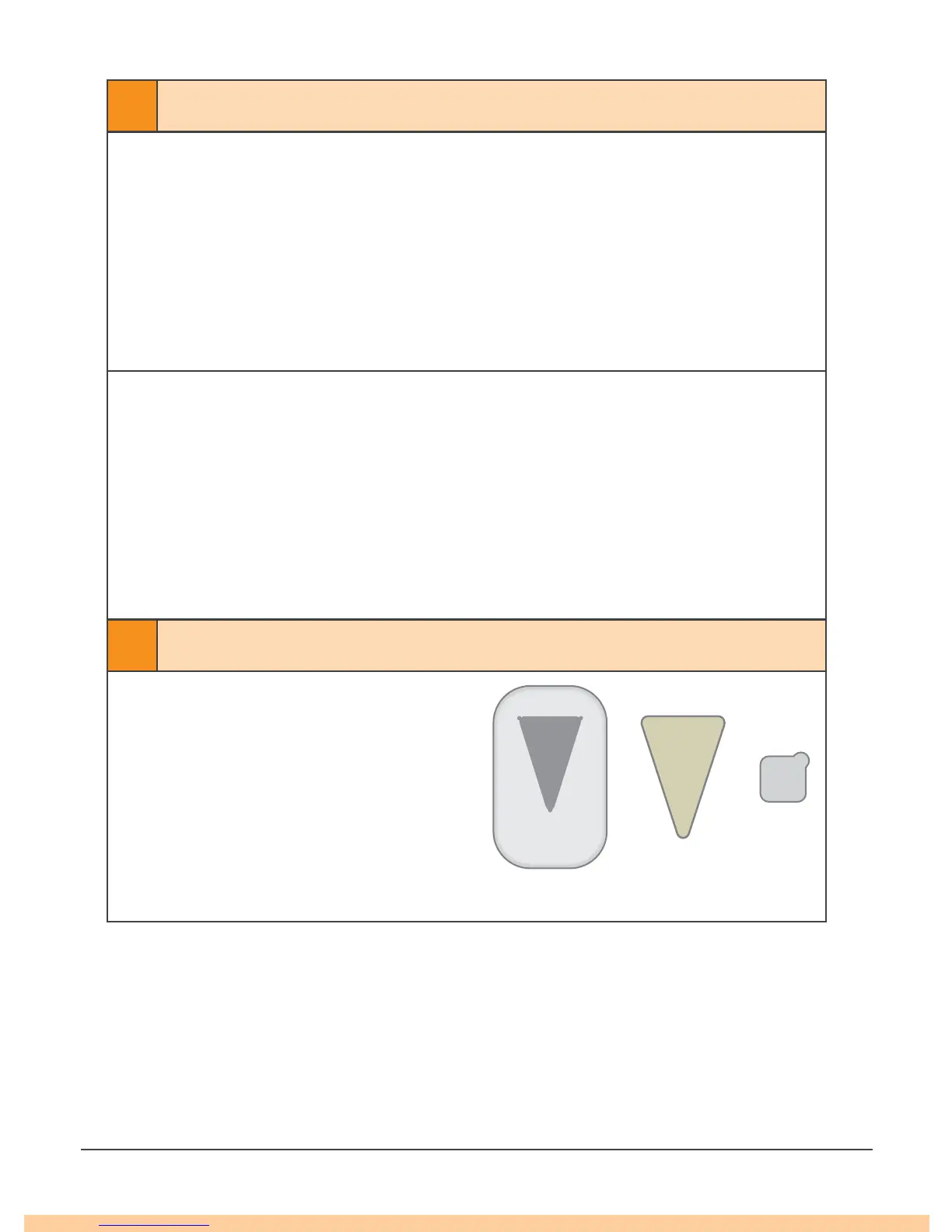
• Get a shield, triangle seal, and
USB cover
Shield
Triangle
Seal
USB



 To Next Page