MCQ-PRO RFID Reader — Installation and Tuning Manual Version 1.00
Page 12 of 89
1. Click “Next >” to view terms of the license agreement, then click “Next >” again if
you agree.
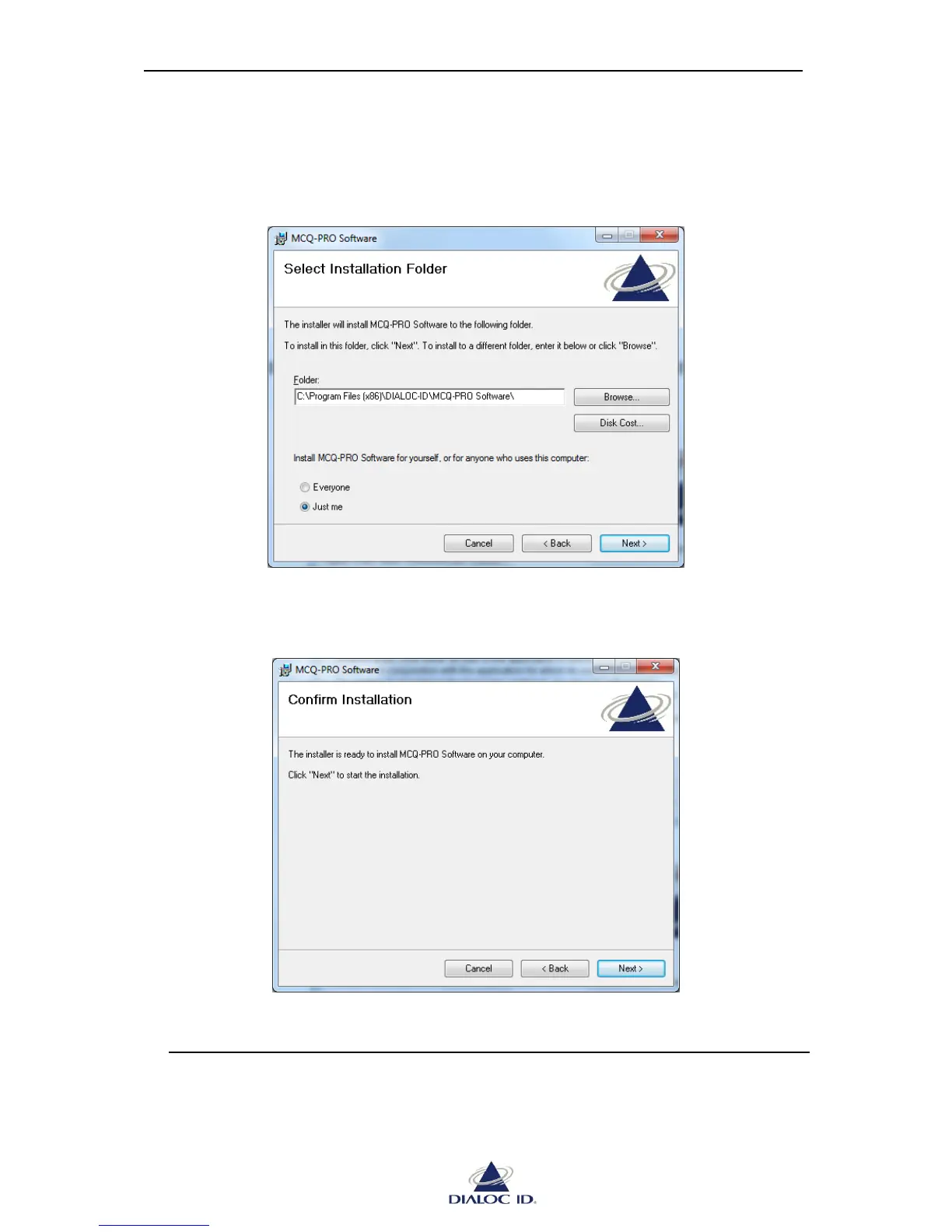
Figure 2: Select Installation Folder window
2. Select the folder where MCQ-Pro software will be installed then click “Next >”.
Figure 3: Confirm Installation window
3. Click “Next >” to start the installation process. A shortcut will be created on your
desktop and a program group will be created in the start menu.



 To Next Page