MCQ-PRO RFID Reader — Installation and Tuning Manual Version 1.00
Page 55 of 89
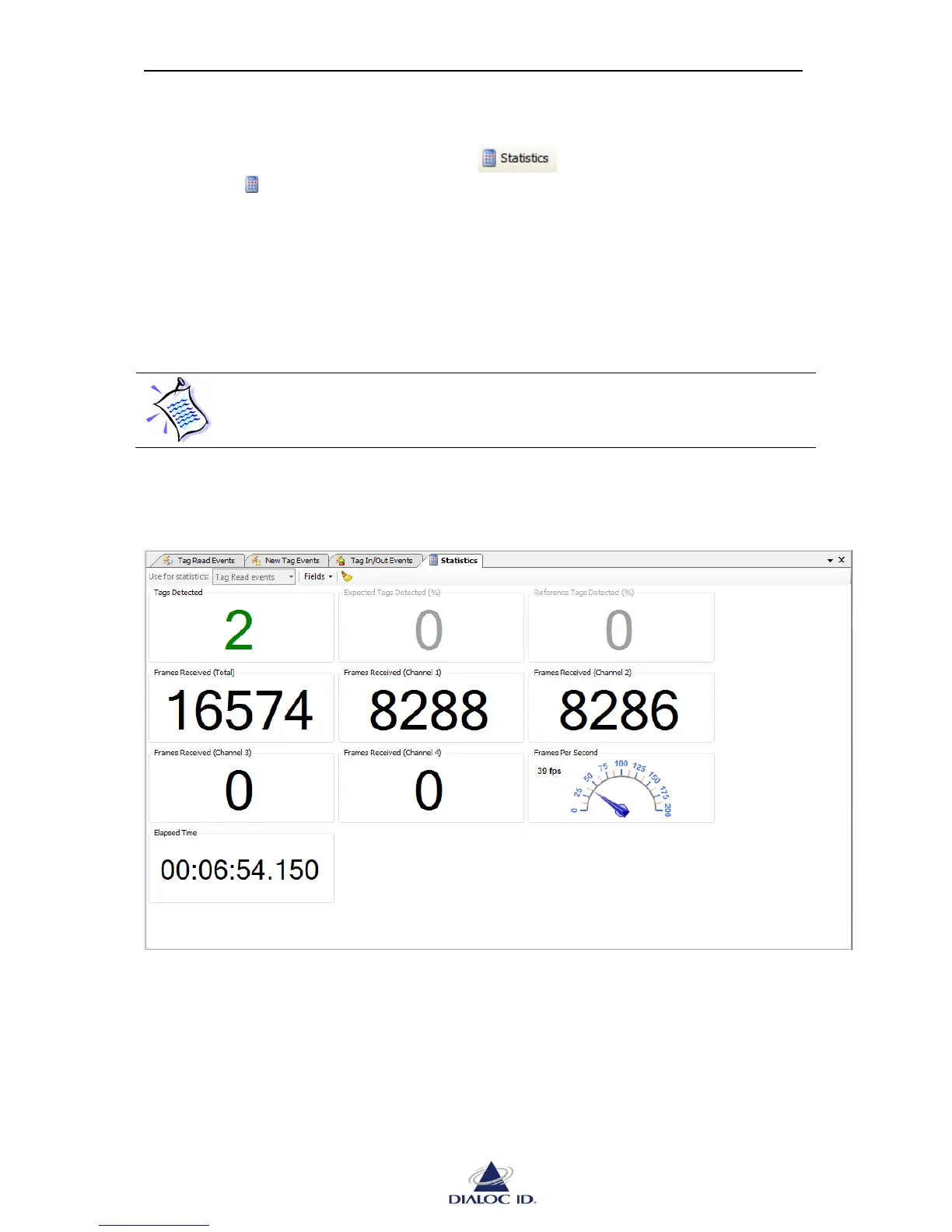
8.4 Statistics panel
You can open “Statistics” panel by clicking on button on radio events panels or
by choosing “ Statistics” in “Radio > Default Read” menu.
“Statistics” panel shows read statistics such as the number of tags detected, the number of
event frames received by channel or globally, the event frame rate and elapsed time since
reading started.
If several radio events are enabled (see 8.2.3 for more information), you can change the event
type used for statistics calculation in “Use for statistics” drop down menu of embedded
toolbar.
If the event type used for statistics calculation is not enabled (as explained in
8.2.3), statistics will not be updated during default read.
You can hide fields you do not use by unchecking them in “Fields” drop down menu of
embedded toolbar.
Figure 45: Statistics panel



 To Next Page