MCQ-PRO RFID Reader — Installation and Tuning Manual Version 1.00
Page 11 of 89
2 Installation
2.1 Minimum System Configuration
MCQ-Pro software is based on Microsoft’s .NET technology which requires the following
minimum system configuration:
IBM-PC compatible computer with a 400 MHz or higher processor (1 GHz
recommended) ;
Microsoft
®
Windows 2000 SP 3, Windows XP SP 2, Windows Vista or Windows
Seven operating system recommended. Microsoft
®
Windows 98 SE, Windows ME
legacy operating system supported but not recommended ;
Microsoft
®
.NET Framework version 2.0 or later ;
128 megabytes (MB) of RAM (256 MB recommended) ;
300 MB of free hard disk space. This includes .NET Framework requirements ;
1024x768 16-bits display (1280x1024 32-bits display recommended) ;
CD-ROM drive ;
1 serial port and/or 1 USB port and/or 1 Ethernet port.
2.2 Installation Procedure
To install the DIALOC ID MCQ-Pro software on your PC:
1. Insert the product CD-ROM into the disk drive on your PC.
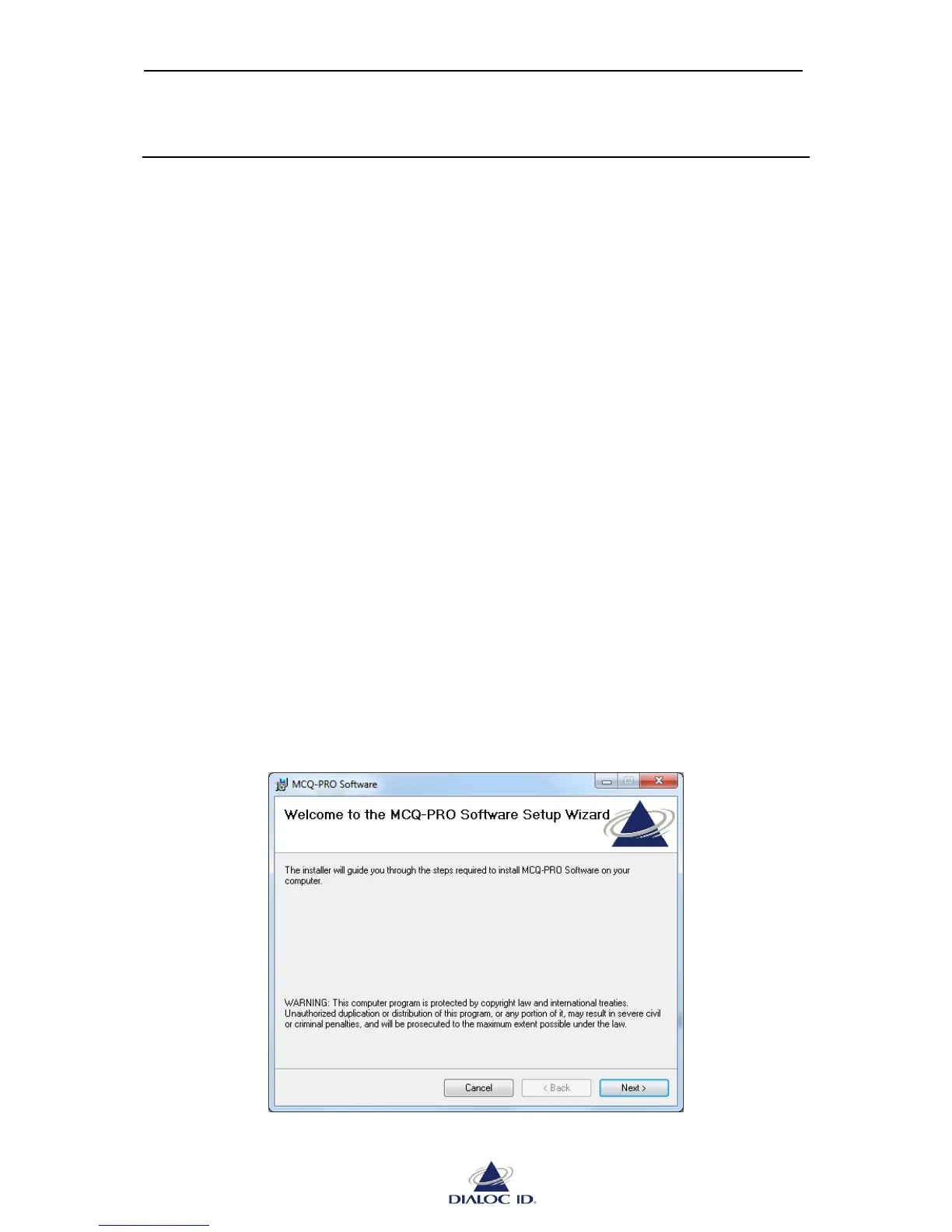
2. In Windows, open the CD-ROM drive window and run “Dialoc ID MCQ-Pro vX.X.X
Installer.msi” in “Dialoc ID MCQ-Pro” folder.
Figure 1: Setup Welcome window



 To Next Page