MCQ-PRO RFID Reader — Installation and Tuning Manual Version 1.00
Page 76 of 89
9.7.2 EAS tab
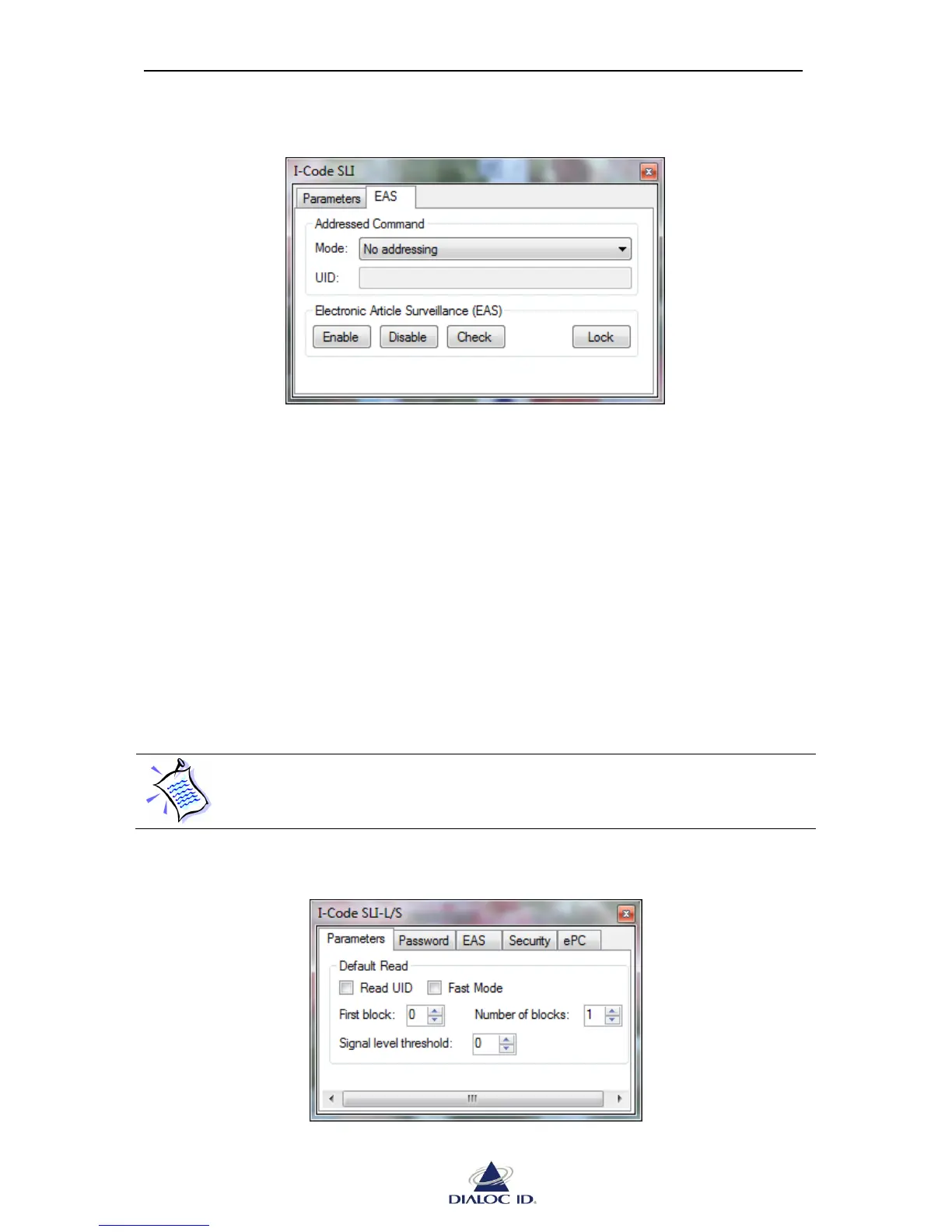
Figure 63: I-Code SLI panel (EAS tab)
Addressed Command
See section 9.2.2 for more information.
Electronic Article Surveillance (EAS)
Click “Enable”/“Disable” to enable/disable EAS state.
Click “Lock” to prevent any future state change of EAS.
Click “Check” to get current state of EAS.
9.8 I-Code SLI-L/S (C370-L/S)
Open “I-Code SLI-L/S” panel by choosing “I-Code SLI-L/S” in the “Radio > Tag Parameters
and Commands” menu.
As I-Code SLI-L/S (C370-L/S) tags are ISO 15693 compliant, they support as
well ISO 15693 parameters and commands (see section 9.4).



 To Next Page