MCQ-PRO RFID Reader — Installation and Tuning Manual Version 1.00
Page 53 of 89
8.3.2 New Tag Events
You can open “ New Tag Events” panel from “Radio > Default Read” menu.
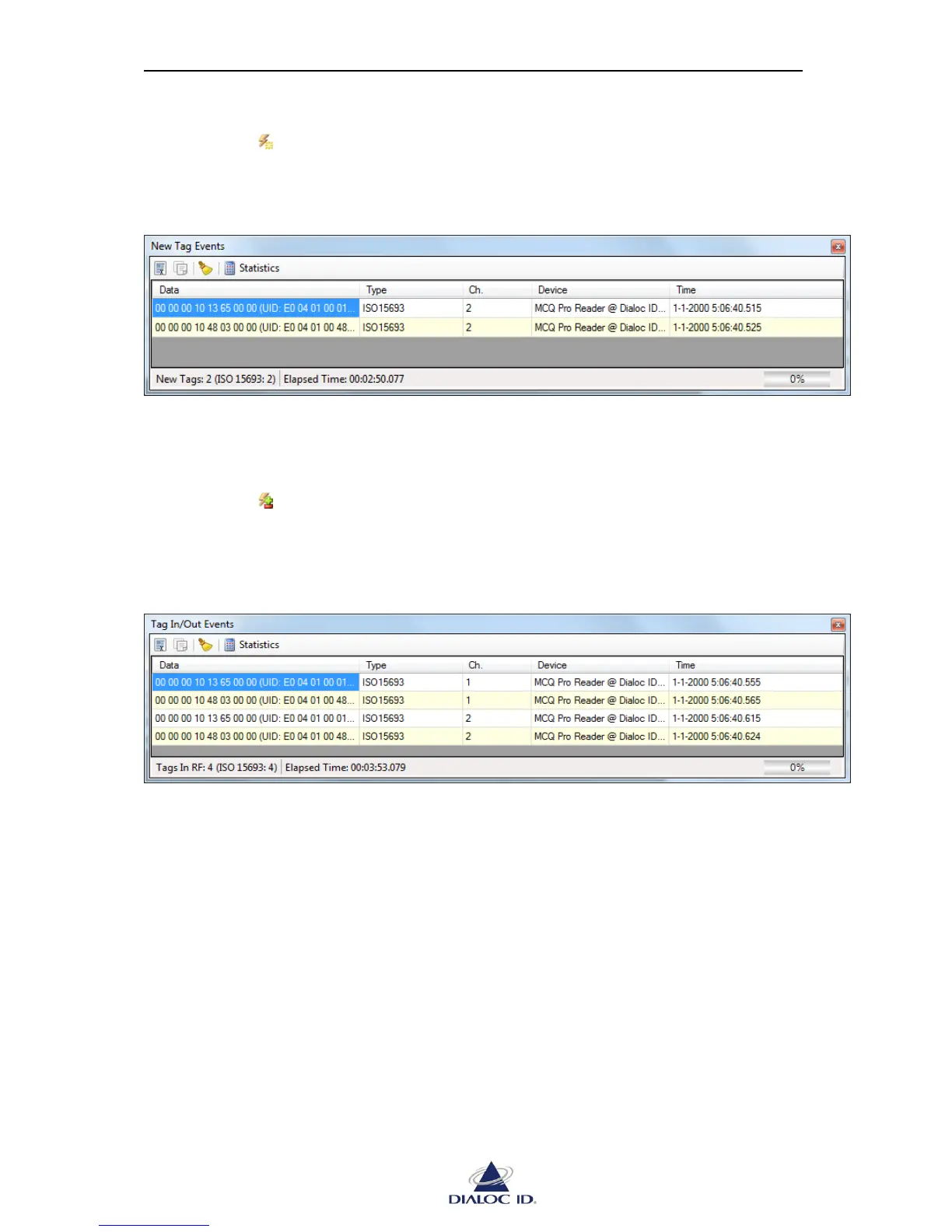
A “New Tag” event occurs the first time a tag is detected in radio field. Each “New Tag”
event makes corresponding tag appear in “New Events” panel.
Figure 42: New Events panel
“New Tag Events” panel is similar to “Tag Read Events” panel; please refer to section 8.3.1
for more information.
8.3.3 Tag In/Tag Out Events
You can open “ Tag In/Out Events” panel from “Radio > Default Read” menu.
“Tag In” and “Tag Out” events come in pair and occur respectively when a tag enters or exits
the radio field. Each “Tag In” or “Tag Out” event makes corresponding tag appear or
disappear in “Tag In/Out Events” panel.
Figure 43: In/Out Events panel
“New Events” panel is similar to “Read Events” panel; please refer to section 8.3.1 for more
information.



 To Next Page