MCQ-PRO RFID Reader — Installation and Tuning Manual Version 1.00
Page 33 of 89
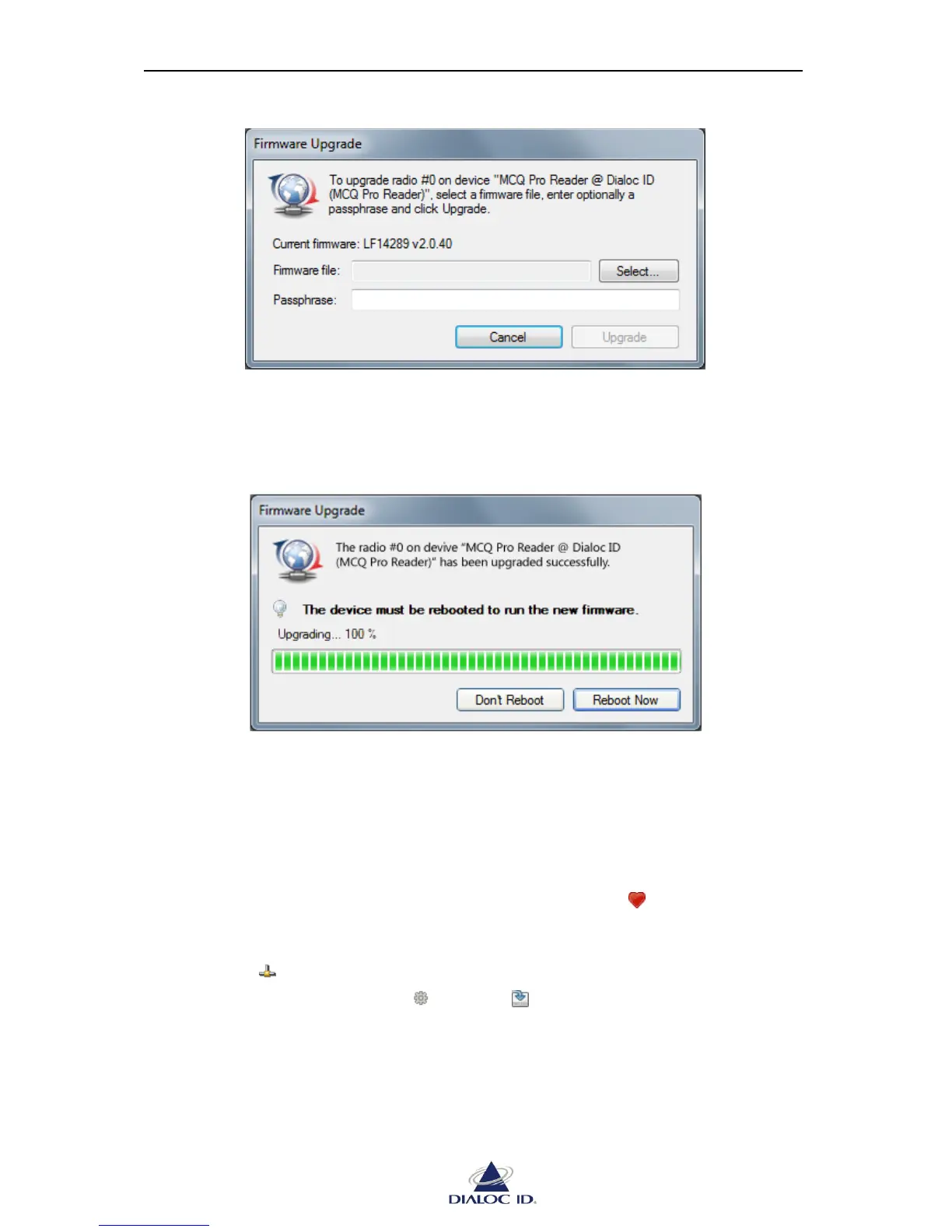
Figure 24: Radio firmware upgrade
6. Once the upgrade is completed, click “Reboot”.
If you need to upgrade additional firmware to the device first then click “Don’t
Reboot”.
Figure 25: Radio firmware upgrade completed
5.1.6 Managing Default Radio Configuration
Default radio configuration is loaded from internal non-volatile memory (NVRAM) when
device is powered on.
Saving Radio Configuration to NVRAM
To make your radio configuration persistent, you must save it to NVRAM:
1. Open “Favorite Devices” panel by clicking on the icon in the toolbar or by
choosing “Favorite Devices” in the “Device” menu.
2. Connect to the device to save the radio configuration by selecting it and clicking on
the icon .
3. In the drop down menu , select “ Save Configuration to NVRAM”.
Alternatively, you may as well right-click the device.



 To Next Page