MCQ-PRO RFID Reader — Installation and Tuning Manual Version 1.00
Page 13 of 89
3 Getting Started
This section describes how to get started using DIALOC ID MCQ-Pro software and configure
it.
Before running DIALOC ID MCQ-Pro, connect your RFID reader to the serial/USB port of
the PC or to your TCP/IP network. Connect one or more antennas to the reader.
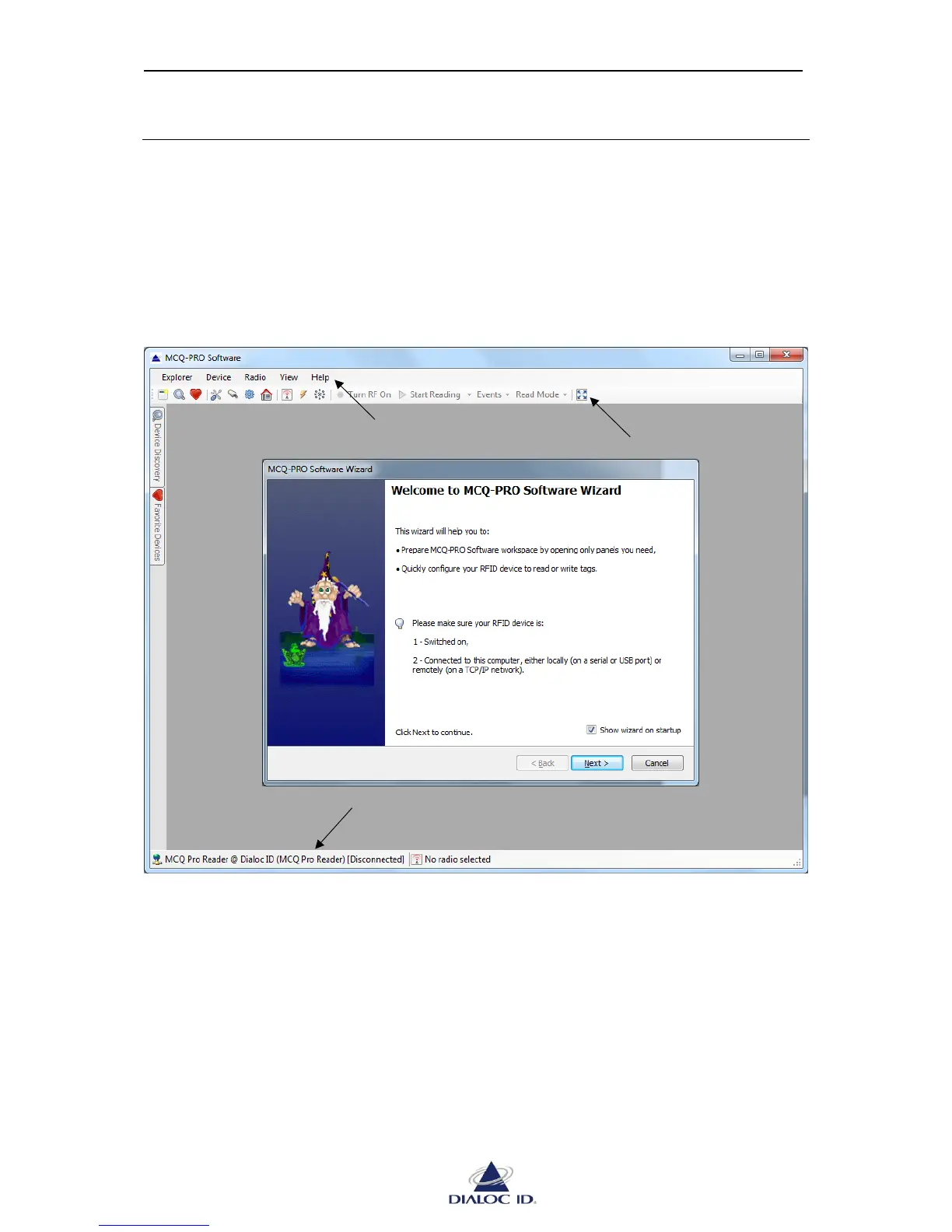
Once the reader is ready, run DIALOC ID MCQ-Pro program and the main window will be
displayed.
Figure 4: DIALOC ID MCQ-Pro window
The “DIALOC ID MCQ-Pro Wizard” opens automatically when DIALOC ID MCQ-Pro is
started for the first time.



 To Next Page