MCQ-PRO RFID Reader — Installation and Tuning Manual Version 1.00
Page 38 of 89
Access Control: You can enable password protection for the device and choose public and
private passwords if your application requires it. You must reboot the device after having
changed password protection status (see section 5.1.3).
When logged into a protected device using public password no settings can be changed. If
logged into the device using private password then changes are permitted.
DIALOC ID MCQ-Pro requires to log into protected devices using private password.
Default public password is “public” and default private password is “private”
(both without quotes). If you forget private password, you must hard reset
device’s non-volatile memory. See device User’s Guide for more information.
6.1.2 Tests Tab
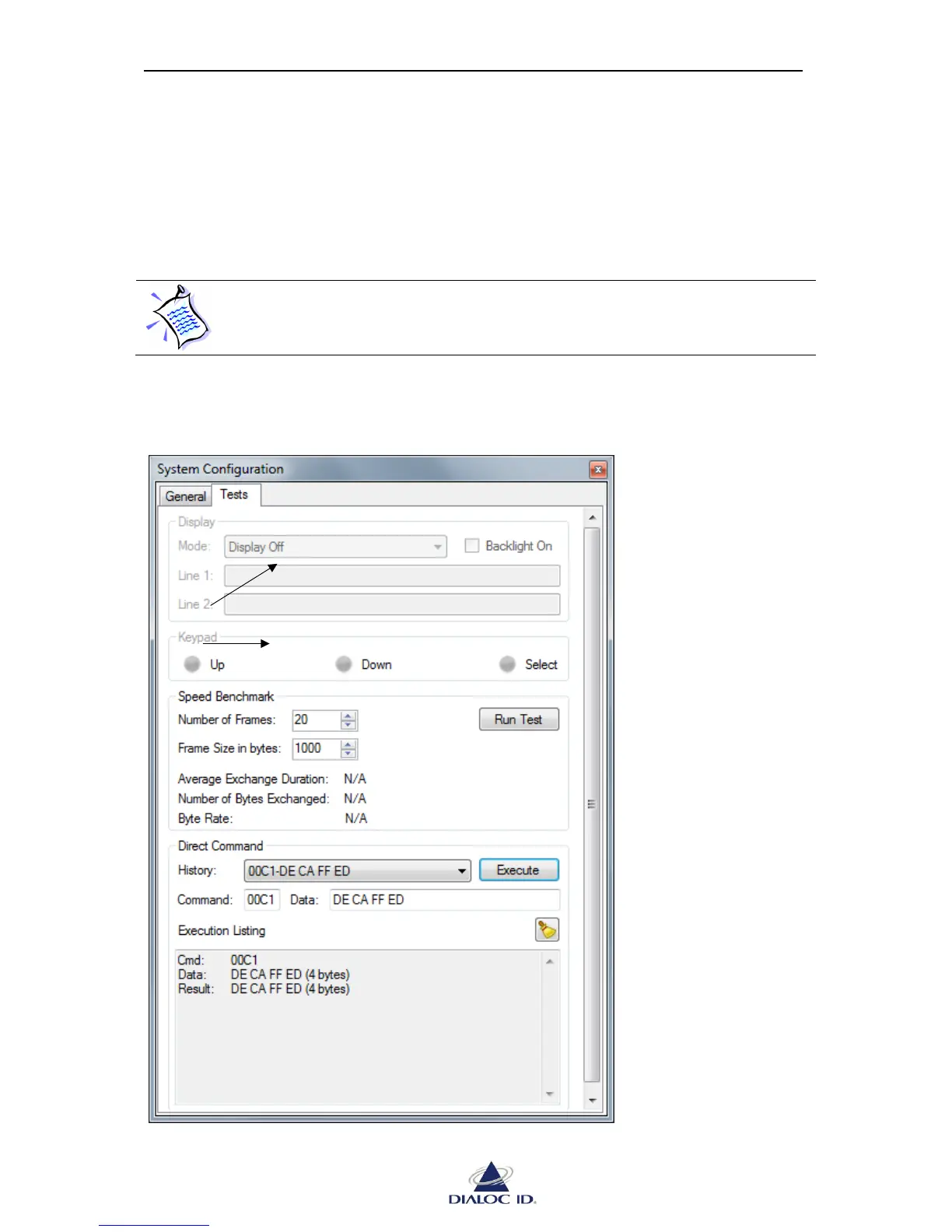
You can test operation of the device on “Tests” tab.
Figure 29: System Configuration panel (Tests tab)



 To Next Page