MCQ-PRO RFID Reader — Installation and Tuning Manual Version 1.00
Page 37 of 89
6 Core Configuration
6.1 System Configuration
Open “System Configuration” panel by clicking on the icon in the toolbar or by choosing
“System Configuration” in the “Device” menu.
6.1.1 General Tab
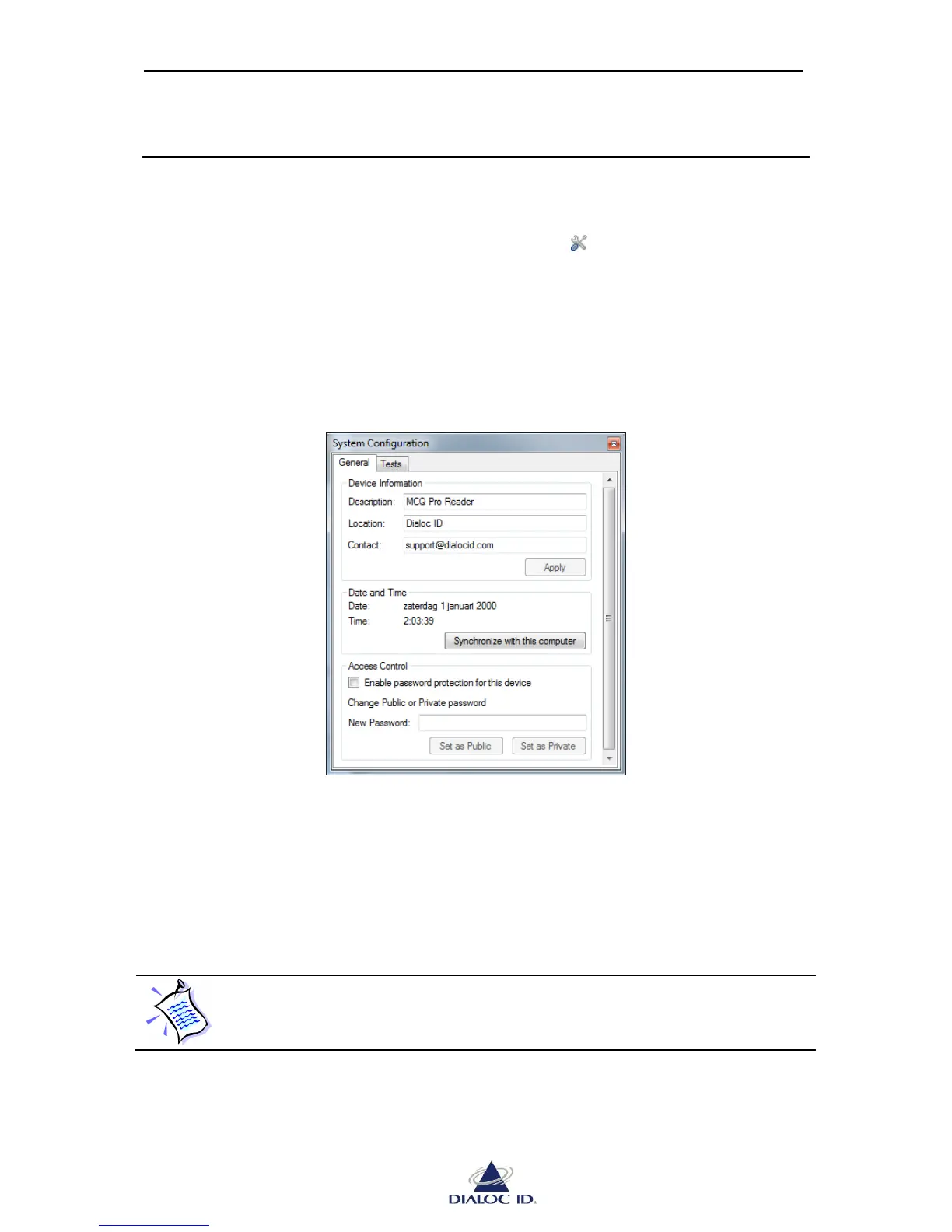
You can configure general system settings on “General” tab.
Figure 28: System Configuration panel (General tab)
Device Information: You can view and modify device’s description, location and contact
information in this box. Click “Apply” to apply your changes.
Date and Time: You can set device’s clock by clicking “Synchronize with this computer”
button.



 To Next Page