MCQ-PRO RFID Reader — Installation and Tuning Manual Version 1.00
Page 69 of 89
9.5 I-Code ePC
Open “I-Code ePC” panel by choosing “I-Code ePC” in the “Radio > Tag Parameters and
Commands” menu.
9.5.1 Parameters tab
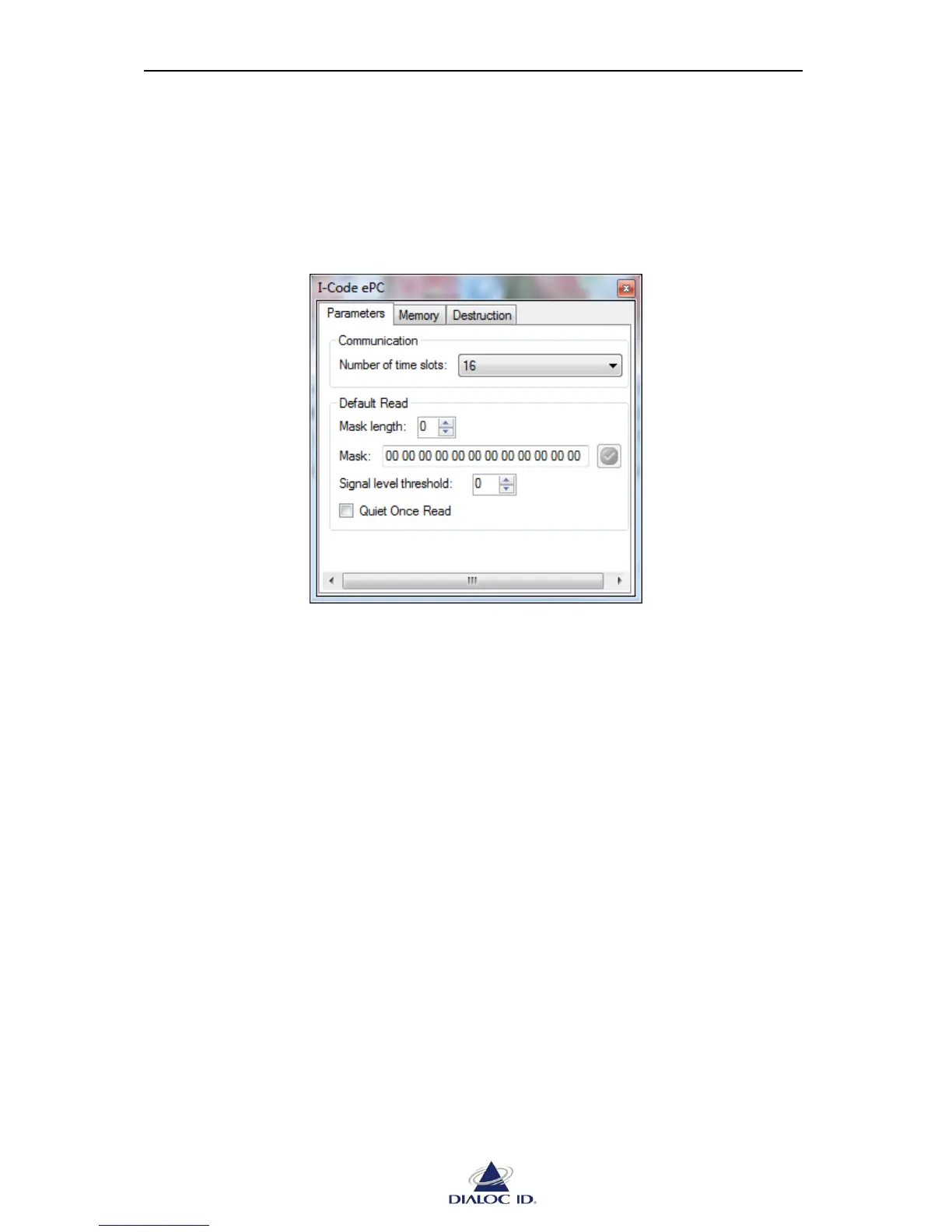
Figure 56: I-Code ePC panel (Parameters tab)
Communication
“Number of time slots” list permits you to change the number of time slots used during
default read.
Default Read
To set a mask, select “Mask length” field and enter it in “Mask” field. During default read,
only tags whose ePC matches this mask will reply. A null value disables the mask.
“Signal level threshold” permits to report a tag only if its signal level is greater or equal to this
threshold during asynchronous read. All tags will be reported if the threshold is set to 0.
Check “Quiet Once Read” to request tags to stay quiet once read.



 To Next Page