MCQ-PRO RFID Reader — Installation and Tuning Manual Version 1.00
Page 26 of 89
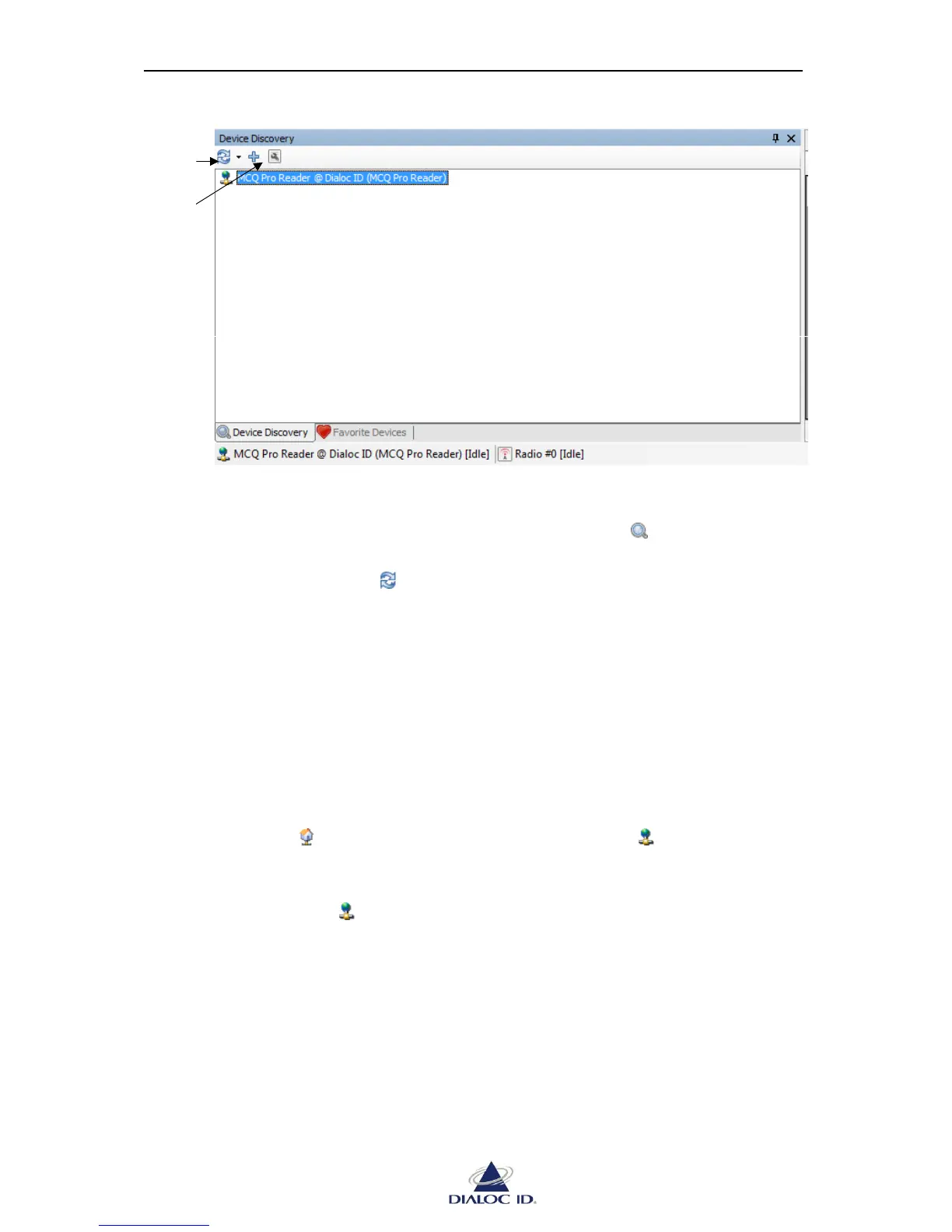
Figure 15: Device Discovery panel
To discover devices:
1. Open “Device Discovery” panel by clicking on the icon in the toolbar or by
choosing “Device Discovery” in the “Device” menu.
2. Use the drop down menu to start device discovery.
Choose “Discover Local Devices” to discover devices plugged into your computer’s
serial or USB ports.
Choose “Discover Remote Devices” to discover devices connected on a TCP/IP
network.
Choose “Discover All Devices” to discover both kind of devices.
3. Devices are listed. Point out the mouse cursor to the device to get its information.
A same device can be displayed one or more times depending on the number of
communication interfaces (Serial/USB, Ethernet) this device is available on. The icon close to
the device’s name shows the type of communication interface available.
Prefer “Ethernet” interface when available as it is the fastest communication interface.
To use a device, you must add it to favorites:
1. Select the discovered device to add to favorites.



 To Next Page