MCQ-PRO RFID Reader — Installation and Tuning Manual Version 1.00
Page 35 of 89
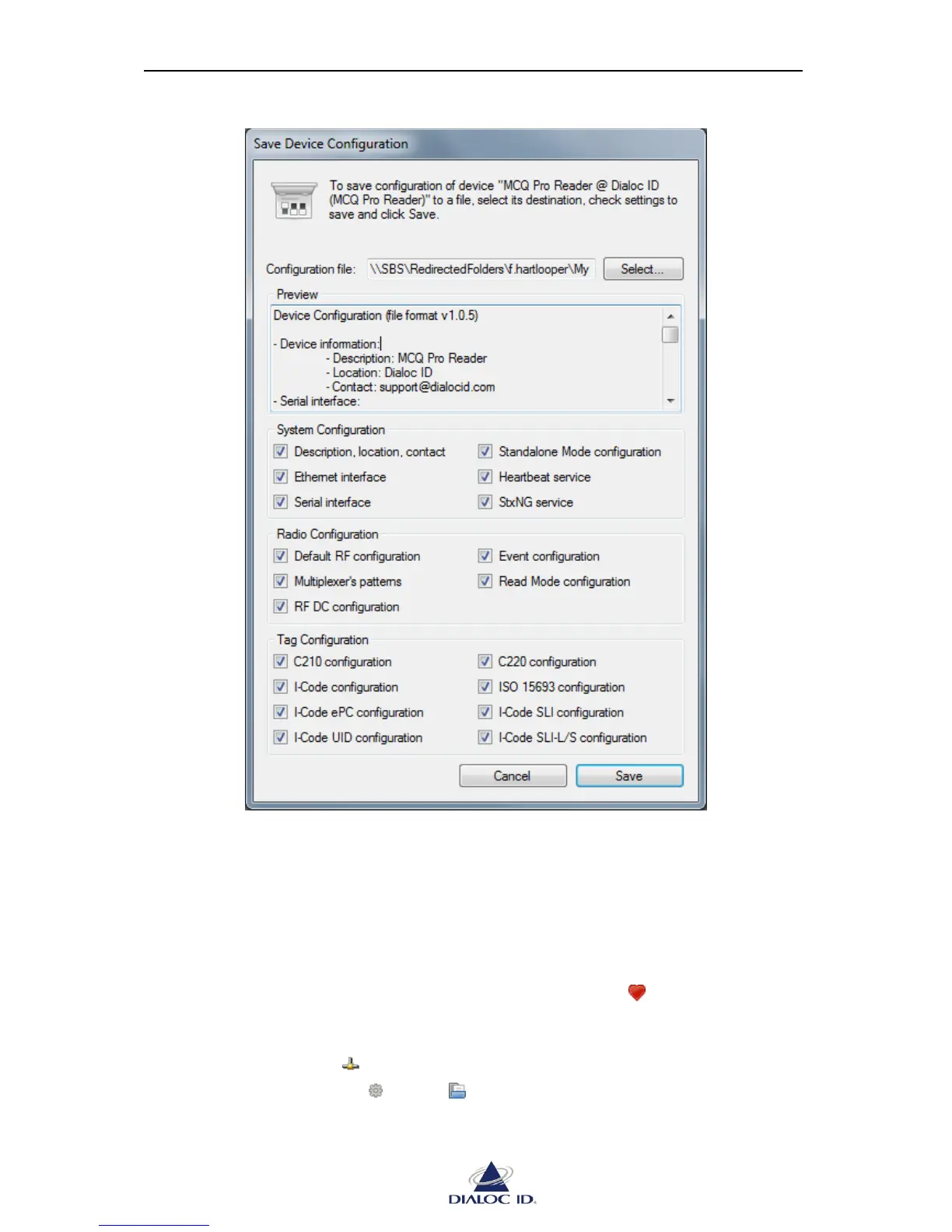
Figure 26: Save Device Configuration dialog
4. Click “Select…” button to choose location of configuration file.
5. Check device settings to save and click “Save” to save the configuration file.
To load device configuration from disk:
1. Open “Favorite Devices” panel by clicking on the icon in the toolbar or by
choosing “Favorite Devices” in the “Device” menu.
2. Connect to the device that you want to load the configuration by selecting it and
clicking on the icon .
3. In the drop down menu , select “ Load Configuration…”. Alternatively, you may
as well right-click the device.



 To Next Page