MCQ-PRO RFID Reader — Installation and Tuning Manual Version 1.00
Page 89 of 89
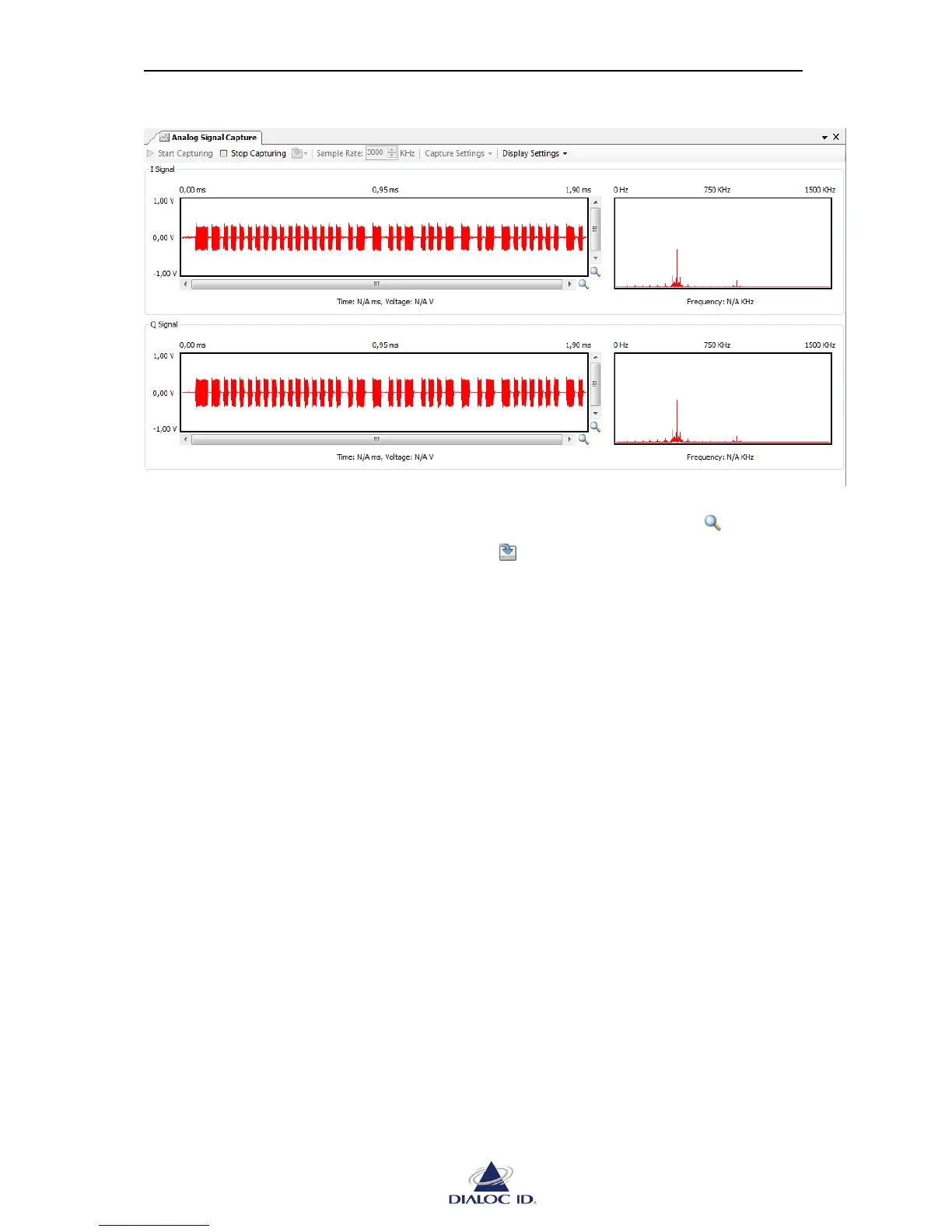
Figure 73: Analog Signal Capture
The left part of the panel displays signal on time domain; the right part displays signal on
frequency domain. You can move and zoom in time graph using scrollbars and buttons.
You can save capture data in a CSV file using the drop down menu.
12.2.2 Capture and Display settings
Capture settings:
“I Signal” (In-Phase signal) and “Q Signal” (Quadrature signal) can be both captured
or not.
“Wake Up Tags” wakes-up tags in radio field before capturing and permits visualizing
their replies. Disable this setting in order to visualize background noise.
Display settings:
“Auto Scale FFT Graphs” automatically scales FFT graph on amplitude axis. This
option is especially useful when “Wake Up Tags” setting is disabled.



 To Previous Page