UTM-00339 | Rev 19
Page 146 of 253
DetNet South Africa Copyright © 2021
The USB connector port allows charging of the rechargeable battery and is also used to upgrade software and
downloading logs. Plug in a flash drive containing the new version and then hold in the NEXT button and press the
power ON button. This will place the DigiShot
®
Plus 4G Commander in bootloader-mode and start the download of
the software.
A Near Field Communication (NFC) Sensor located inside the back of the DigiShot
®
Plus 4G Commander makes
use of technology that enables the NFC BlastCard to establish communication with the DigiShot
®
Plus 4G
Commander by touching the devices together or bringing them into proximity to a distance of 5cm (2in) or less.
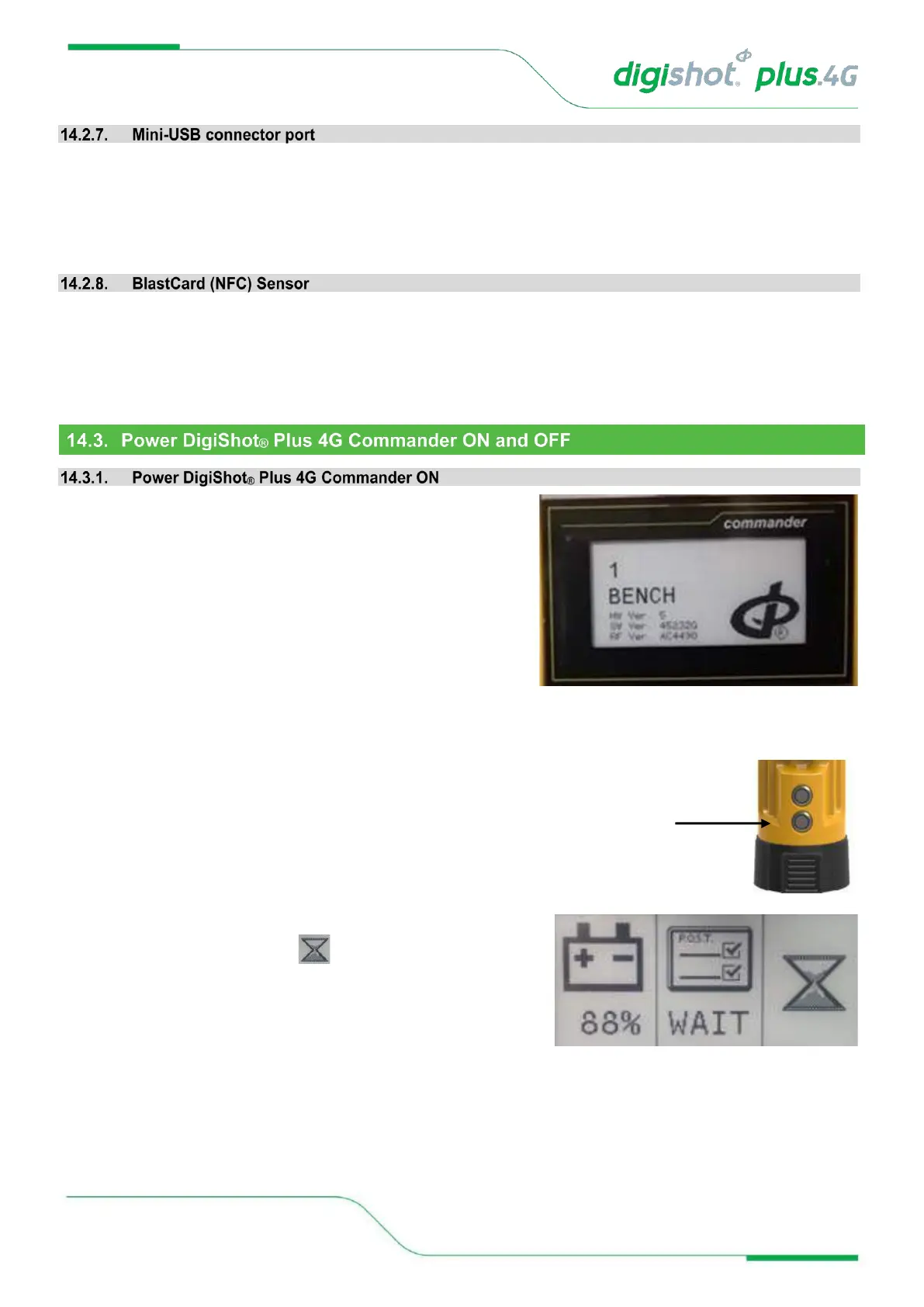
1. While the DigiShot
®
Plus 4G Commander is in an OFF state,
it will display the following information:
• DigiShot
®
Plus 4G Commander ID (8)
• Mode (BENCH)
• Hardware version (HW Ver. 5)
• Software version (SW Ver. 45232F)
• RF version (RF Ver. AC4490)
2. Press the POWER ON Button.
• A two-part splash screen will be displayed. The first part will
request the user to WAIT during power-on.
• Battery Percentage will be displayed.
• Power On Self-Test (P.O.S.T.) will be displayed.



 To Next Page