UTM-00339 | Rev 19
Page 147 of 253
DetNet South Africa Copyright © 2021
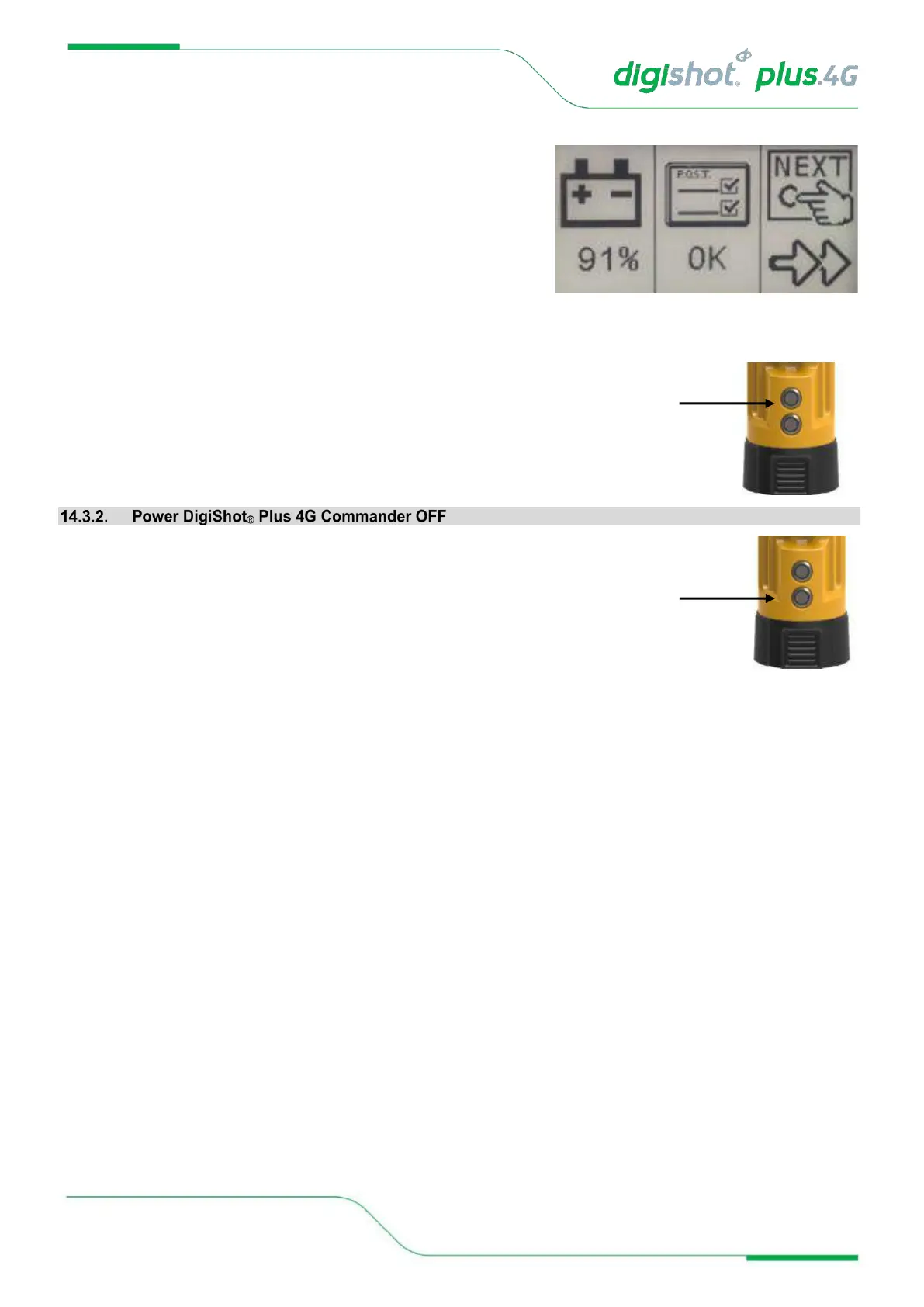
• Shortly after the previous screen, the second-part splash
screen will be displayed requesting user to press the NEXT
button.
• Battery Percentage will be displayed
3. Press the NEXT Button to continue.
4. Press the POWER Button to power OFF the DigiShot
®
Plus 4G Commander. The DigiShot
®
Plus 4G Commander will power off after a second or two.



 To Next Page