UTM-00339 | Rev 19
Page 155 of 253
DetNet South Africa Copyright © 2021
The Icons as displayed on the DigiShot
®
Plus 4G Commander will differ according to the selected mode. Each of
the following modes will display icons that are applicable to the selected mode:
• Base Mode,
• Base with Repeater Mode
• Bench Mode, and
• Repeater Mode.
Press the NEXT button to display a detail screen that will be displayed for 30 seconds before reverting back to the
main screen.
When the DigiShot
®
Plus 4G Commander is connected to a CE4
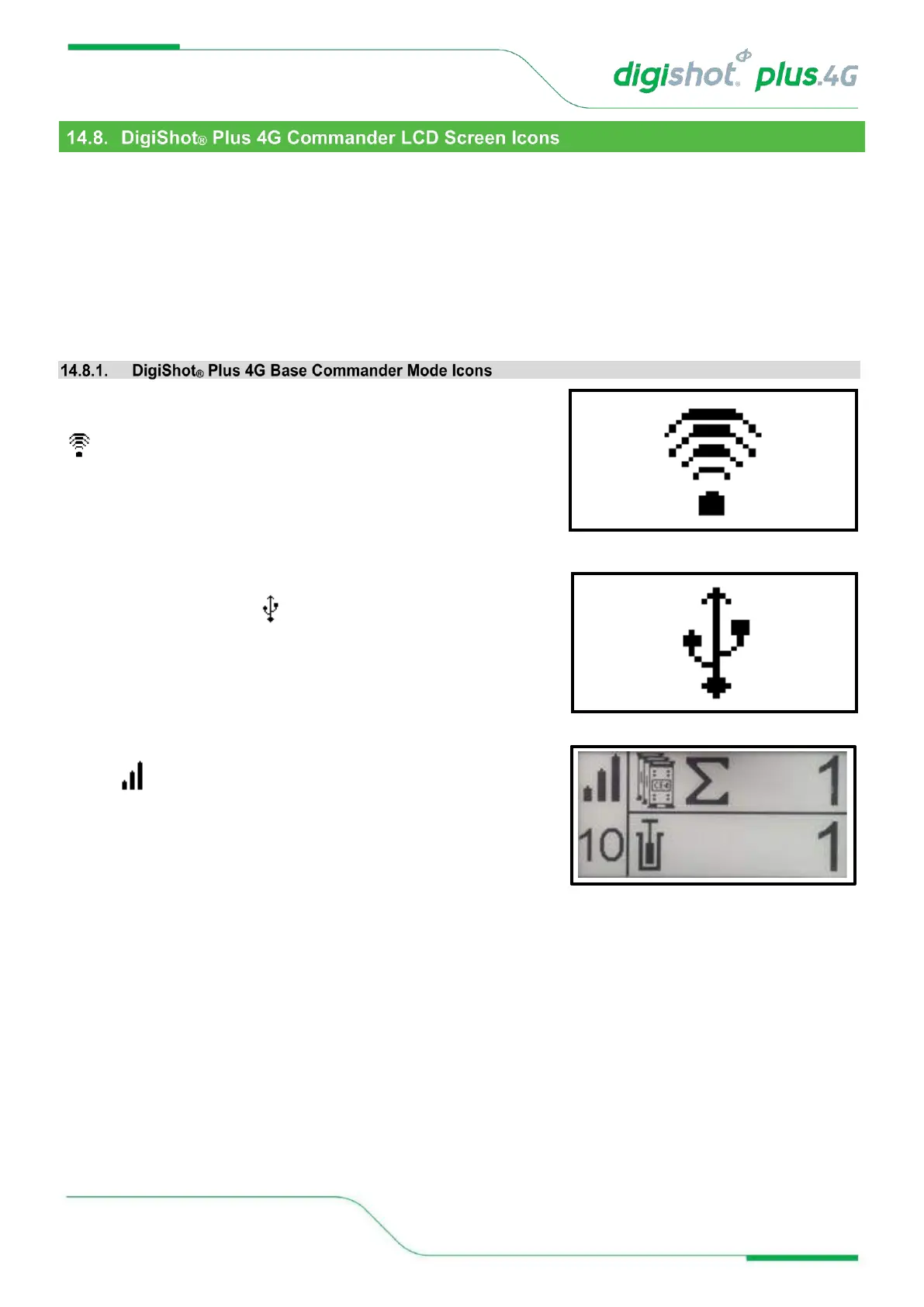
Tagger / Laptop / Tablet via Wi-Fi, it will display only the Wi-Fi symbol
on the screen. This icon will replace all other screens.
When the DigiShot
®
Plus 4G Commander is connected via USB rather
than Wi-Fi, the USB symbol will be displayed
When the Base Commander is connected via RF, it will display the RF
symbol in the main screen
Press the NEXT button to display a detail screen that will be displayed for 30 seconds before reverting to the main
screen.



 To Next Page