UTM-00339 | Rev 19
Page 161 of 253
DetNet South Africa Copyright © 2021
When the DigiShot
®
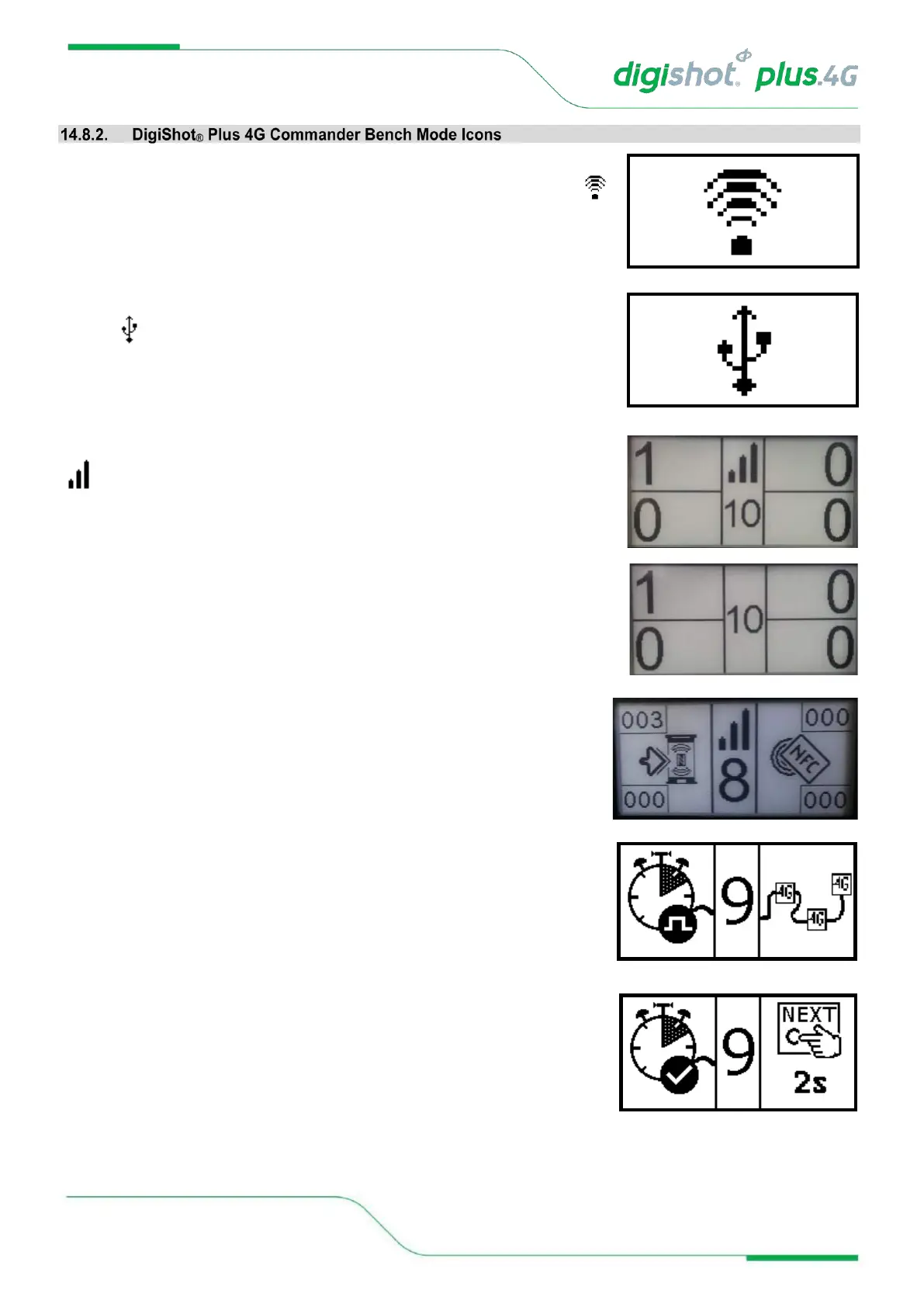
Plus 4G Commander, in Bench Mode, is connected to a
CE4 Tagger / Laptop / Tablet via Wi-Fi, it will display only the Wi-Fi symbol
on the screen. This icon will replace all other screens.
When the Bench Commander is connected via USB rather than Wi-Fi, the USB
symbol will be displayed
When the Bench Commander is connected via RF, it will display the RF symbol
in the main screen
When the Bench Commander NOT is connected via RF, it will display the
following main screen
Swipe SmartKey for AutoArm
Bench Commander will perform programming and then go to the waiting for
next key press state.
Programming screen
Waiting for next button press screen
Press the NEXT button to display a detail screen that will be displayed for 30
seconds before reverting back to the main screen.



 To Next Page