UTM-00339 | Rev 19
Page 202 of 253
DetNet South Africa Copyright © 2021
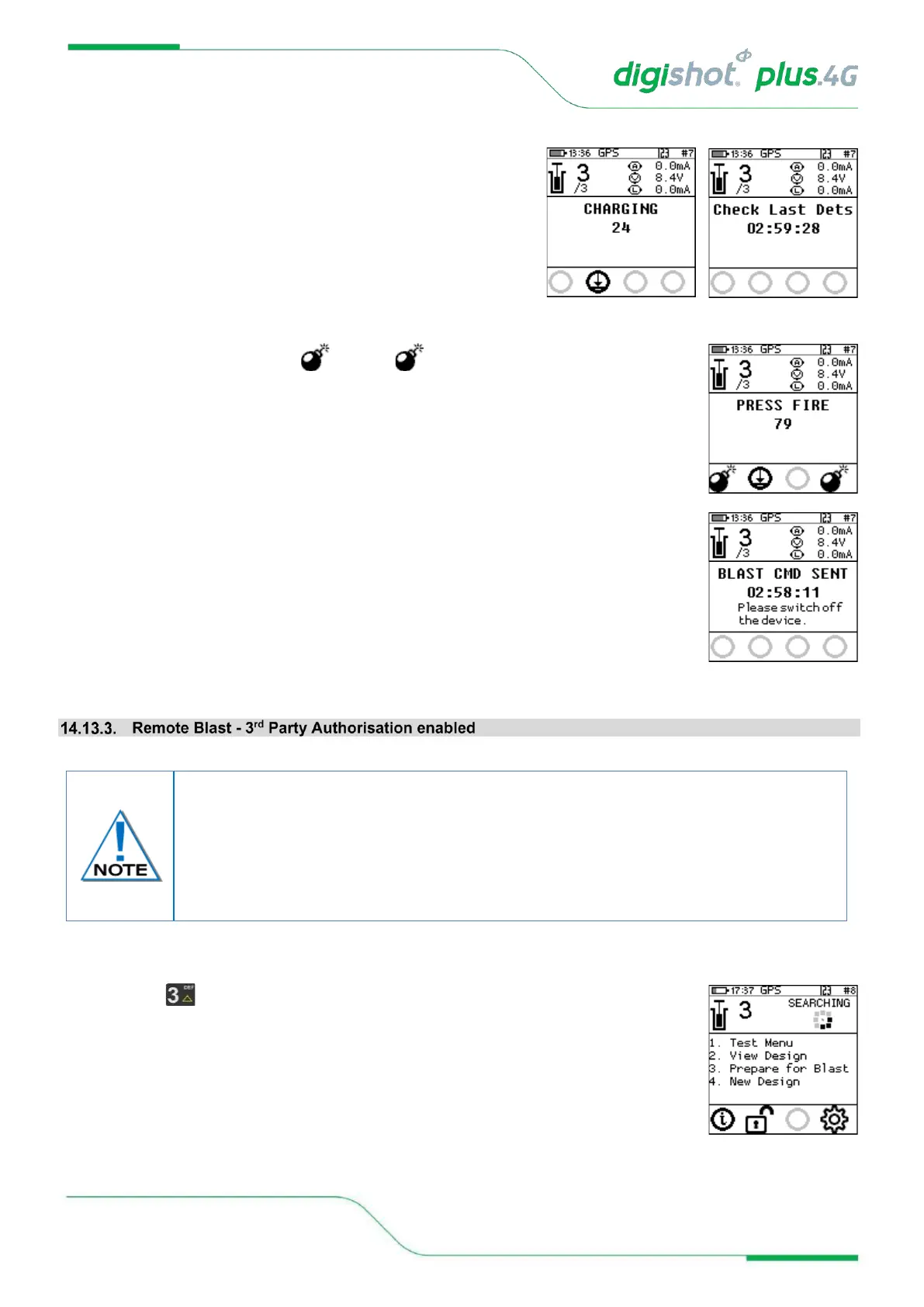
12. Local Blast
• The Commander will initiate a 30-second high-voltage
charging period followed by a 90-second blast window.
• Should there be detonators marked as “last det”, the last
det test will be performed between the charge and blast
window.
13. Local Blast
• Press both FIRE-buttons ( SoftKeys ) on the CE4 Tagger simultaneously to
fire.
14. Local Blast
• Blast Command sent
• Switch Off Commander and Tagger
1. Main Menu
• Press SoftKey to select Prepare for Blast.
The following Remote Blast description details the manual process to arm the system.
The user is also provided with an option to Arm the Bench Commander without the need
to connect the Tagger via an AutoArm function. The AutoArm function will allow the
user to scan a NO-PIN yellow BlastCard and if there are no errors present; program and
move to the waiting for next press state. The user will then be prompted to press Next
for 2 seconds for the unit to be ready to arm.



 To Next Page