UTM-00339 | Rev 19
Page 42 of 253
DetNet South Africa Copyright © 2021
Fixed range numeric input may be scrolled if indicated by up/down arrows associated with the field:
• Pressing the Up key (2) increments the number, if possible.
• Pressing the Down key (8) decrements the number, if possible.
Navigation follows the conventions to ease migration as detailed below:
• Menus are selected by pressing the appropriate numeric key directly.
• Soft keys perform the indicated function.
• Escape exits the current field or screen, as appropriate.
• Arrow keys may be used to move in selected lists or scroll selected lists e.g. the detonator list.
• Arrow keys may also jump between selected fields in specific screens, typically those involving
configuration settings.
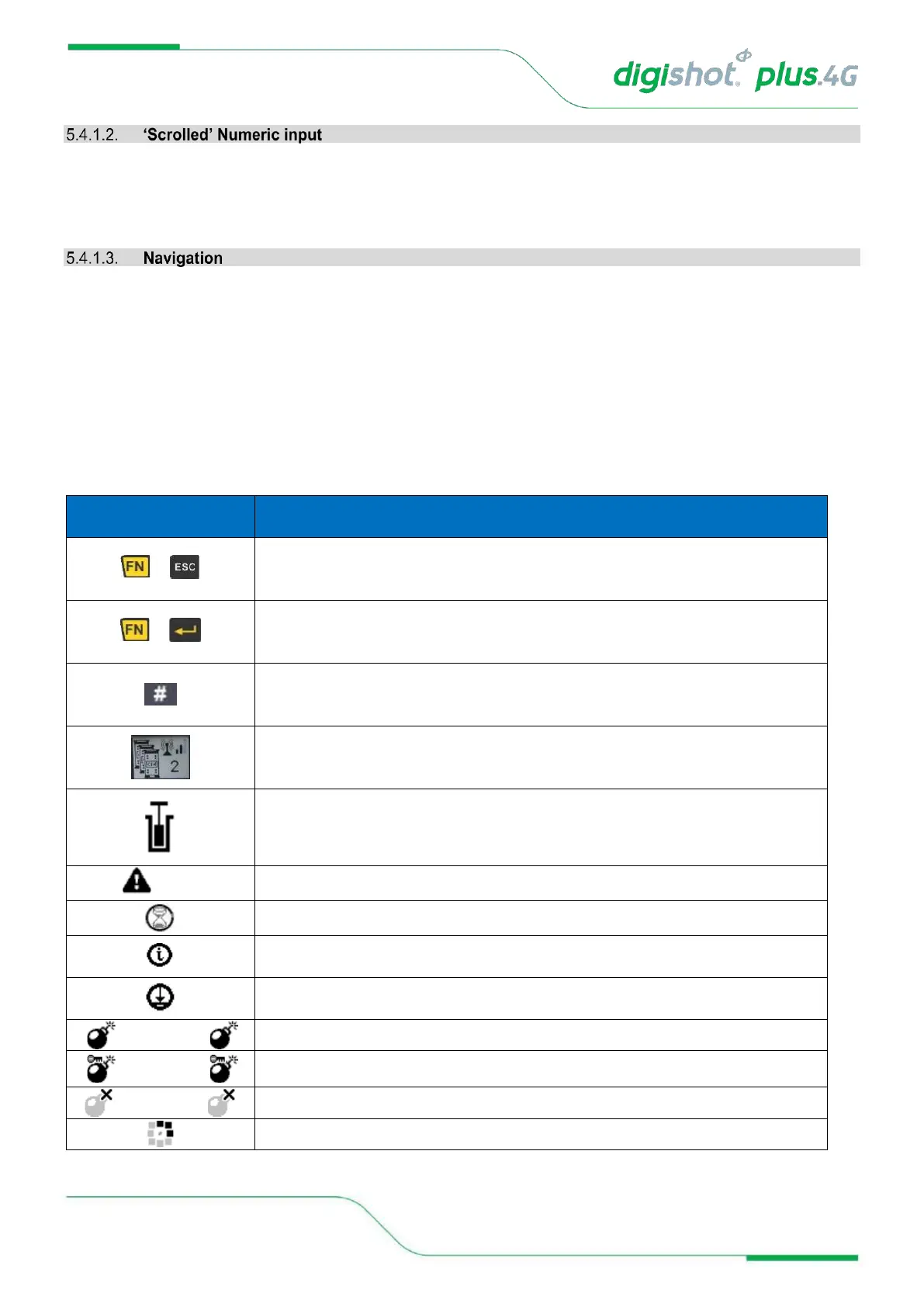
Table 2: CE4 Tagger Icon Shortcut Keys and Commander Icons
Force fire buttons (Should the last det check fail, the User can force the blast
with blast override password)



 To Next Page