UTM-00339 | Rev 19
Page 59 of 253
DetNet South Africa Copyright © 2021
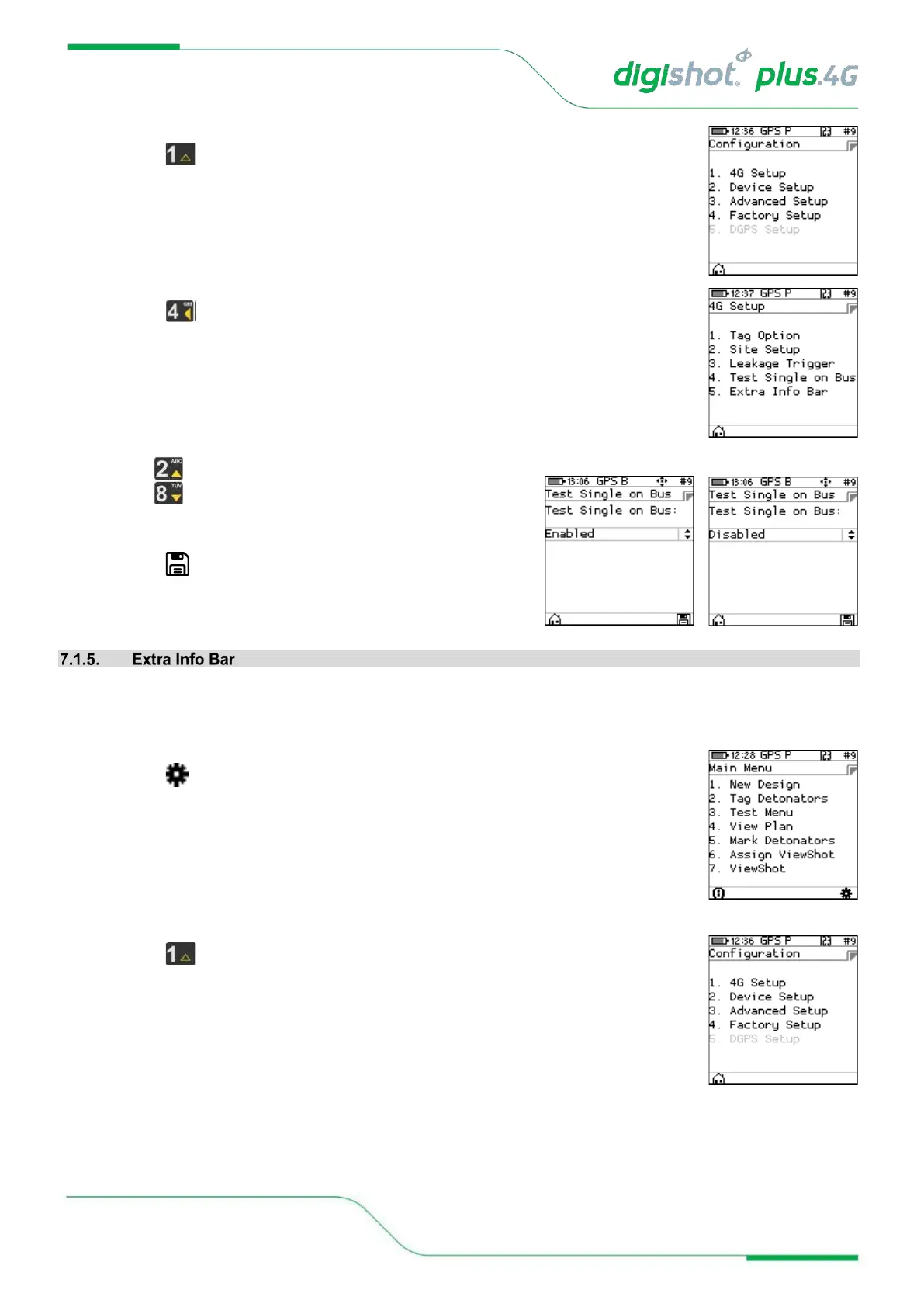
2. Configuration Settings Menu
• Press to select 4G Setup
3. 4G Setup
• Press to select Test Single on Bus
• Use navigational keys to scroll up/down and display
the required selection
• Set enabled or disabled
• Press SoftKey to save.
The user may show or hide extra info when testing detonators. The user must enable the show or hide extra info
bar function by following the steps detailed below:
4. Main Menu
• Press SoftKey to select Configuration Settings.
5. Configuration Settings Menu
• Press to select 4G Setup



 To Next Page