UTM-00339 | Rev 19
Page 82 of 253
DetNet South Africa Copyright © 2021
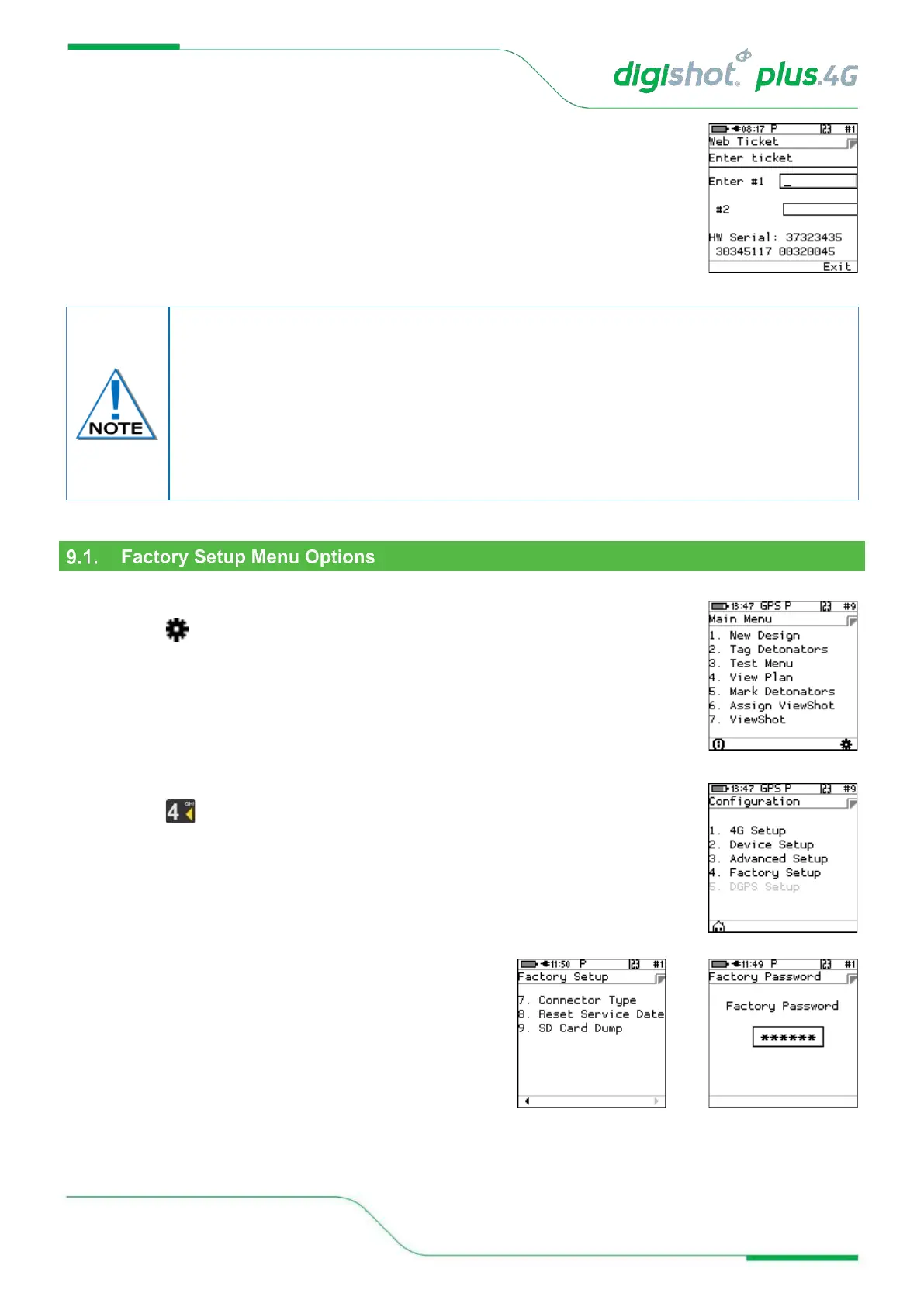
5. Web Ticket
• Press required Menu option.
• Obtain Ticket to continue.
1. Main Menu
• Press SoftKey to select Configuration Settings.
2. Configuration Settings Menu
• Press to select Factory Setup.
3. Use numerical keypad to enter Unique Tagger Password.
• Press ENTER to continue.
With the exception of the storage mode function, each option is protected by its own web-
based ticket system. If no active ticket is available for the chosen option (as stored on the
tagger), the user is prompted for a ticket issued by portal.detnet.com. The ticket is
comprised of two 10-digit numbers that need to be entered before continuing. If the ticket
is valid, access will be granted to the given function. Tickets can be issued for a selected
number of repeated uses before a given expiry date. Tickets issued are specific to a given
CE4 Tagger as determined by the hardware serial number, thus allowing flexible control
over protected features.



 To Next Page