UTM-00339 | Rev 19
Page 83 of 253
DetNet South Africa Copyright © 2021
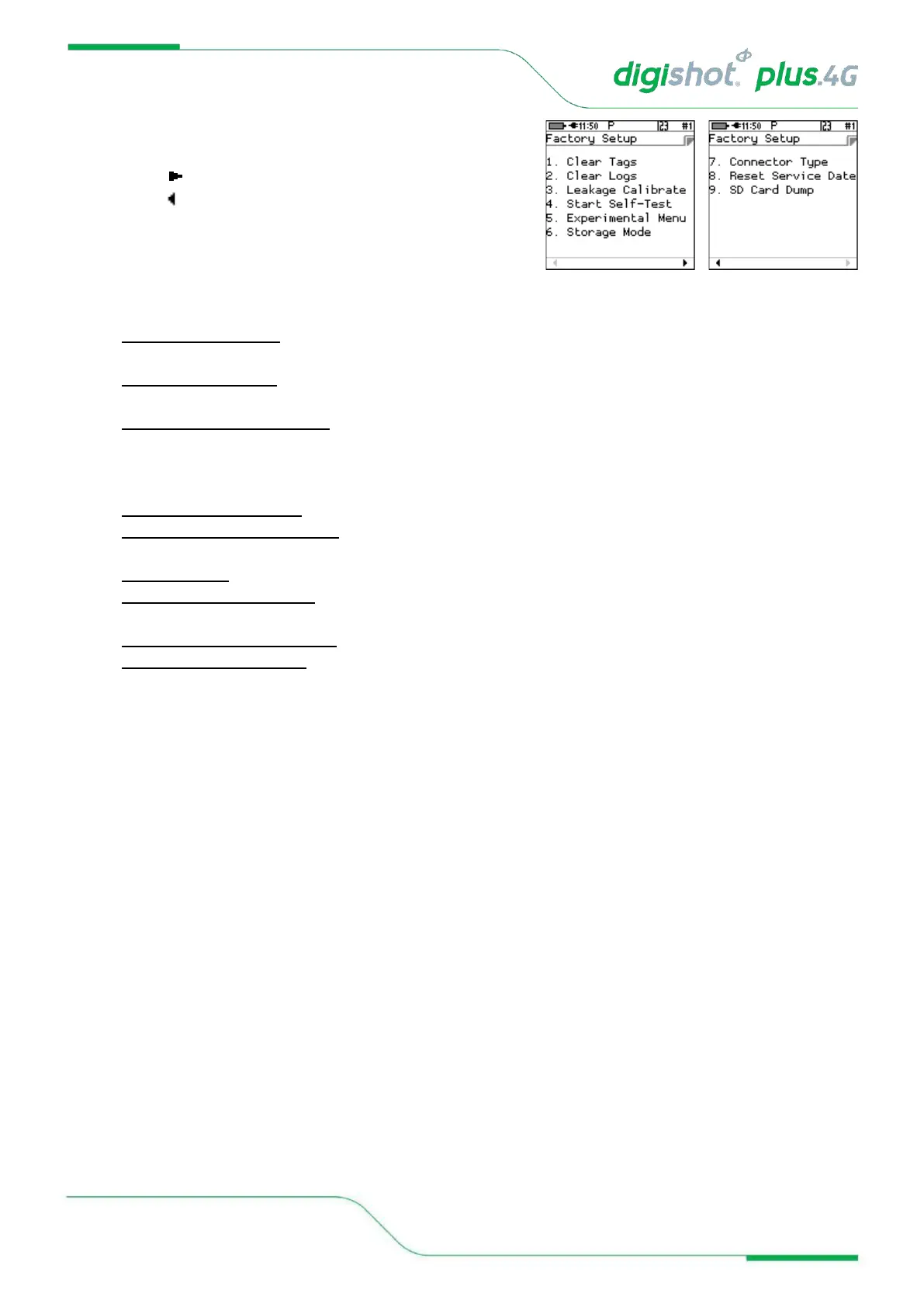
4. Factory Setup Menu
• Factory Setup will be displayed.
• Press to go to next page.
• Press to return to previous page.
5. Each Factory menu option is described below:
• Clear Tags (Factory) The factory clear tags option allows any connected detonators to be rewritten to the
factory untagged ID.
• Clear Logs (Factory) The clear logs option erases the internal log and will display a confirmation dialog
briefly.
• Leakage Calibrate (Factory) The Leakage Calibration option recalculates the leakage and current offsets
by measuring the current and leakage with no detonators connected. It functions in the same fashion as
the leakage test screen, except that it initially shows a leakage calibrate dialog briefly and then proceeds to
the leakage screen.
• Start Self-Test (Factory) The self-test function starts a factory self-test of the device.
• Experimental Menu (Factory) The Experimental Menu option will contain any experimental functions that
are required by the engineering team only.
• Storage Mode This item is not web-ticket protected. Please refer to Chapter 5.8 for detail.
• Connector Type (Factory) This option will allow the user to select the replaceable Top Connector Type as
fitted to the CE4 Tagger.
• Reset Service Date (Factory) The option will reset the maintenance schedule warning.
• SD Card Dump (Factory) This option will dump all content on the SD card via the USB.



 To Next Page