UTM-00339 | Rev 19
Page 90 of 253
DetNet South Africa Copyright © 2021
With the Planned (P) tagging option, both the location and a delay must be written into the detonator.
The data written into the detonator is taken from a plan downloaded into the CE4 Tagger via ViewShot 3D.
If the delay plan is not yet known, but the holes are drilled at known locations one can tag the blast in 2 steps.
The first step is to deploy the known locations by exporting the pattern from ViewShot 3D as Plan Location Only
Delays can be deployed or updated to the tagged dets later using an updated ViewShot plan.
To assign/update the delays, one must enter “Assign ViewShot” menu which is on the main menu.
1. From the Main Menu
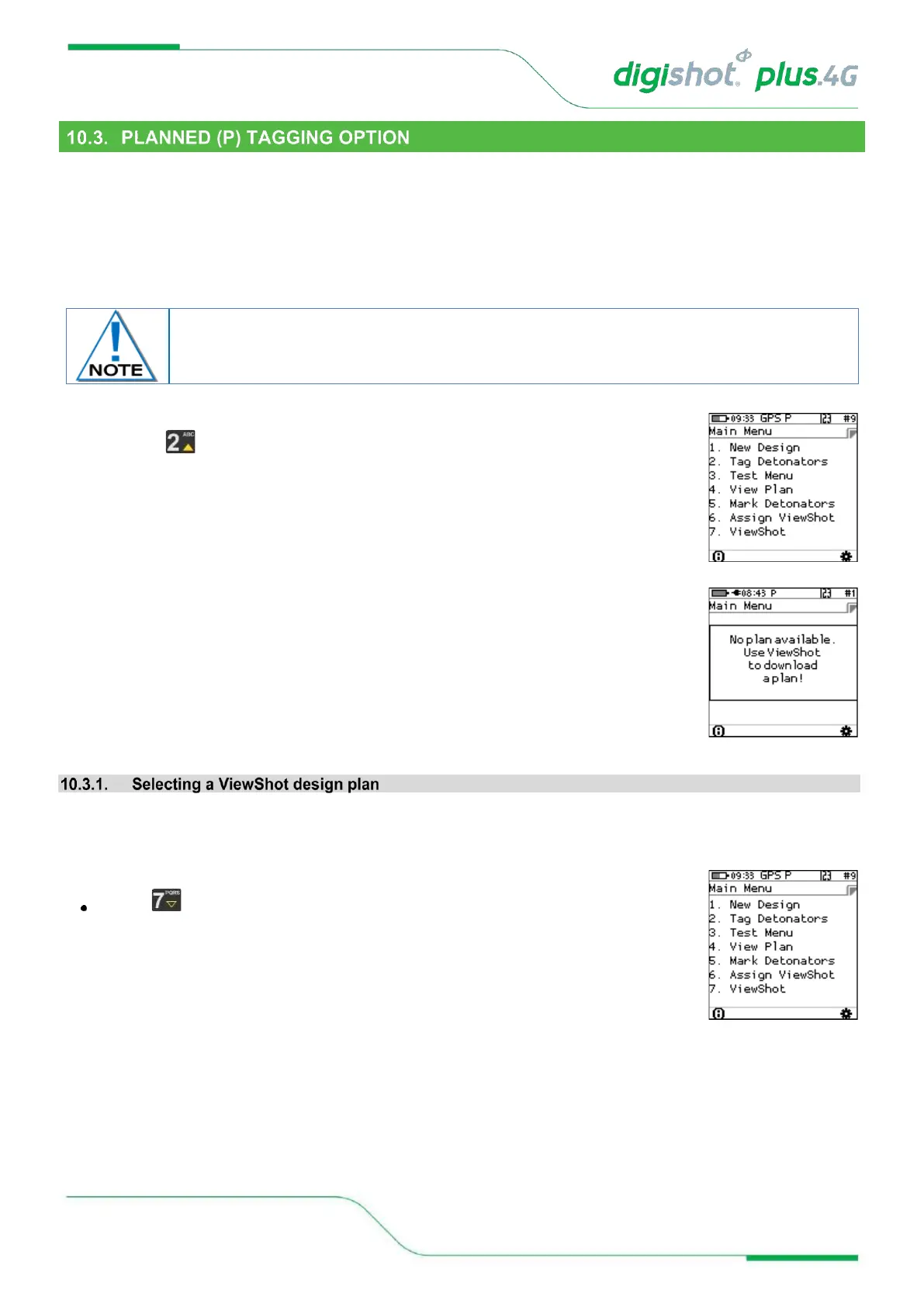
• Press to select Tag Detonators
• If the CE4 Tagger does not detect a downloaded ViewShot plan, the user will be
prompted to download a plan.
User can download 10 different plans into the CE4 Tagger. Before downloading ViewShot design user must select
the Plan into which the plan will be downloaded to. The previous plan name can be erased or even renamed.
1. Main Menu
Press SoftKey to select ViewShot



 To Next Page