16
Keys "<" and ">" to switch the needed PEQ.
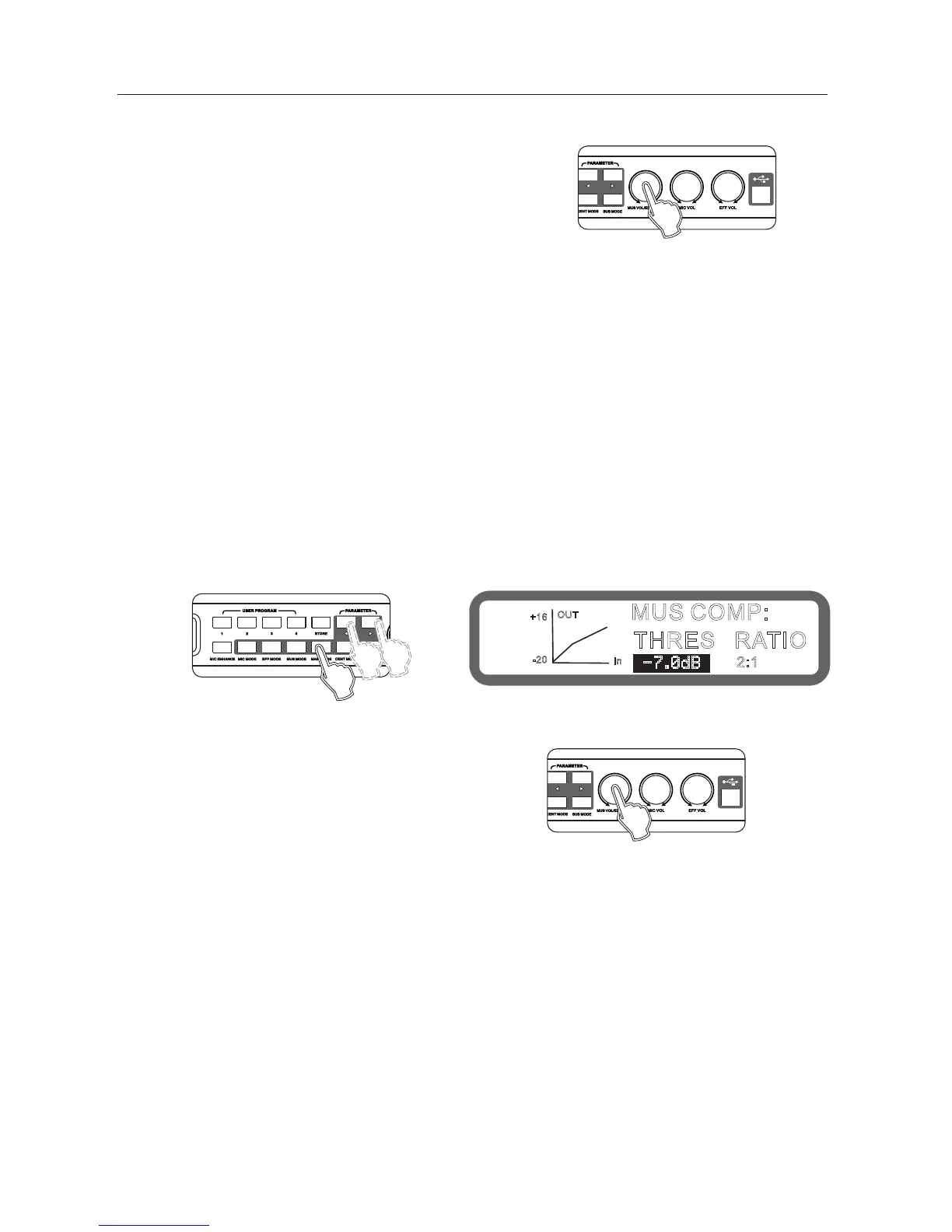
Turning knob "music volume / edit (press) "to set Gain.
Operating method 2: Operation from the interface software to
set up(all equalizer parameter can be set )
8.5 Main output left delay, right-delay setting
Range: 0.0ms ~ 5.0ms, stepping 0.1ms
Operation method1: Press the buttons "Main output Mode" on the panel continuously into the Main output delay,
turning knob "usic volume / edit (press) "to set.
Operating method 2: Operation from the interface software to set up
8.6 Main output compression settings
Threshold range: -20 ~ +16 db, stepping 0.5db
Ratio: 2:1 4:1 8:1 16:1 32:1 64:1 128:1
Range: On, Off
Operation method1: (Only can set Threshold range and Ratio)Press the buttons "Main output Mode" on the panel
continuously into the Main output compression, as shown below:
Keys "<" and ">" to switch the Threshold Rang and Ratio.
Turning knob " usic volume / edit (press) "to set.
Operating method 2: Operation from the interface software to set up
MUS COMP:
THRES RATIO
2:1
-7.0dB
OUT
In
+16
-20
Panel
Panel
Display
Panel



 To Next Page