26
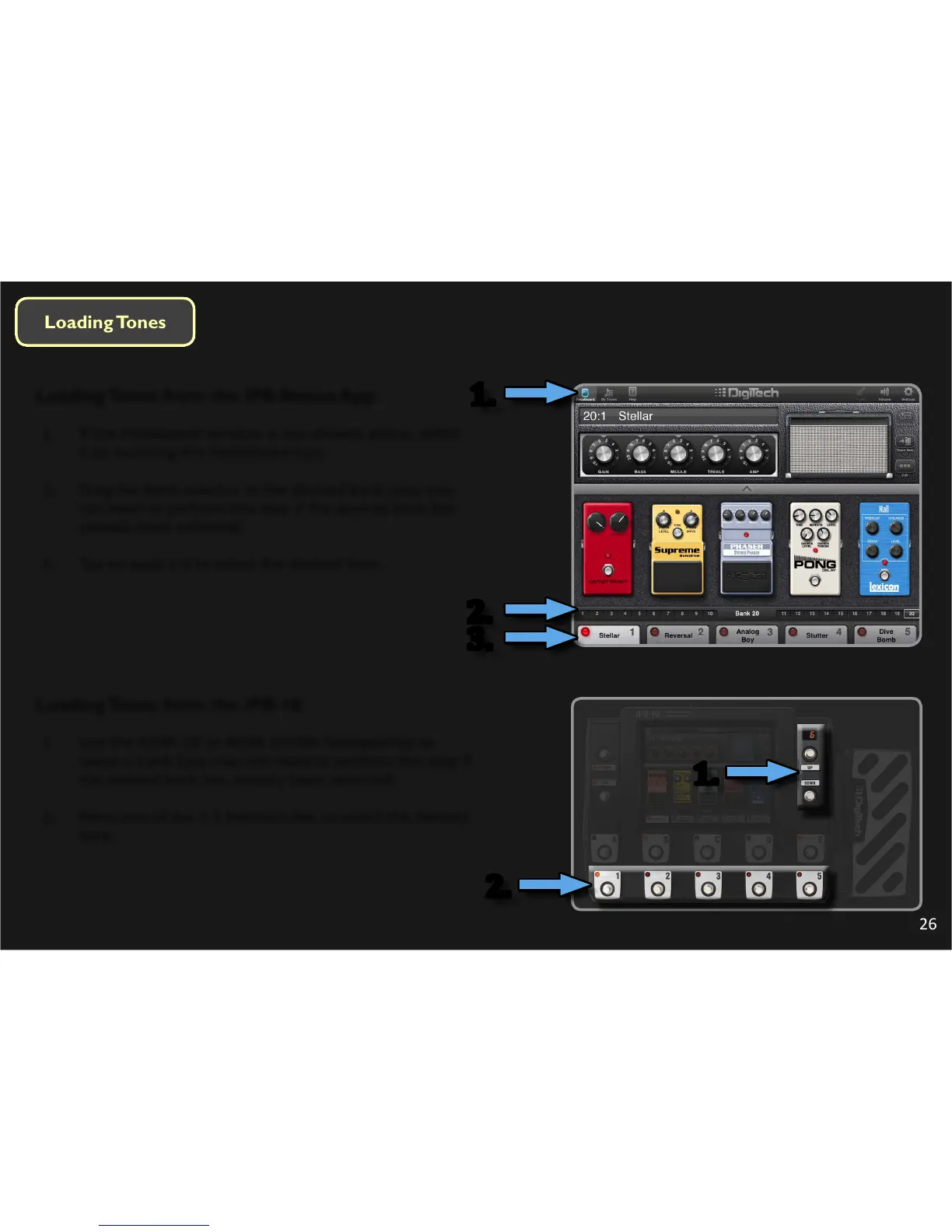
Loading Tones from the iPB-Nexus App
1. If the Pedalboard window is not already acve, select
it by touching the Pedalboard icon.
2. Drag the Bank selector to the desired Bank (you may
not need to perform this step if the desired bank has
already been selected).
3. Tap on pads 1-5 to select the desired Tone.
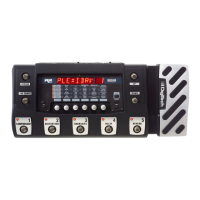
Loading Tones from the iPB-10
1. Use the BANK UP or BANK DOWN footswitches to
select a bank (you may not need to perform this step if
the desired bank has already been selected).
2. Press one of the 1-5 footswitches to select the desired
tone.
1.
2.
3.
1.
2.



 To Next Page