33
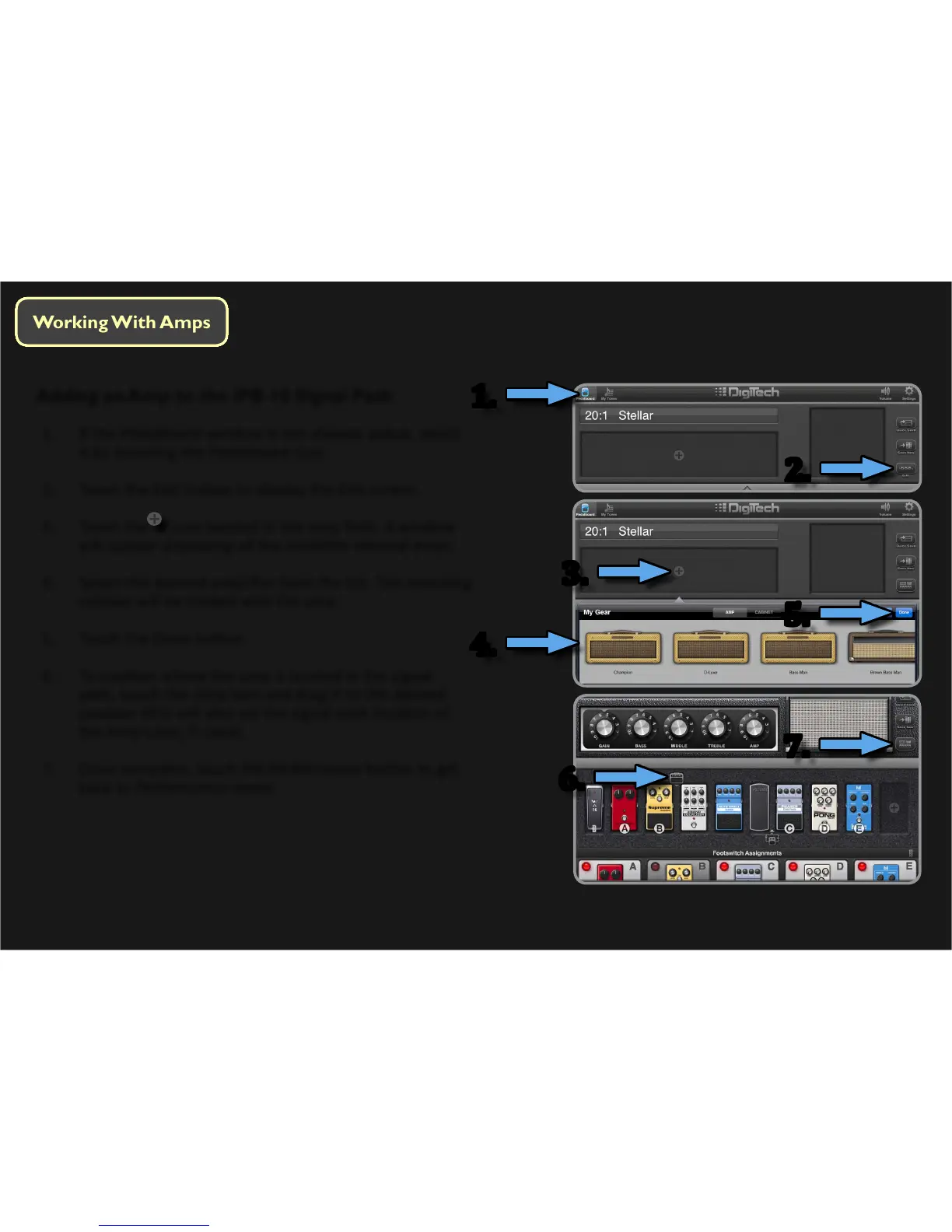
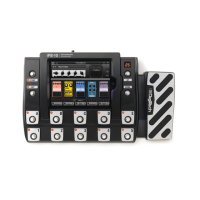
Adding an Amp to the iPB-10 Signal Path
1. If the Pedalboard window is not already acve, select
it by touching the Pedalboard icon.
2. Touch the Edit buon to display the Edit screen.
3. Touch the
icon located in the amp eld. A window
will appear displaying all the available internal amps.
4. Select the desired amplier from the list. The matching
cabinet will be loaded with the amp.
5. Touch the Done buon.
6. To posion where the amp is located in the signal
path, touch the Amp icon and drag it to the desired
posion (this will also set the signal path locaon of
the Amp Loop, if used).
7. Once complete, touch the Performance buon to get
back to Performance mode.
1.
3.
5.
7.
6.
4.
2.




 To Next Page