20
Display
Standby
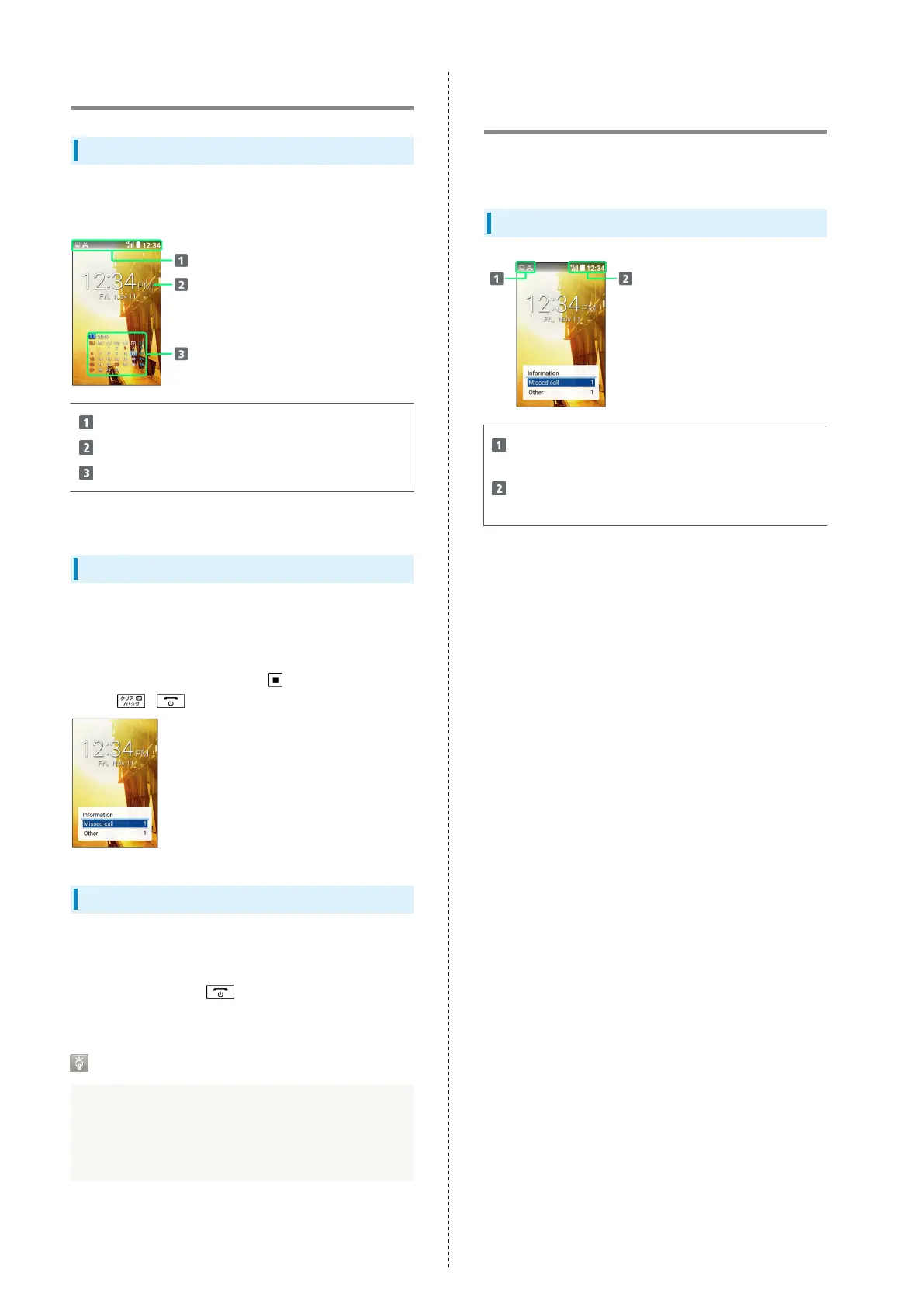
Standby appears as follows. Add widgets and applications with
Standby settings.
Status Bar
Date/time
Widgets/applications
1
1 Add with Standby settings.
Information Window
Information for missed calls, new mail, etc. appears at bottom
of Standby when handset is opened.
・Type of information (e.g., "New mail") and number are
shown. Select the type and Press to view information.
Press / to hide information.
Display Saving
Display goes completely dark after a certain period of no
operation to save power.
・
Press any key (except during a call) to reilluminate
Display.
Backlight
Before Display goes completely dark, Backlight turns off
and Display darkens.
・Press any key to illuminate Backlight. Key press also
activates assigned function.
Display-Top (Status Bar)
Indicators
Indicators (new message notification, handset status, etc.)
appear on Status Bar.
Status Bar Layout
Notifications, warnings, etc. appear here. (Notification
Indicators)
Handset status and other information appear here.
(Status Indicators)



 To Next Page