22
Checking Handset Status &
Notifications (Notifications/
Settings Window)
Open notifications and check handset status.
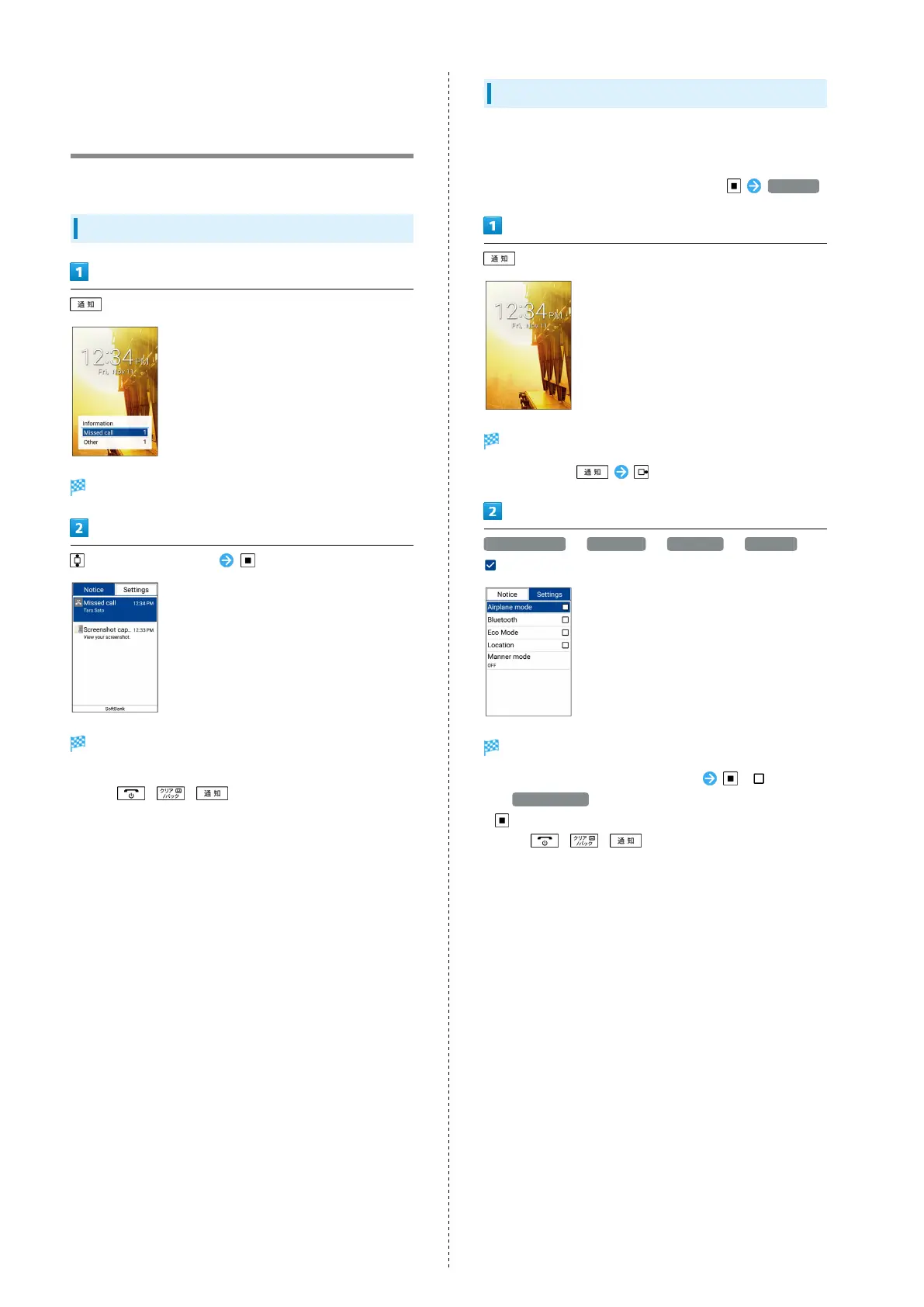
Using Notifications Window
Notifications Window opens.
to select notification
Details appear.
・Follow onscreen prompts.
・
Press / / to close Notifications Window.
Using Settings Window
Use Settings Window to toggle Airplane mode, Bluetooth
®
, etc.
on/off and to set a Manner mode.
・
To make detailed settings, from Standby, Settings .
(Long Press)
Settings Window opens.
・
Alternatively, .
Airplane mode / Bluetooth / Eco Mode / Location (
)
Functions are enabled.
・
To disable functions, select functions ( ).
・
If Manner mode is selected, select the mode and Press
.
・
Press / / to close Settings Window.



 To Next Page