80
Wallpaper & Display Settings
Wallpaper & Display Settings
Set Wallpaper, Display brightness, etc. Settable items are the
following.
Item Description
Idle screen
Set Wallpaper, Clock, Calendar, etc. for
Standby.
Brightness
level
Set Display brightness.
Backlight time
Set period of inactivity after which
Display turns off automatically.
Key backlight Toggle key backlight on/off.
Font size Set the size of displayed text.
Sub display
Set whether caller/sender appears in Sub-
display.
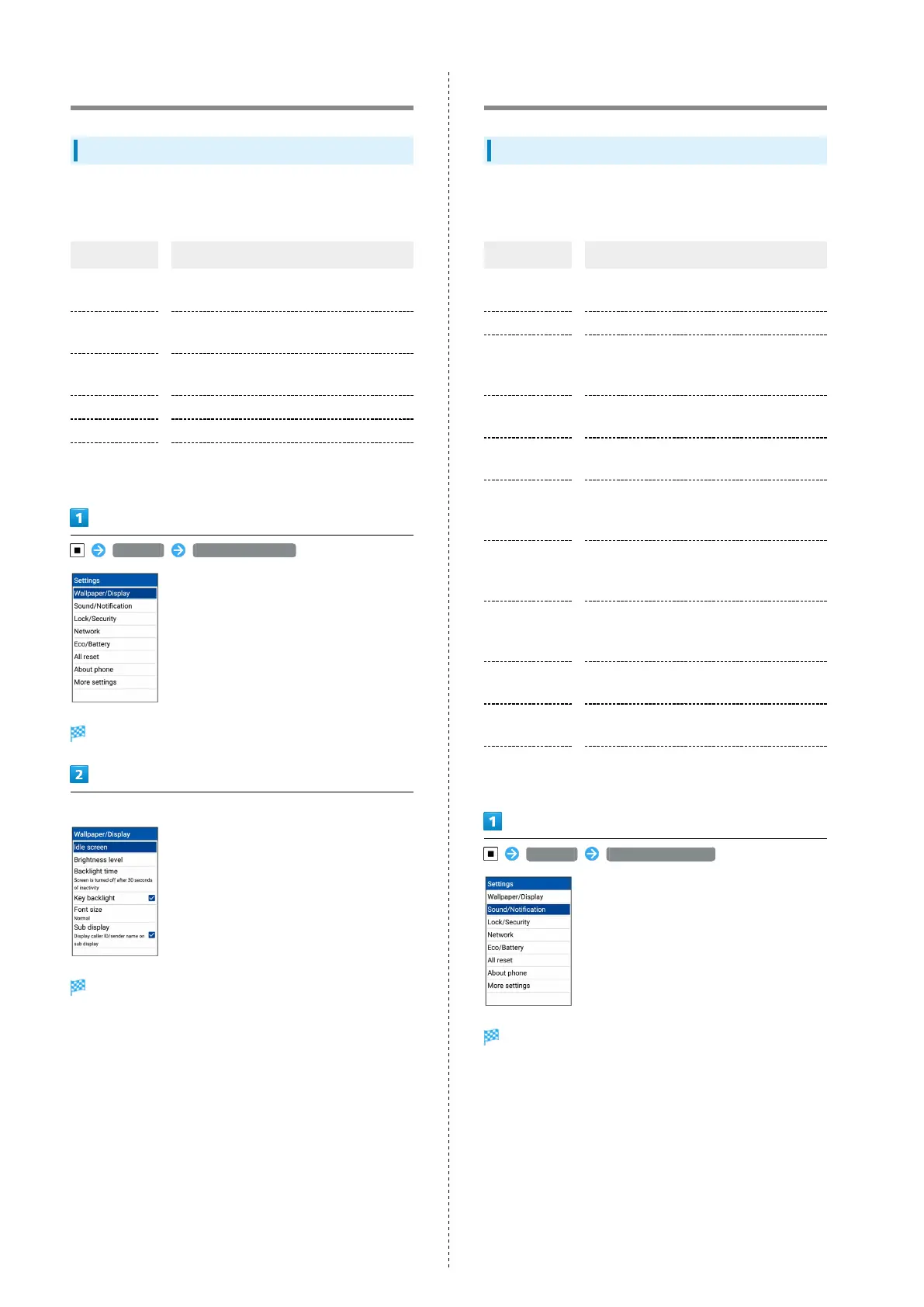
Settings Wallpaper/Display
Wallpaper/display window opens.
Set each item
Setting is complete.
Sound/Notification Settings
Sound/Notification Settings
Set Manner mode as well as make settings for ringtone,
operation tones, etc. Settable items are the following.
Item Description
Volume
Set volume for ringtone, operation tones,
etc.
Manner mode Set Manner mode.
Phone
ringtone
Set ringtone.
For details, see "Changing Handset
Response to Calls/Mail."
Also vibrate
for calls
Set vibration for new calls on/off.
Vibration
pattern
Set vibration pattern.
Incoming LED
Set LED for new calls and mail.
For details, see "Changing Handset
Response to Calls/Mail."
Notification
sound
Set ringtone for new mail.
For details, see "Changing Handset
Response to Calls/Mail."
Pulse
notification
light
Set whether Incoming LED flashes for new
mail and notifications.
Other sounds
Set operations sounds, handset opening/
closing sounds, etc.
App
notifications
Set whether to block notifications for
applications, priority, etc.
Notification
access
Set whether applications can access
notifications.
Settings Sound/Notification
Sound/notification window opens.



 To Next Page